How to Install Cool Retro Term on Raspberry Pi
TL;DR
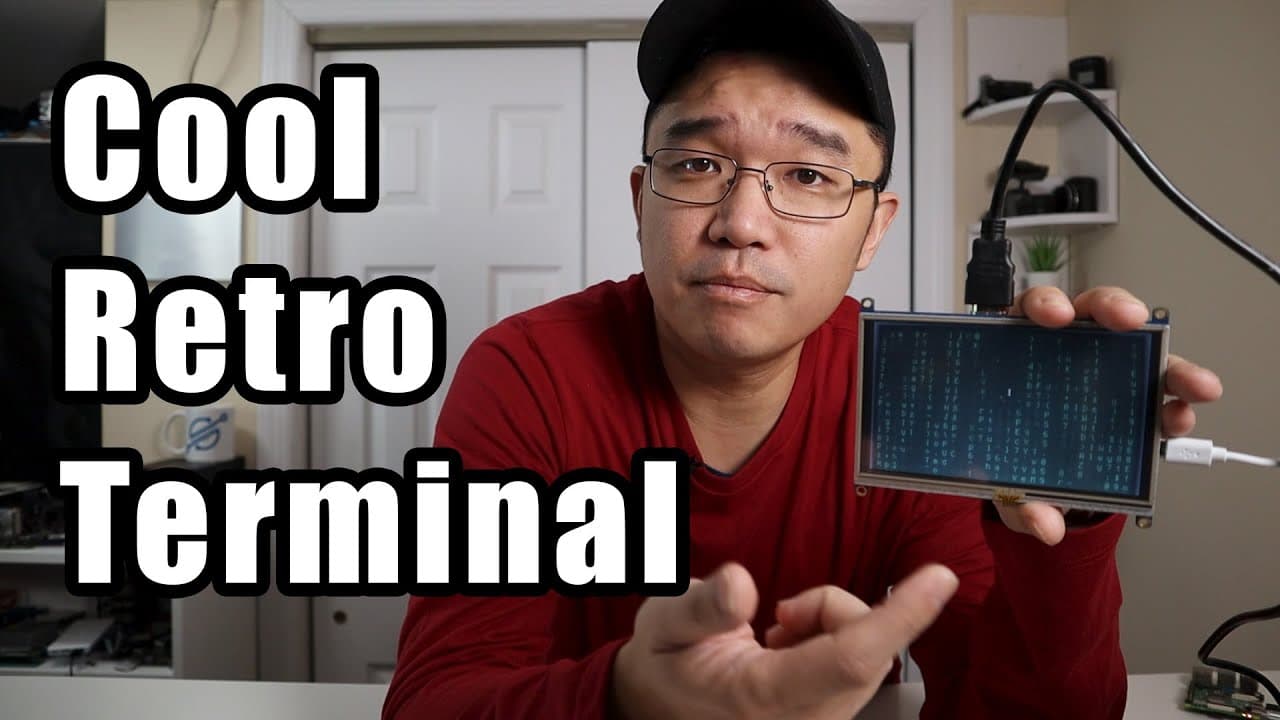
To install Cool Retro Term on a Raspberry Pi, first ensure you're running Raspbian Buster. Use specific Git commands to clone the repository and compile the software by following the provided build instructions. The installation enhances the terminal's appearance with nostalgic graphics, making it visually appealing for users.
Transcript
hey guys Morten is going on it's down here from Nova spirit tech and since I've been doing a lot of reviews recently I decided to throw a tutorial intermix so what we're gonna be doing today is installing or compiling cool retro Terminator which is a really like old fashioned type terminal setup if you are interested into that on your Raspberry Pi ... Read More
Key Insights
- 😄 The video tutorial emphasizes the ease of installing Cool Retro Term on a Raspberry Pi by following simple command-line instructions.
- 👤 Users are encouraged to explore different settings and themes in Cool Retro Term to personalize their terminal experience.
- 🎵 The tutorial highlights the software's resource requirements, noting that it may consume more memory due to its graphical enhancements compared to traditional terminals.
- 💬 The author promotes viewer engagement by inviting comments and encouraging likes and subscriptions to the channel for future content.
- 👤 The installation process is compatible with Raspberry Pi 4 and can take around 15 to 30 minutes, depending on user familiarity with the terminal.
- 👤 The use of vibrant visuals in the terminal, such as the faux vintage look, can revitalize monotonous command line interactions for frequent terminal users.
- 🧑💻 The author mentions that there is a 10% discount coupon for cell phone accessories offered by the video’s sponsor, linking consumer products to tech content.
Install to Summarize YouTube Videos and Get Transcripts
Explore YouTube Video Summarizer or Get YouTube Transcript Extractor
Questions & Answers
Q: What is Cool Retro Term and why would someone want to install it?
Cool Retro Term is a terminal emulator that offers a retro aesthetic reminiscent of old computer displays. Users might want to install it for a more engaging command-line experience, as it provides visual effects like scan lines and customizable color themes, making terminal interactions more enjoyable.
Q: What are the initial requirements for installing Cool Retro Term?
To install Cool Retro Term, users need a Raspberry Pi running Raspbian Buster or later, along with access to the terminal for executing commands. Additionally, users should ensure they have a stable internet connection to download the necessary libraries and the software itself.
Q: Can you explain the compiling process for Cool Retro Term?
Compiling Cool Retro Term involves cloning the software repository from GitHub and executing specific commands in the terminal, such as "git clone" to download the files and "make" for compilation. Using the "-J" option allows the process to utilize multiple CPU cores, speeding up the compilation.
Q: What customization options does Cool Retro Term offer?
Cool Retro Term provides various customization settings, including different themes, screen effects, and the ability to disable features like screen curves for a flat appearance. Users can tailor their terminal display to their preferences, enhancing both aesthetic appeal and functionality.
Summary & Key Takeaways
-
The content presents a tutorial for installing Cool Retro Term, a nostalgic terminal emulator, on a Raspberry Pi device using Raspbian Buster.
-
It details the installation process, including the necessary commands to gather required libraries and how to compile the software effectively.
-
The author highlights the aesthetics and customization options of Cool Retro Term, showcasing its appealing visual effects and settings that enhance the terminal experience.
Read in Other Languages (beta)
Share This Summary 📚
Summarize YouTube Videos and Get Video Transcripts with 1-Click
Try YouTube Summary with ChatGPT & Claude or YouTube Transcript Generator
Explore More Summaries from Novaspirit Tech 📚






Summarize YouTube Videos and Get Video Transcripts with 1-Click
Try YouTube Summary with ChatGPT & Claude or YouTube Transcript Generator