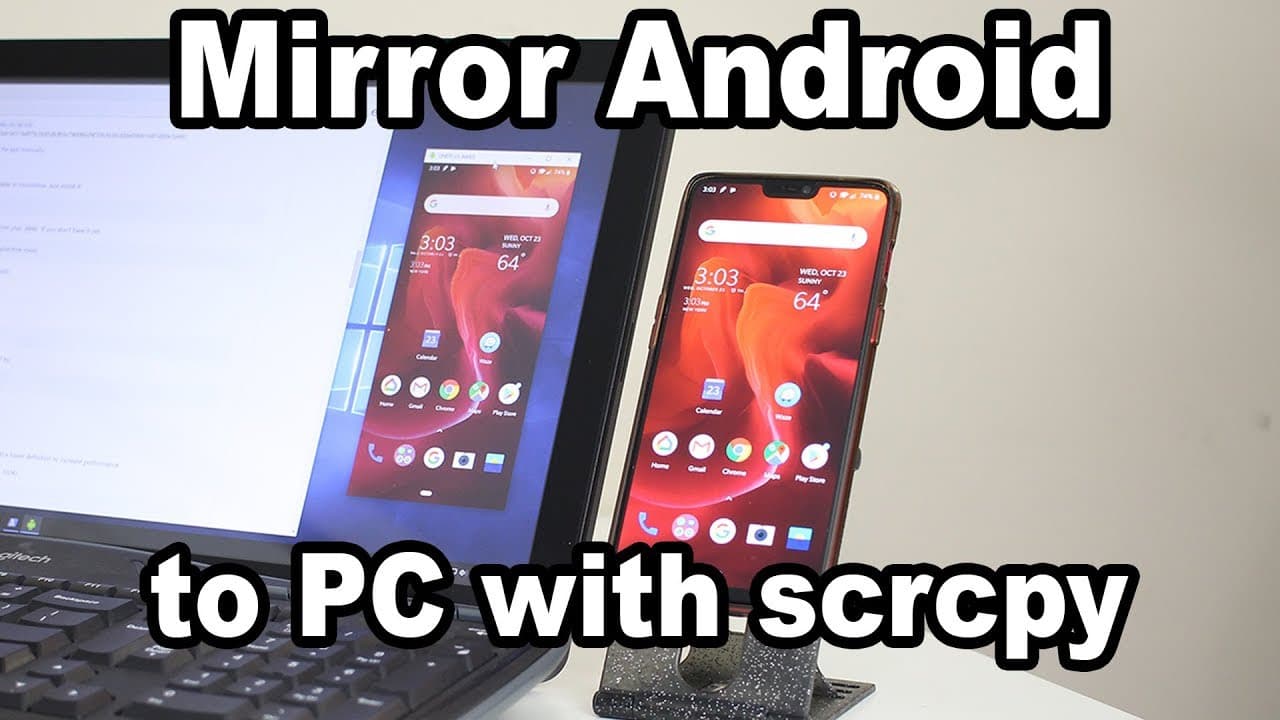
Mirror Android to PC with scrcpy
TL;DR
Learn to mirror your Android phone to a Windows, Mac, or Linux PC using Screen Copy.
Transcript
you guys what is going on it's not here from Nova spirit Tech and today I got a really interesting project for you guys now remember a couple of videos ago where I did that turning your Android device into a secondary monitor like a tablet or a phone well today we're gonna be doing the complete opposite basically mirroring your phone to your deskto... Read More
Key Insights
- 💻 Screen Copy enables easy mirroring of Android devices to desktops, functioning across multiple operating systems.
- 📁 The installation process is straightforward, requiring just the execution of a file without complex setup or installations.
- 👤 Users can perform various activities via the mirrored screen, including gaming, media streaming, and text communication.
- ✋ The application supports high-resolution display settings, offering clear visuals even during demanding tasks.
- 😘 Latency is low during USB connections, although it increases when switching to a wireless mode.
- 👻 Customization options within Screen Copy allow users to crop or resize the mirrored window to fit their needs.
- 👤 Users are advised to adjust bitrates when using the application over Wi-Fi for optimal performance.
Install to Summarize YouTube Videos and Get Transcripts
Explore YouTube Video Summarizer or Get YouTube Transcript Extractor
Questions & Answers
Q: What is Screen Copy, and what does it do?
Screen Copy is a software application designed to mirror your Android phone's display to a desktop PC. It connects via USB and is compatible with Windows, Mac, and Linux operating systems. The app simplifies mirroring without requiring root access or administrative privileges, offering users a seamless way to view their mobile screens on a larger monitor.
Q: Can Screen Copy be used wirelessly?
Yes, after an initial USB setup, Screen Copy can operate wirelessly. Users must first connect their phones via USB to configure wireless debugging. This allows mirroring over Wi-Fi, although it may result in higher latency compared to a wired connection, making it less ideal for activities requiring real-time responsiveness.
Q: What features does Screen Copy offer?
Screen Copy offers several features beyond basic mirroring, including recording the mirrored screen, low latency performance, and the ability to control the Android device using a mouse and keyboard from the PC. Users can also adjust display settings, such as resolution and size, to enhance their experience while mirroring.
Q: Is audio supported when using Screen Copy?
Audio is not supported by default when using Screen Copy for mirroring. While the video content displayed onscreen is clear and responsive, any audio playback will originate from the Android device rather than through the PC. Users looking for audio support may need to configure additional settings on Linux.
Summary & Key Takeaways
-
The video tutorial introduces Screen Copy, a software that allows users to mirror their Android devices to desktop PCs via USB, with support for Windows, Mac, and Linux systems.
-
Screen Copy is noted for its simplicity, requiring no special privileges for installation and offering low latency performance, though it lacks audio support unless additional setup is done on Linux.
-
The creator highlights the application's usability for various functions, such as gaming, media playback, and texting, emphasizing its high-resolution capabilities and potential for use wirelessly after initial setup.
Read in Other Languages (beta)
Share This Summary 📚
Summarize YouTube Videos and Get Video Transcripts with 1-Click
Try YouTube Summary with ChatGPT & Claude or YouTube Transcript Generator
Explore More Summaries from Novaspirit Tech 📚






Summarize YouTube Videos and Get Video Transcripts with 1-Click
Try YouTube Summary with ChatGPT & Claude or YouTube Transcript Generator