How to Simplify Your Productivity System
TL;DR
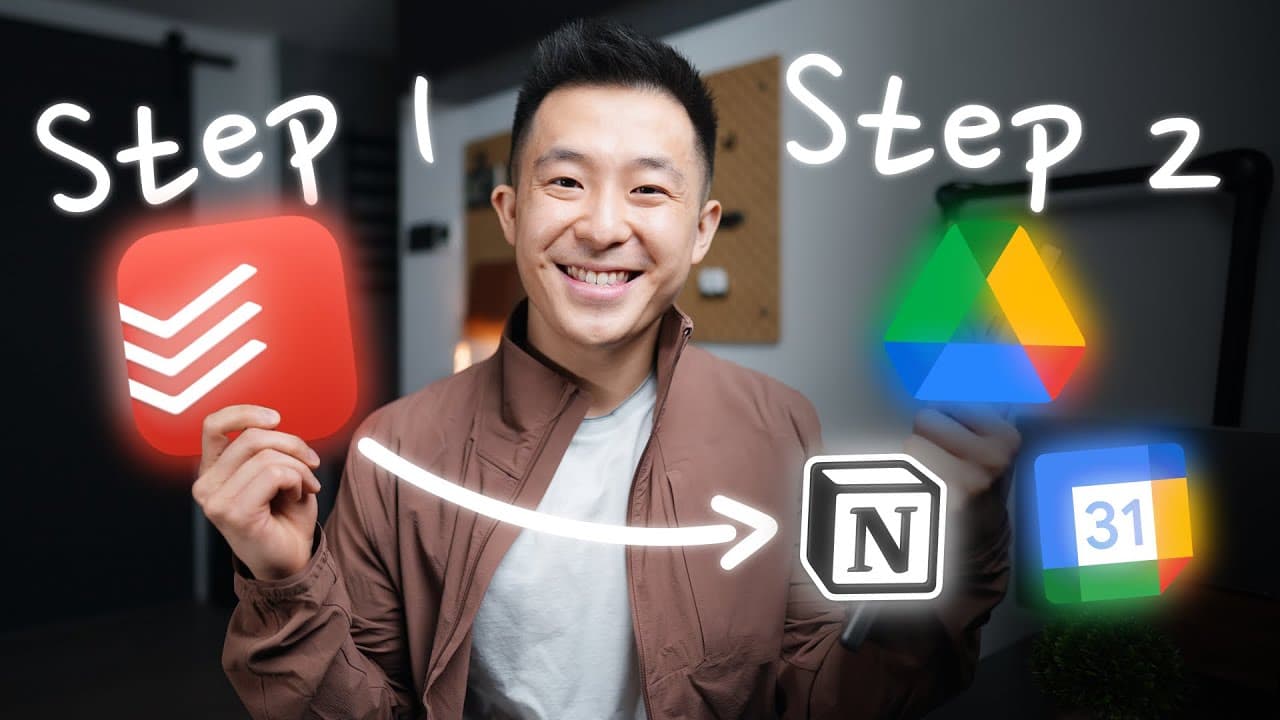
Adopt a straightforward two-step productivity system by first capturing all your ideas and tasks in Todoist for easy access. Then, organize those tasks into their designated locations, such as Google Workspace or Notion, to maximize efficiency and ensure nothing falls through the cracks.
Transcript
this is ali abdullah's second brain first let's start with capture so capture is about getting it outside of your brain social media the world and into some trusted single place where you can start to work with it what are the different ways that you you capture information okay and then i'd go through and be like yes yes yes no cut yeah yep yep ye... Read More
Key Insights
- 💡 The first step in the productivity workflow is to capture all ideas and tasks in a single app, such as Todoist, to minimize friction and ensure that nothing is forgotten.
- 💭 It's important to organize information not by where it is found, but by the location where it will be used. This helps keep everything in its proper context and makes it easier to find later.
- 📅 Using a calendar to schedule tasks and deadlines can prevent important events from being forgotten, especially for time-sensitive tasks like tax refunds.
- 📧 The snooze feature in Gmail can be utilized to delay emails requiring action until a more relevant time, ensuring that they are addressed at the appropriate moment.
- ️ Capturing information using a keyboard and a desktop app can be more efficient and conducive to faster typing and easier navigation compared to a mobile device.
- ⏰ Recurring tasks and reminders can be set up in the app to ensure that important responsibilities are not overlooked on a daily basis.
- 📚 Different types of information, such as marketing campaign ideas and content ideas, can be organized according to their corresponding locations, such as a team meeting agenda or a content pipeline page in Notion.
- 🗂️ It's acceptable to leave tasks that are not time-specific within the app and mark them as complete once they are done, freeing up mental space for other priorities.
Install to Summarize YouTube Videos and Get Transcripts
Explore YouTube Video Summarizer or Get YouTube Transcript Extractor
Questions & Answers
Q: What is the first step in the productivity workflow shared in the video?
The first step in the productivity workflow is to capture all ideas and tasks in an app called Todoist to minimize friction between having an idea and writing it down.
Q: How does the speaker emphasize the importance of minimizing friction in capturing ideas?
The speaker mentions that using a responsive widget in an app like Todoist helps in quickly inputting ideas or tasks in less than 10 seconds, reducing the friction involved in writing things down.
Q: What is the second step in the productivity process?
The second step in the productivity process is to organize the captured ideas and tasks into their corresponding locations, such as Google Workspace, Calendar, and Notion.
Q: Why does the speaker prefer to perform the organizing step on a laptop rather than a phone?
The speaker mentions that they prefer performing the organizing step on a laptop because they can type faster on a keyboard and find navigation on the desktop app easier.
Q: How does the speaker utilize the snooze feature within Gmail for inbox management?
The speaker suggests utilizing the snooze feature in Gmail for emails requiring action beyond a week by snoozing them until the relevant week, helping to organize and prioritize tasks effectively.
Q: What are the benefits of following the two-step productivity process shared in the video?
Following the two-step productivity process helps minimize friction in capturing ideas and tasks and allows for efficient organization and management, enabling productivity in managing work and personal life effectively.
Q: How does the speaker emphasize the importance of organizing by location in the productivity workflow?
The speaker mentions Thiago Forte's suggestion about organizing information by the location it will be used rather than where it was found, emphasizing the relevance and efficiency of organizing based on location.
Summary & Key Takeaways
-
Step one of the productivity process involves capturing all ideas and tasks in an app called Todoist to minimize friction between having an idea and writing it down.
-
Step two focuses on organizing the captured ideas and tasks into their respective locations, such as Google Workspace, Calendar, and Notion.
-
This workflow helps manage a full-time job in tech while creating videos part-time.
Read in Other Languages (beta)
Share This Summary 📚
Summarize YouTube Videos and Get Video Transcripts with 1-Click
Try YouTube Summary with ChatGPT & Claude or YouTube Transcript Generator
Explore More Summaries from Jeff Su 📚






Summarize YouTube Videos and Get Video Transcripts with 1-Click
Try YouTube Summary with ChatGPT & Claude or YouTube Transcript Generator