How to Use Google AI Studio for Business Innovation
TL;DR
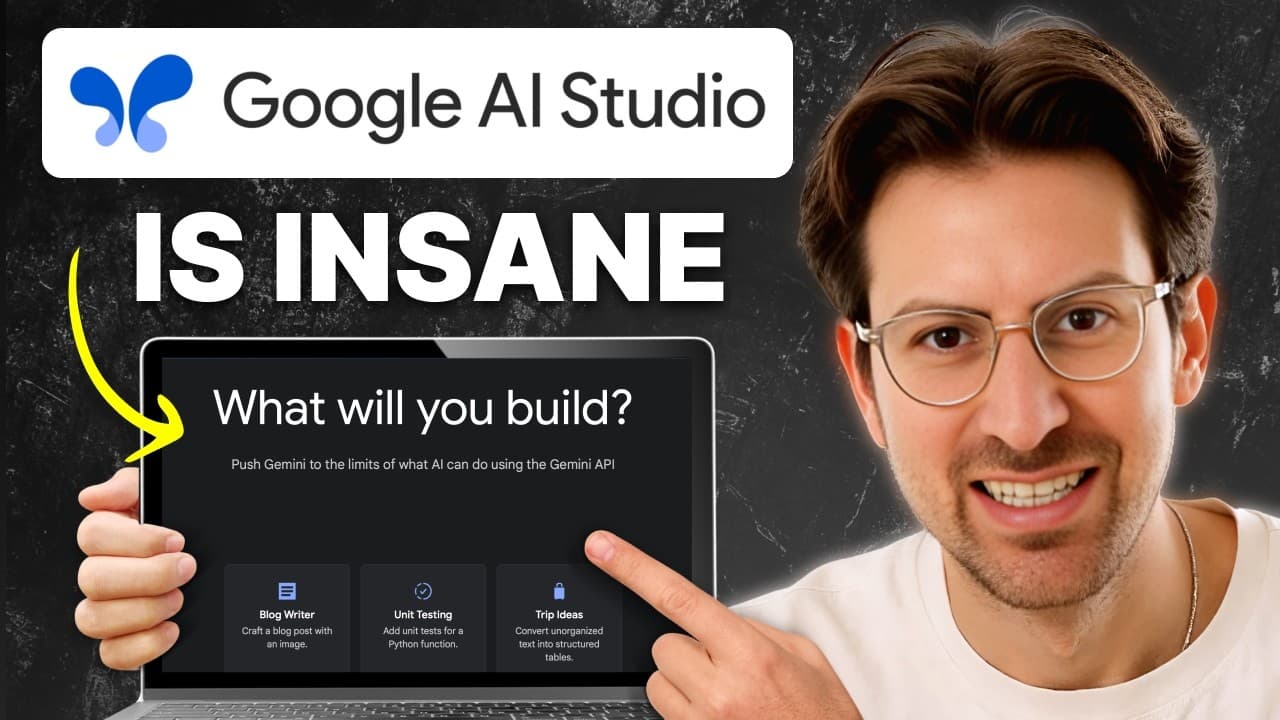
Google AI Studio offers powerful tools for leveraging AI in business. With free access to Gemini models, it enables long-context processing, reasoning capabilities, and real-time interactions. These features can transform tasks like video analysis and code generation, opening new business opportunities without economic barriers.
Transcript
this episode is with Logan killpatrick this is the guy that leads up product for Google's AI studio and he just walks us right through it and this is going to be super super relevant to anyone who wants to build a business using AI who who are who want to leverage the multi-trillion dollar uh technology that Google has built uh you're not going... Read More
Key Insights
- Google AI Studio provides free access to powerful Gemini models, enabling users to experiment without cost.
- The platform supports long-context processing, capable of handling 30-minute videos and extracting detailed information.
- The reasoning model in AI Studio showcases advanced thinking processes, offering insights before delivering output.
- Spatial understanding capabilities allow real-time object detection with 2D bounding boxes, useful for various applications.
- AI Co-Presence introduces real-time screen analysis and live conversation, enhancing tasks like pair programming and technical support.
- Google AI Studio's API keys offer 1.5 billion tokens for free, facilitating easy entry into AI development.
- The platform's built-in prompt gallery and multiple model variants cater to diverse user needs and applications.
- AI Studio democratizes access to learning and development, removing economic barriers for startups and developers.
Install to Summarize YouTube Videos and Get Transcripts
Explore YouTube Video Summarizer or Get YouTube Transcript Extractor
Questions & Answers
Q: How does Google AI Studio help in video content analysis?
Google AI Studio's long-context processing capability allows it to handle extensive video content, such as 30-minute videos, extracting detailed information and insights. This feature is ideal for podcast transcription, video content analysis, and knowledge extraction, enabling users to efficiently process and utilize video data.
Q: What are the capabilities of the reasoning model in Google AI Studio?
The reasoning model in Google AI Studio offers an advanced thinking process, showcasing its thoughts before delivering the final output. This model is designed for complex tasks such as code generation, system architecture, and problem-solving, providing a comprehensive and intelligent approach to AI-driven solutions.
Q: How can spatial understanding in AI Studio be applied to business?
AI Studio's spatial understanding capabilities enable real-time object detection with 2D bounding boxes, applicable to various business scenarios. It can be used for developing furniture shopping apps, optimizing inventory management, improving parking space utilization, and conducting satellite imagery analysis, offering innovative solutions across industries.
Q: What is AI Co-Presence and how does it enhance user experience?
AI Co-Presence in Google AI Studio provides real-time screen analysis and live conversation capabilities, offering context-aware assistance. This feature enhances user experience by facilitating tasks like pair programming, learning new software, technical support, and education, making it a versatile tool for various applications.
Q: How can developers start using Google AI Studio?
Developers can start using Google AI Studio by visiting the platform, where they can access free API keys with 1.5 billion tokens included. The platform offers full multimodal capabilities and a built-in prompt gallery, making it easy for developers to experiment and build AI-powered applications without economic barriers.
Q: What makes Google AI Studio accessible to startups and developers?
Google AI Studio removes economic barriers by providing free access to its powerful Gemini models and offering free API keys. This accessibility allows startups and developers to experiment with AI technology, explore new business opportunities, and build innovative applications without incurring costs.
Q: What are some potential business ideas using AI Studio's capabilities?
AI Studio's capabilities can be leveraged for various business ideas, such as creating furniture shopping apps with real-time object detection, optimizing inventory management systems, enhancing parking space utilization, and conducting satellite imagery analysis. These applications demonstrate the platform's versatility and potential for innovation.
Q: How does Google AI Studio support learning and development?
Google AI Studio supports learning and development by democratizing access to AI technology. It provides free tools and resources, enabling users to explore AI capabilities, experiment with models, and develop new skills. This approach fosters innovation and empowers individuals to pursue AI-driven projects and solutions.
Summary & Key Takeaways
-
Google AI Studio provides free access to the Gemini models, allowing developers to experiment with AI without financial constraints. The platform's long-context processing, reasoning models, and real-time interactions offer powerful tools for tasks such as video analysis, code generation, and more.
-
The reasoning model in AI Studio introduces an advanced thinking process, showcasing thoughts before delivering output. This feature is particularly useful for complex problem-solving, system architecture, and code generation, making it a valuable tool for developers.
-
Spatial understanding capabilities in AI Studio enable real-time object detection with 2D bounding boxes, which can be applied to various business ideas such as furniture shopping apps, inventory management, and satellite imagery analysis.
Read in Other Languages (beta)
Share This Summary 📚
Summarize YouTube Videos and Get Video Transcripts with 1-Click
Try YouTube Summary with ChatGPT & Claude or YouTube Transcript Generator
Explore More Summaries from Greg Isenberg 📚





Summarize YouTube Videos and Get Video Transcripts with 1-Click
Try YouTube Summary with ChatGPT & Claude or YouTube Transcript Generator