Garuda Linux Review - Arch Linux with Stunning Looks
TL;DR
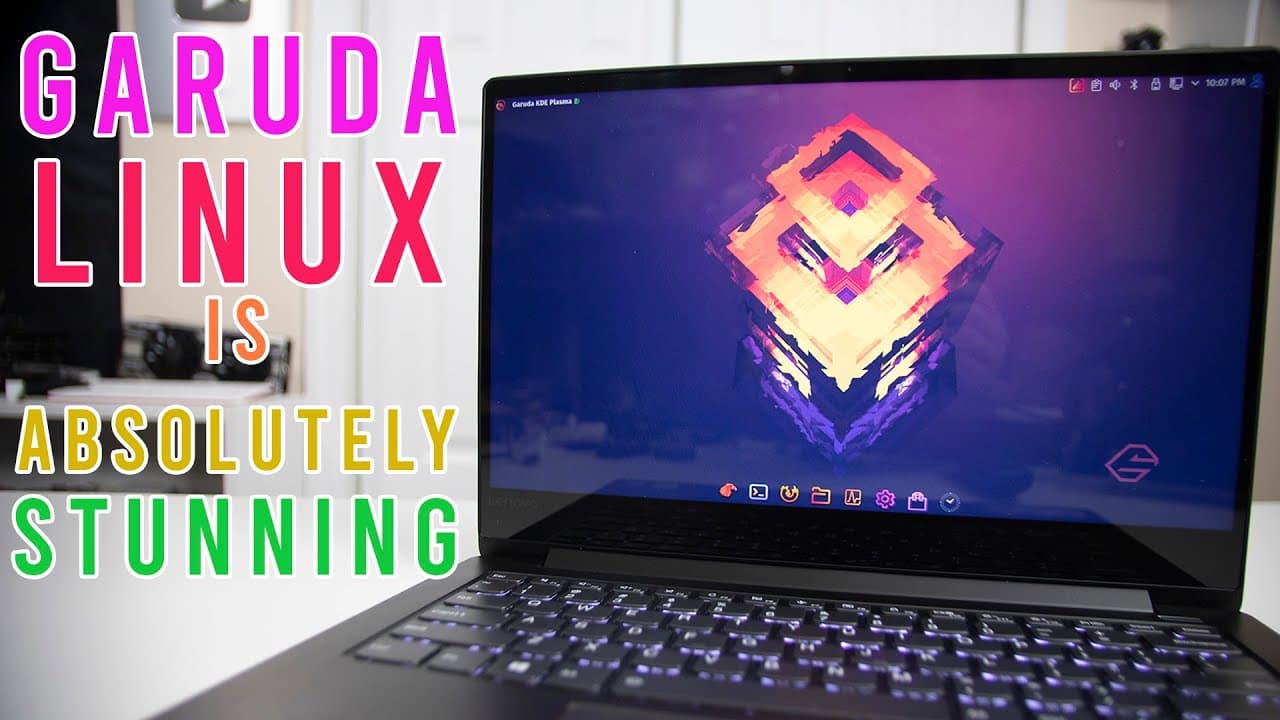
Garuda Linux offers an intuitive, visually appealing Arch-based operating system with streamlined installation and unique utilities.
Transcript
hey guys what's going on it's don here from nova spare tech and welcome back to the channel and today we are going to be checking out garuda linux so let's get started now this actually has been brought to my attention a couple of times and i've seen it online i've actually got some discord members mentioning about it and supposedly this is one of ... Read More
Key Insights
- 🏛️ Garuda Linux is built on the Arch Linux framework, granting access to a wide repository of software and packages.
- 😑 The operating system includes pre-installed KDE Plasma desktop environment, enhancing its visual appeal with customizable themes and layouts.
- 😚 The Garuda Assistant simplifies the addition of applications and modifications to the OS, making it user-friendly for beginners.
- 🚙 Garuda's support for gaming includes installation utilities for popular platforms and emulators, appealing to the gaming community.
- 🧑🦽 The thoughtful design of Garuda focuses on reducing manual configuration, making it more accessible for users less familiar with Linux.
- 🔐 The rolling release model ensures that users receive continuous updates, enhancing security and performance without needing to reinstall the OS.
- 🚙 The inclusion of tools like Time Shift for backups and maintenance utilities improves overall system reliability.
Install to Summarize YouTube Videos and Get Transcripts
Explore YouTube Video Summarizer or Get YouTube Transcript Extractor
Questions & Answers
Q: How does Garuda Linux differ from other Linux distributions?
Garuda Linux stands out primarily due to its aesthetic design and user-friendly setup process. While many distributions, like Ubuntu, focus on ease of use, Garuda provides a beautiful interface combined with the robust rolling release model of Arch Linux. This ensures users always have access to the latest software and features.
Q: What is the significance of using Btrfs as the file system in Garuda Linux?
Btrfs is a modern filesystem that offers advanced features like snapshots, subvolumes, and improved data integrity. In Garuda Linux, it allows users to take system snapshots easily, which is particularly useful for system recovery and ensuring the security of data. This capability enhances the overall reliability of the operating system.
Q: Can new users comfortably use Garuda Linux if they have no prior Linux experience?
Yes, Garuda Linux is designed with new users in mind. Its installation process is straightforward and coupled with the Garuda Assistant, which provides guidance in installing and managing applications. This makes it accessible for users transitioning from other operating systems, such as Windows or macOS.
Q: What unique features does the Garuda Welcome Screen offer?
The Garuda Welcome Screen plays a crucial role in enhancing the user experience. It provides a range of utilities for system management, including software installation options, local network settings, and maintenance utilities that streamline tasks that can otherwise be cumbersome on standard Linux distributions.
Summary & Key Takeaways
-
Garuda Linux is a visually appealing Linux operating system based on Arch Linux, known for its rolling release model, providing the latest updates seamlessly.
-
The installation process is user-friendly, incorporating a setup assistant which allows users to select additional software and customize their installation easily.
-
It features a sleek KDE Plasma interface with a focus on usability, including utilities for gaming and system maintenance, designed to enhance the overall user experience.
Read in Other Languages (beta)
Share This Summary 📚
Summarize YouTube Videos and Get Video Transcripts with 1-Click
Try YouTube Summary with ChatGPT & Claude or YouTube Transcript Generator
Explore More Summaries from Novaspirit Tech 📚






Summarize YouTube Videos and Get Video Transcripts with 1-Click
Try YouTube Summary with ChatGPT & Claude or YouTube Transcript Generator