How to self host n8n cheaply and easily at home?
TL;DR
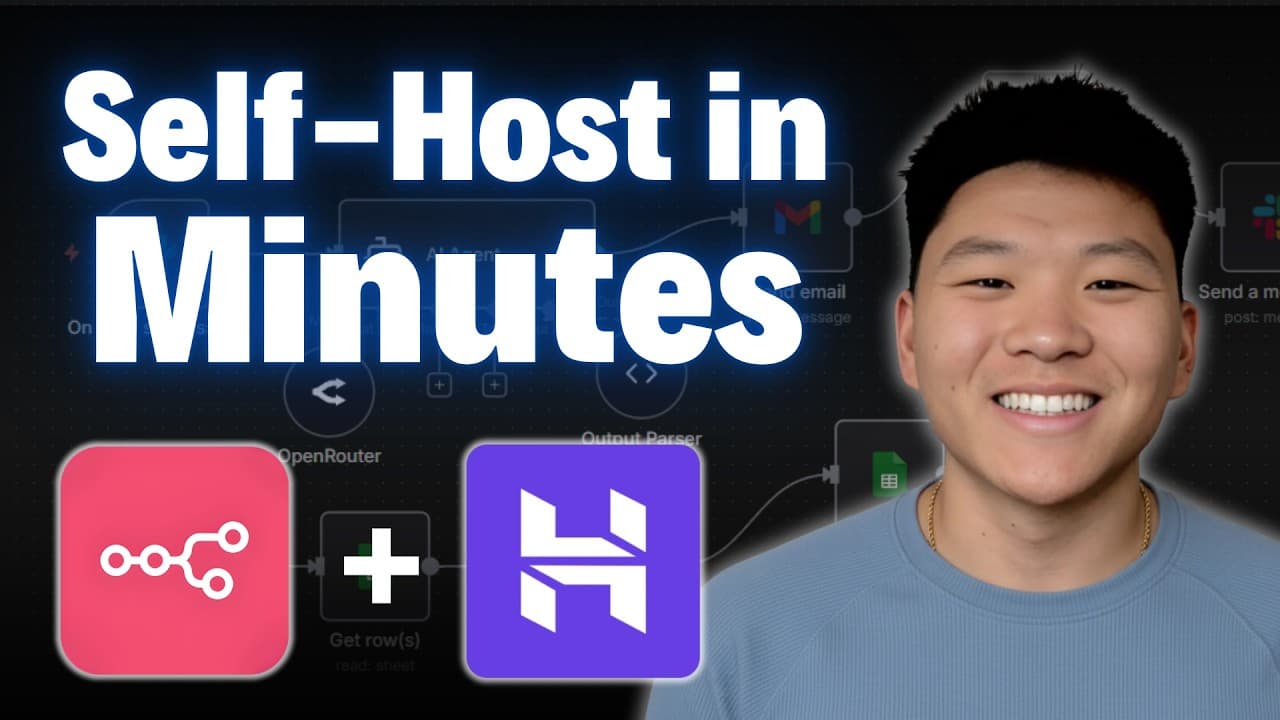
The video shows a beginner friendly method to self host n8n using a Hostinger VPS. It highlights a one click installation, automatic backups, and a private, secure environment that costs less while offering full control over data. It also mentions a 10 percent discount code and a free domain for a year, plus an AI VPS assistant for help.
Transcript
As a non- techie or someone with not really a formal DevOps background, the thought of self-hosting NADN was always a little bit intimidating to me. And so, if that's how you're feeling right now, just stick with me for the rest of this video because I'm going to show you guys the best and easiest way to self-host your NAND, which will save you mon... Read More
Key Insights
- One click installation simplifies self hosting n8n on a Hostinger VPS.
- Automatic backups are available to protect workflows and data.
- A private n8n environment can be more cost effective at high usage.
- An AI VPS assistant named Cody helps with setup and management.
- A free domain is offered with some plans for branding and access.
- Discount codes can reduce upfront costs, with an extra offer for members.
- You can scale resources by upgrading the VPS plan as needs grow.
- Hostinger tutorials provide guidance on updates and maintenance.
Install to Summarize YouTube Videos and Get Transcripts
Explore YouTube Video Summarizer or Get YouTube Transcript Extractor
Questions & Answers
Q: What is the cheapest way to self host n8n according to the video
The video promotes using Hostinger VPS as the cheapest and easiest method to self host n8n. It emphasizes a one click installation, automatic backups, and the ability to scale by upgrading the VPS plan. This approach reduces hardware costs and avoids traditional DevOps complexity while keeping workflows under the user control.
Q: How does the video describe the one click installation process
The video explains that you can perform a one click installation to set up n8n on Hostinger VPS. This streamlined process reduces setup time and technical barriers for beginners, providing a straightforward path to have a private n8n environment, with subsequent steps focused on configuring backups, domain setup, and management.
Q: What backup feature is highlighted for self hosted n8n
Automatic backups are highlighted as a key feature. The video notes that you can enable daily backups, ensuring that your workflows and data are protected even if something goes wrong. This gives users peace of mind and reduces the risk of data loss in a self hosted setup.
Q: What role does Cody play in the setup
Cody is described as an AI VPS assistant that helps with setup and ongoing management. It can provide guidance within the Hostinger dashboard, answer questions about configuring the VPS, and assist with typical tasks, making the self hosting experience more approachable for non technical users.
Q: What additional value is offered with the Hostinger plan for n8n
The plan offers a free domain for a year and optional automated backups for an additional fee. These extras enhance branding and data protection while keeping ongoing costs predictable. The video frames these benefits as part of a cost effective approach to self hosting n8n.
Q: How does the video suggest you choose a server location
The video advises selecting a server location that is close to you to achieve the best latency. This helps ensure faster response times and smoother operation of workflows, which is important when running n8n locally from a hosted environment.
Q: What is the discount offered and how can you obtain it
A 10 percent discount is available when you apply a coupon code NateHerK for yearly plans. The video also mentions an additional discount for members of a specific community, making this setup more affordable for those who qualify.
Q: What comparison does the video make between self hosting and cloud hosting
The video discusses self hosting versus cloud hosting and provides guidance on when self hosting might be the right choice. It covers factors such as cost, control over data, customization, and the ability to scale, encouraging viewers to weigh these aspects against cloud options based on their usage and comfort with setup.
Summary & Key Takeaways
-
This section outlines a beginner friendly path to self hosting n8n using Hostinger VPS, including a one click install and automatic backups to protect workflows and data. It emphasizes cost effectiveness and control over data along with options to scale resources as needed.
-
The video compares self hosting versus cloud hosting and provides guidance on choosing a plan, location, and optional features like a free domain and a discount code, while noting the AI VPS assistant for guidance.
-
The creator discusses how to manage the self hosted instance, including domain setup, backups, monitoring, and updates, to ensure a private and secure n8n environment that remains affordable and scalable.
Read in Other Languages (beta)
Share This Summary 📚
Summarize YouTube Videos and Get Video Transcripts with 1-Click
Try YouTube Summary with ChatGPT & Claude or YouTube Transcript Generator
Explore More Summaries from Nate Herk | AI Automation 📚






Summarize YouTube Videos and Get Video Transcripts with 1-Click
Try YouTube Summary with ChatGPT & Claude or YouTube Transcript Generator