How to Analyze Pulse Wave Velocity Using DSPW Software
TL;DR
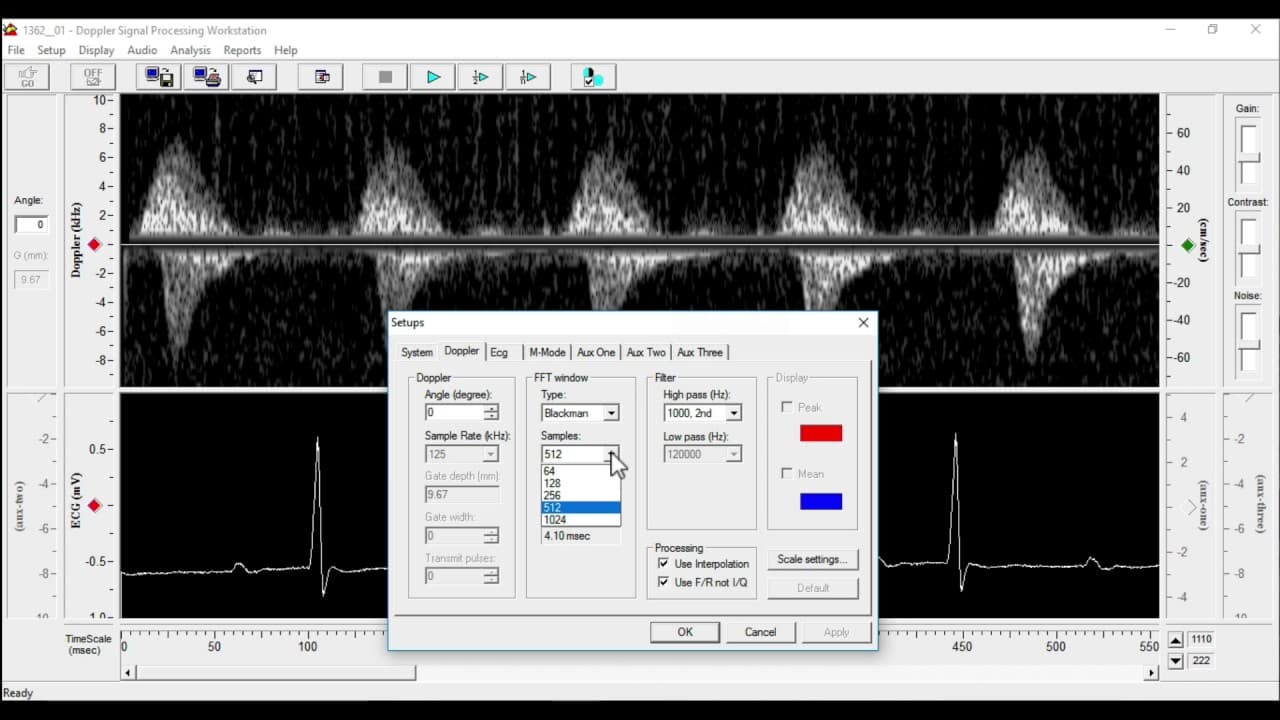
To analyze pulse wave velocity using DSPW software, start by ensuring the correct settings are enabled, then open your recorded files to view the waveforms and ECG. After adjusting settings and applying necessary measurements, use the analysis control window to calculate distances and derive pulse wave velocity effectively.
Transcript
hi this is a quick run-through showing the sequence of events clicks etc required to look at pulse wave velocity using the Doppler signal processing workstation or DSP W so I've got it loaded in front of me on this Windows machine and the first thing I'll do is check that the settings are correct so go to the setup window click on Doppler setup and... Read More
Key Insights
- 💗 Proper setup and enabling the correct settings are necessary for accurate analysis of pulse wave velocity using the DSPW software.
- 👻 Adjusting gain settings allows users to resize the ECG waveform for better visualization.
- 😥 Rescaling waveforms can help in identifying specific points of interest for analysis.
- 💗 The analysis control window provides step-by-step guidance for measuring distances and calculating pulse wave velocity.
- 👻 Saving marker data between files in the DSPW software allows for seamless continuation of analysis.
- 🎮 Checking and adjusting FFT and filter controls can improve the quality of waveforms.
- 🙊 Auto calculation and selection of ECG peaks save time and ensure accuracy in analysis.
Install to Summarize YouTube Videos and Get Transcripts
Explore YouTube Video Summarizer or Get YouTube Transcript Extractor
Questions & Answers
Q: How do I ensure the software can properly analyze the Doppler signal?
Enable the "use F/R" setting in the Doppler setup to ensure the software can see the forward and other trace adequately.
Q: How can I adjust the size of the ECG waveform?
Go to the ECG setup and change the gain setting. A higher gain number will make the ECG waveform smaller.
Q: Can I rescale the waveforms for better visualization?
Yes, you can rescale the waveforms by clicking on the scale bar on the side of the screen. You can also move the entire waveform up and down for easy identification.
Q: How can I measure pulse wave velocity?
Use the analysis control window to measure distances between specific points on waveforms and interpolate them as pulse wave velocity. The video provides a detailed step-by-step process.
Summary & Key Takeaways
-
The video demonstrates how to set up the DSPW software for analyzing pulse wave velocity.
-
It explains how to adjust settings, open recorded files, and view waveforms and ECG readings.
-
The video also covers processing the data, measuring distances, and calculating pulse wave velocity.
Read in Other Languages (beta)
Share This Summary 📚
Summarize YouTube Videos and Get Video Transcripts with 1-Click
Try YouTube Summary with ChatGPT & Claude or YouTube Transcript Generator
Explore More Summaries from Dory Video 📚






Summarize YouTube Videos and Get Video Transcripts with 1-Click
Try YouTube Summary with ChatGPT & Claude or YouTube Transcript Generator