How to Structure Google Ads Search Campaigns for Success
TL;DR
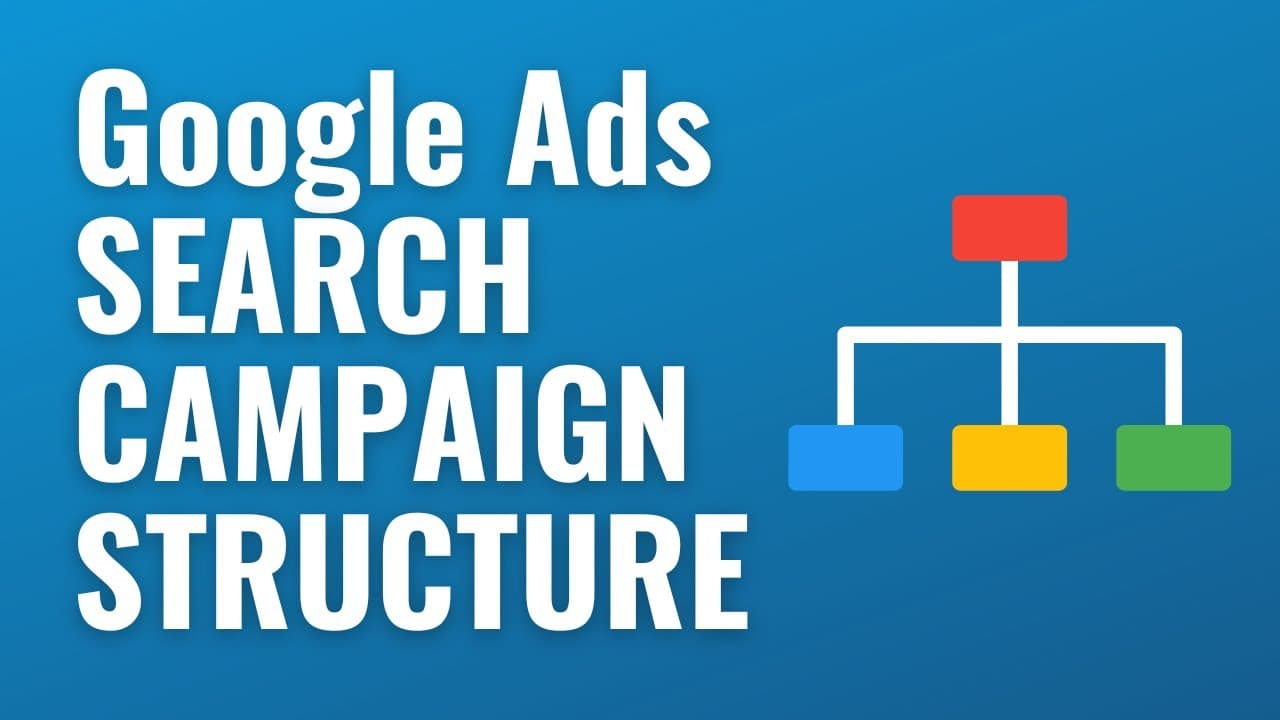
To structure successful Google Ads search campaigns, organize keywords into specific ad groups that align with distinct themes or product categories. Create at least two ads per group, ensuring they are relevant to the targeted keywords and that they direct traffic to corresponding landing pages. Utilizing phrase match keywords enhances targeting, while clear organization improves user experience and conversion rates.
Transcript
what's up everyone welcome to the Surfside PPC YouTube channel today I want to go over your Google ads search campaign structure along with some best practices to make sure that you're setting up your campaigns for Success so we're here in my Google ads account so when you're within your account you can obviously create campaigns so when you're cre... Read More
Key Insights
- 🫠 Creating separate ad groups based on landing pages and product categories improves campaign organization and relevance.
- 🎯 Using phrase match keywords instead of broad match keywords can provide better control and targeting.
- 🫠 Including at least two advertisements per ad group allows for testing and optimization of ad performance.
- 👥 Directing traffic to specific landing pages that match the ad group's theme and keywords increases user satisfaction and conversion rates.
- 👤 Separating products or services into different landing pages enhances SEO strategy and improves user experience.
- 🫠 Utilizing all available headlines and description lines maximizes the potential impact of your ad copy.
- ❓ Constant monitoring and optimization are essential to ensure campaign success and improve performance.
Install to Summarize YouTube Videos and Get Transcripts
Explore YouTube Video Summarizer or Get YouTube Transcript Extractor
Questions & Answers
Q: Why is it important to separate keywords into different ad groups?
By separating keywords into different ad groups, you can ensure that each group targets a specific theme or product category, allowing for more targeted and relevant ad copy and landing pages.
Q: How many advertisements should be created within each ad group?
It is recommended to have at least two advertisements within each ad group to test different copy and appeal to a broader audience, ultimately improving campaign performance.
Q: Why is directing traffic to specific landing pages important?
Sending traffic to landing pages that match the keywords and themes of the ad group increases relevance and improves the chances of conversions, as visitors will see exactly what they are looking for.
Q: What is the recommended match type for keywords in search campaigns?
While Google Ads suggests using broad match keywords, phrase match keywords are often more effective, as they allow for better control over targeting and ensure the ads are shown to highly relevant search terms.
Summary & Key Takeaways
-
Separate keywords into different ad groups based on relevancy and intended outcomes.
-
Create at least two advertisements within each ad group, focusing on relevant keywords and themes.
-
Direct traffic to landing pages that match the keywords and thematic focus of the ad group.
Read in Other Languages (beta)
Share This Summary 📚
Summarize YouTube Videos and Get Video Transcripts with 1-Click
Try YouTube Summary with ChatGPT & Claude or YouTube Transcript Generator
Explore More Summaries from Surfside PPC 📚






Summarize YouTube Videos and Get Video Transcripts with 1-Click
Try YouTube Summary with ChatGPT & Claude or YouTube Transcript Generator