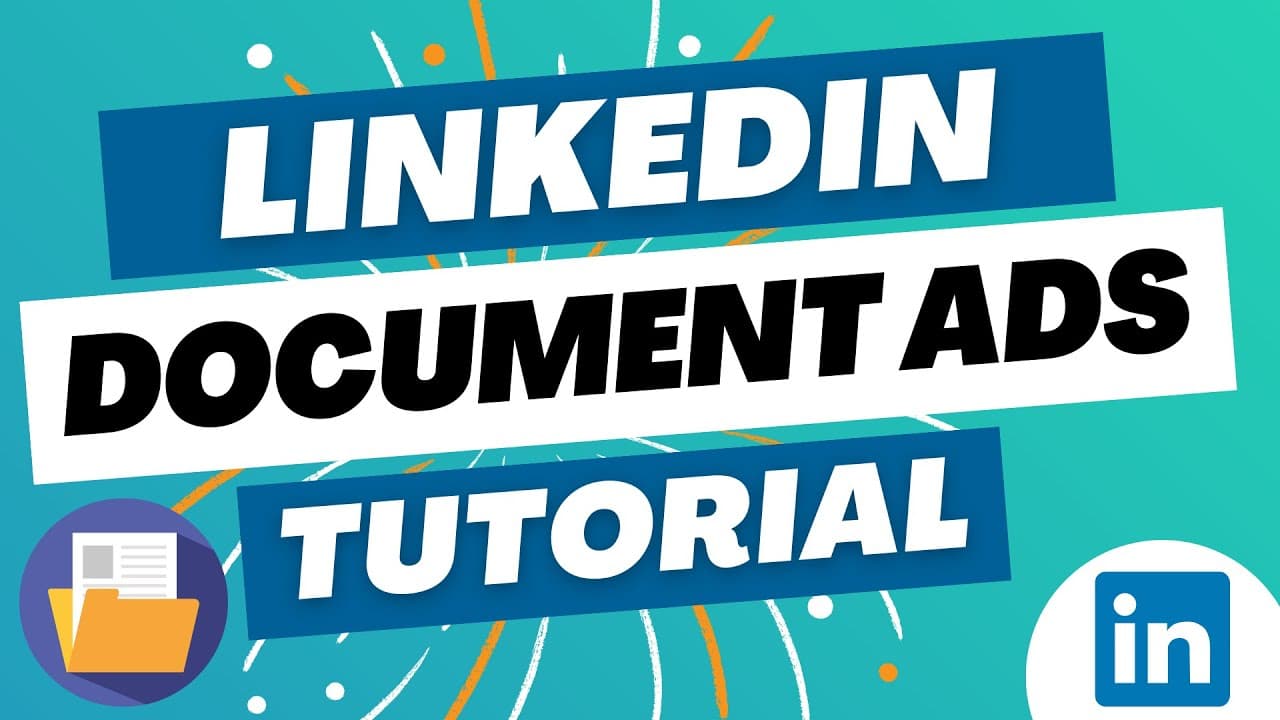
LinkedIn Document Ads 2023 - Step-By-Step Tutorial for Beginners
TL;DR
To create LinkedIn document ads, build a campaign group in Campaign Manager, create a campaign, and choose brand awareness, engagement, or lead generation as the objective. Lead generation ads show only the first page before requesting information, while engagement ads let people read the full document. The tutorial also covers budgets, audience and ad testing, and performance metrics, so read on for the complete setup and optimization guidance.
Transcript
what's up everyone welcome to the Surfside PPC YouTube channel today I'll be going over LinkedIn document ads and everything you need to know to get started with this ad format so I will be creating a campaign throughout this video where I'm showing you how to set up document ads and some of the different options that you have as well as some best ... Read More
Key Insights
- 🥺 LinkedIn document ads can be used for lead generation and engagement.
- 🥺 Lead generation ads require users to provide their information in exchange for valuable content.
- 🫠 Engagement ads allow users to scroll through and read the entire document.
- 🫠 Creating campaign groups in LinkedIn campaign manager offers more control and flexibility in testing different ad formats and targeting options.
- 🫠 Testing different ads and targeting strategies can help optimize the performance of document ad campaigns.
- 🫠 Metrics provided by LinkedIn can help track and measure the success of document ads.
- 🫠 Utilizing retargeting and look-alike audiences in document ad campaigns can be effective.
Install to Summarize YouTube Videos and Get Transcripts
Explore YouTube Video Summarizer or Get YouTube Transcript Extractor
Questions & Answers
Q: How do you create LinkedIn document ads?
Start in LinkedIn Campaign Manager by creating a campaign group, then open that group and select Create and Campaign. Choose an objective, brand awareness, engagement, or lead generation, and proceed with the document ad setup.
Q: What is the difference between lead generation and engagement document ads?
A lead generation document ad shows only the first page and asks the user to submit information before accessing the rest. An engagement document ad lets users scroll through and read the entire document without submitting their details.
Q: Which objective is recommended for LinkedIn document ads?
The tutorial recommends lead generation because it captures people’s information when they want to read the prepared document. It notes that lead generation document ads appear more frequently in the LinkedIn feed than engagement document ads.
Q: What information can a LinkedIn lead generation document ad collect?
The example form requests a work email and work phone number. It also automatically sends the advertiser the user’s first name, last name, LinkedIn profile URL, and company name.
Q: What objectives are available for LinkedIn document ads?
The three objectives shown are brand awareness, engagement, and lead generation. Brand awareness focuses on 30-day reach, engagement focuses on 30-day engagements, and lead generation is used to collect user information.
Q: Why should you create a campaign group for document ads?
A campaign group lets you create multiple campaigns and multiple document ads within each campaign. This provides more flexibility to test different audiences, objectives, and document ads.
Q: How do you set dates and a budget for a LinkedIn campaign group?
When creating the campaign group, set its status and choose start and end dates. You can also assign a total budget; the tutorial’s example uses a $5,000 total budget running from the 10th through the 31st.
Q: How can you measure and optimize LinkedIn document ads?
LinkedIn provides metrics including total clicks, impressions, download clicks, and viral download clicks. You can optimize performance by testing different ads, objectives, audiences, and targeting strategies, including retargeting and look-alike audiences.
Summary & Key Takeaways
-
LinkedIn document ads allow for lead generation and engagement through downloadable documents.
-
Lead generation document ads capture user information in exchange for valuable content.
-
Engagement document ads allow users to scroll through and read the entire document.
-
Creating a campaign group in LinkedIn campaign manager offers more flexibility in testing various ad formats and targeting options.
Read in Other Languages (beta)
Share This Summary 📚
Summarize YouTube Videos and Get Video Transcripts with 1-Click
Try YouTube Summary with ChatGPT & Claude or YouTube Transcript Generator
Explore More Summaries from Surfside PPC 📚

Summarize YouTube Videos and Get Video Transcripts with 1-Click
Try YouTube Summary with ChatGPT & Claude or YouTube Transcript Generator