How to Set Up NEMS Linux on Raspberry Pi for Monitoring
TL;DR
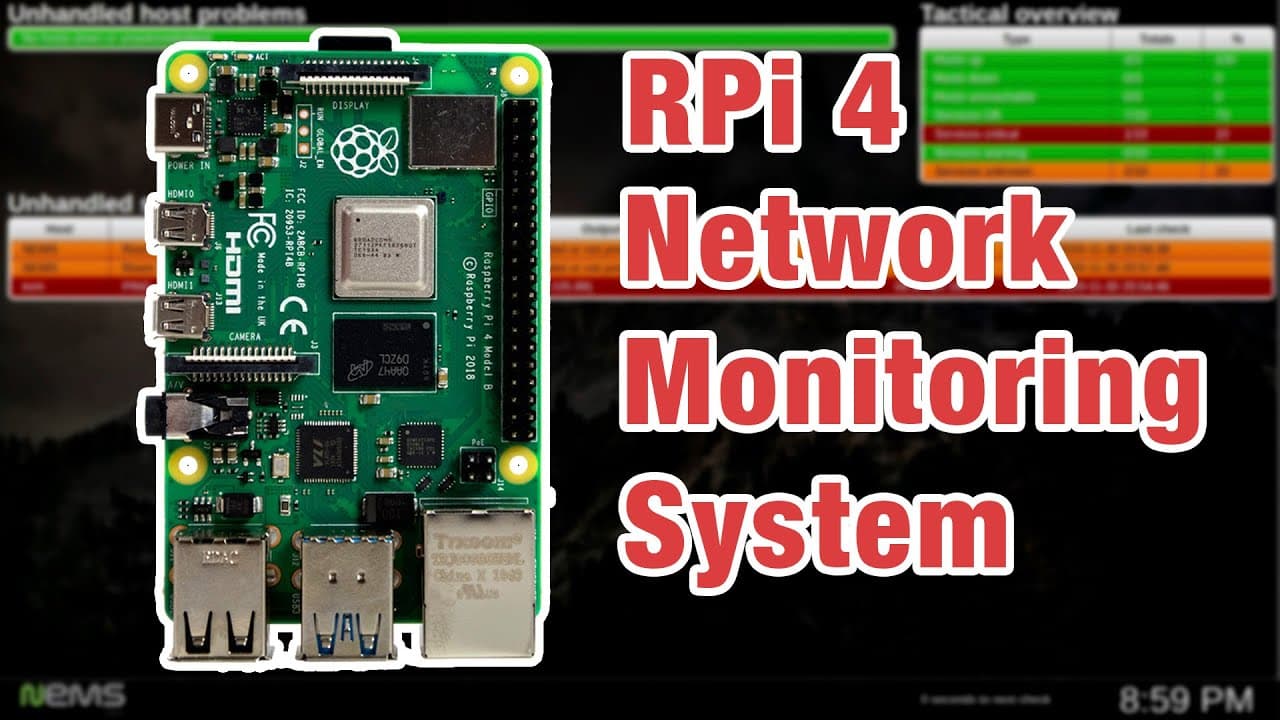
To set up NEMS Linux on a Raspberry Pi for network monitoring, download the NEMS image, configure network settings, and add devices to monitor, such as routers and servers. You can also set up email notifications for device status alerts, making it an effective tool for home and small office networks.
Transcript
hey guys what's going on it's don here from novaspirittech and welcome back to the channel and today i'm going to be showing you guys a network monitoring solution or nms called nems for raspberry pi so let's get started now i've actually played around with this during the raspberry pi 3 days and actually worked pretty well back then and i decided ... Read More
Key Insights
- 🧑⚕️ NEMS is designed to facilitate easy monitoring of various network devices using a Raspberry Pi, enhancing user control over network health.
- 👤 The graphical user interface of NEMS allows users to manage devices and view their status in real time.
- 😴 Configuration of monitoring parameters can be customized to fit different environments and user needs, from simple pings to detailed resource monitoring.
- 🤗 NEMS is a cost-effective solution, as it leverages free open-source software, making it accessible for personal and professional use.
- 🫥 Setting up NEMS requires basic knowledge of networking and the command line, but comprehensive manuals and tutorials are available for guidance.
- 🧑💼 This monitoring system is equally effective for home networks as well as small offices, covering a wide array of devices from PCs to servers.
- 🔔 Alerts and notifications enhance the proactive management of devices, ensuring swift responses to operational issues.
Install to Summarize YouTube Videos and Get Transcripts
Explore YouTube Video Summarizer or Get YouTube Transcript Extractor
Questions & Answers
Q: What is NEMS and how does it benefit network monitoring?
NEMS stands for Nagios Enterprise Monitoring Server and offers a comprehensive solution for monitoring various network devices. By installing NEMS on a Raspberry Pi, users can efficiently track the status of routers, PCs, and storage devices, ensuring that potential issues are flagged promptly, thus minimizing downtime.
Q: What are the first steps in setting up NEMS on a Raspberry Pi?
To set up NEMS, first download the image from its official website. Afterward, use the Raspberry Pi Imager to load the image onto your Raspberry Pi. Initial boot will provide you with an IP address. Next, you'll need to SSH into the device to run a setup script to pre-configure the system for your network settings.
Q: How do you add a device to monitor within NEMS?
To add a device in NEMS, access the configuration settings via the NEMS web interface. Here, you can input the device name, address, and monitor type, typically using a generic template. Completing the process involves creating a config file and deploying it to start monitoring the newly added device.
Q: Can users receive alerts if a monitored device goes down?
Yes, NEMS offers alerting capabilities. Users can configure the system to send email notifications if a monitored device becomes unreachable, allowing for immediate awareness of issues that require attention. This feature is particularly useful for home and small office setups where timely resolutions are crucial.
Summary & Key Takeaways
-
NEMS Linux is an all-in-one network monitoring solution for Raspberry Pi that helps users oversee various network devices, ensuring reliable operation and proactive troubleshooting.
-
The setup process involves downloading the NEMS image, configuring network settings, and adding hosts for monitoring, which includes routers and servers.
-
Notifications can be set up to alert users via email about device statuses, making it a practical tool for both home and small office environments.
Read in Other Languages (beta)
Share This Summary 📚
Summarize YouTube Videos and Get Video Transcripts with 1-Click
Try YouTube Summary with ChatGPT & Claude or YouTube Transcript Generator
Explore More Summaries from Novaspirit Tech 📚






Summarize YouTube Videos and Get Video Transcripts with 1-Click
Try YouTube Summary with ChatGPT & Claude or YouTube Transcript Generator