Is the WeMax 15.6 Portable Touch Monitor Worth It?
TL;DR
The WeMax 15.6 portable touch monitor features a 1080p IPS display with one-cable USB-C operation for easy connectivity, making it ideal for professionals in video editing and photography. While it offers excellent performance and minimal ghosting, sound quality is limited, and compatibility with all mobile devices may vary.
Transcript
hey guys what's going on it's down here from Nova spirit tech and today we're gonna be checking out a portable 15.6 inch monitor from we Max's so let's get started so I want to thank we max it for sending this monitor over here for me to review and it's actually the company Andy signed we sent it over and more about that in a second they do offer t... Read More
Key Insights
- 🤌 The WeMax monitor is available in two sizes (15.6-inch and 13.3-inch), catering to different portability preferences.
- 😎 It features a protective tempered glass screen, reducing the risk of damage without compromising clarity.
- 😒 The monitor uses a generic billboard driver for compatibility, allowing it to function even with limited graphic card outputs.
- 🏛️ Built-in volume control and minimal ghosting enhance the overall usability of the monitor.
- 👤 A non-reflective film is included, but applying it can be challenging for some users.
- 😒 The monitor includes a VESA mount option, expanding its practicality for various setups, including traditional desk use.
- 🕴️ The monitor is not a budget option; it's suited for those needing portability and professional-grade features.
Install to Summarize YouTube Videos and Get Transcripts
Explore YouTube Video Summarizer or Get YouTube Transcript Extractor
Questions & Answers
Q: What unique feature does the WeMax monitor offer for connectivity?
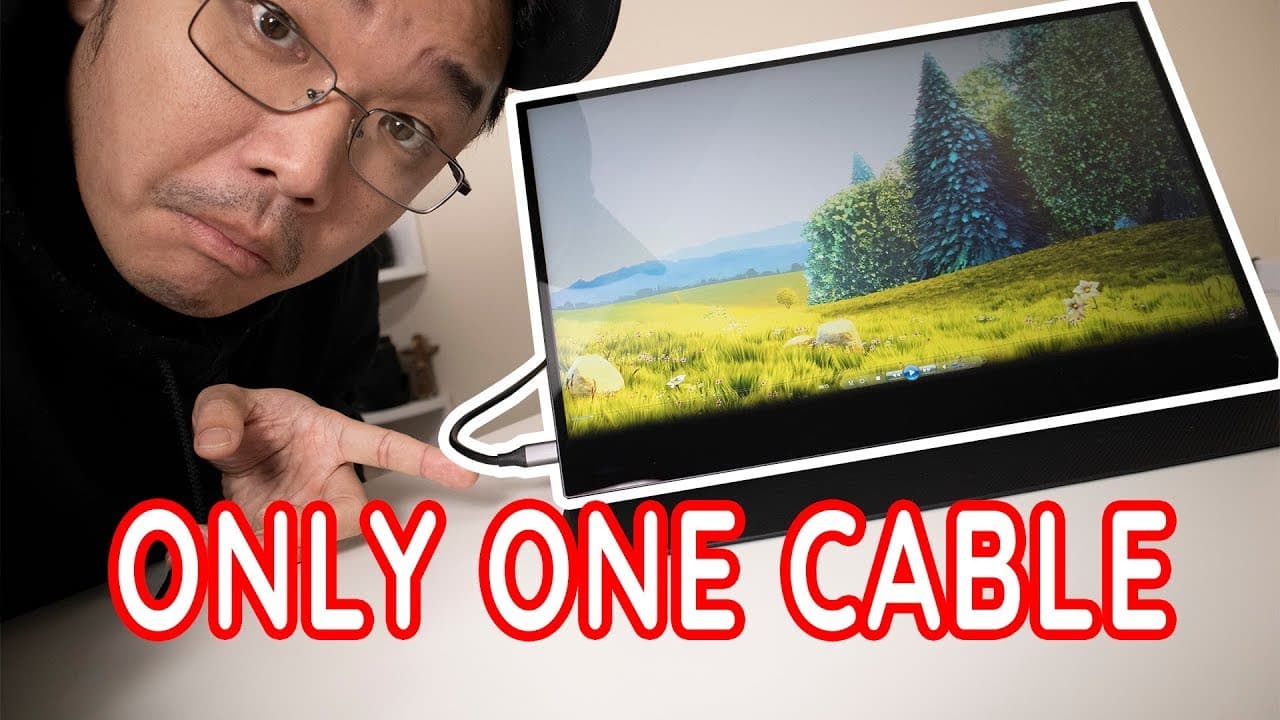
The WeMax monitor stands out with its one-cable operation. Utilizing a single USB-C cable for both power and touchscreen functionality simplifies the setup process, making it highly portable compared to traditional monitors that often require multiple connections. This feature enhances the user experience, particularly for users on the go.
Q: How does the monitor's touchscreen functionality differ from standard touchscreens?
Unlike typical touchscreens, which merely replicate mouse movements, the WeMax monitor allows for a more intricate interaction akin to drawing. When users touch the screen, they see a trail that resembles a pen mark, enhancing precision for tasks that involve writing or detailed digital interaction.
Q: Who is the target audience for the WeMax portable monitor?
This monitor is primarily geared towards professionals in fields like video editing, photography, and other creative industries. Its portability, combined with specialized features like touch functionality and good color accuracy, makes it suitable for users needing an extra screen for productivity on the move.
Q: What are the monitor's limitations in terms of sound quality?
The WeMax portable monitor features built-in speakers, but their quality is comparable to standard laptop speakers, making them less powerful and vibrant. Users seeking high-quality audio may find the monitor's sound inadequate, and it's advisable to use external speakers or headphones for a better audio experience.
Summary & Key Takeaways
-
The WeMax portable monitor is a 15.6-inch IPS display featuring 1080p resolution and 178-degree viewing angles, optimizing performance for various applications.
-
With one-cable operation via USB-C, this monitor simplifies connectivity, enhancing portability, although compatibility with certain devices may vary.
-
It's designed for professionals in video editing and photography, providing a robust option with touch capabilities and a foldable protective case, though sound quality is limited.
Read in Other Languages (beta)
Share This Summary 📚
Summarize YouTube Videos and Get Video Transcripts with 1-Click
Try YouTube Summary with ChatGPT & Claude or YouTube Transcript Generator
Explore More Summaries from Novaspirit Tech 📚






Summarize YouTube Videos and Get Video Transcripts with 1-Click
Try YouTube Summary with ChatGPT & Claude or YouTube Transcript Generator