Is the Microsoft Arm Desktop Dev Kit Worth $599?
TL;DR
The Microsoft Arm Desktop Dev Kit, priced at $599, is tailored for app development with adequate performance for basic tasks but struggles with demanding software like Adobe products. While it offers decent gaming capabilities for older titles, the high price and software compatibility issues may deter users looking for a reliable everyday device.
Transcript
hey guys what's going on it's Don here from Nova Spirit Tech and welcome back to the channel and today we're going to be checking out Microsoft Windows on arm dev kit 2023 so let's get started now to begin this video is not sponsored I did end up buying this from Microsoft itself and it retails for 599 and you can still get it right now so I'll lea... Read More
Key Insights
- 💯 The device is primarily marketed as a development kit for ARM application creation, featuring an 8-core Snapdragon CPU.
- 🏛️ The build quality includes aluminum and recycled plastic, yet its internal components limit upgradeability, particularly with the SSD.
- 🏃 Windows 11 Pro runs well for basic desktop tasks, reflecting adequate performance for everyday usage and media consumption.
- 🦾 Software compatibility issues highlight a learning curve for users transitioning from x86 systems, emphasizing the challenges of ARM architecture.
- 📈 Benchmarks indicate reasonable performance metrics, yet practical application performance can feel sluggish due to emulation overhead.
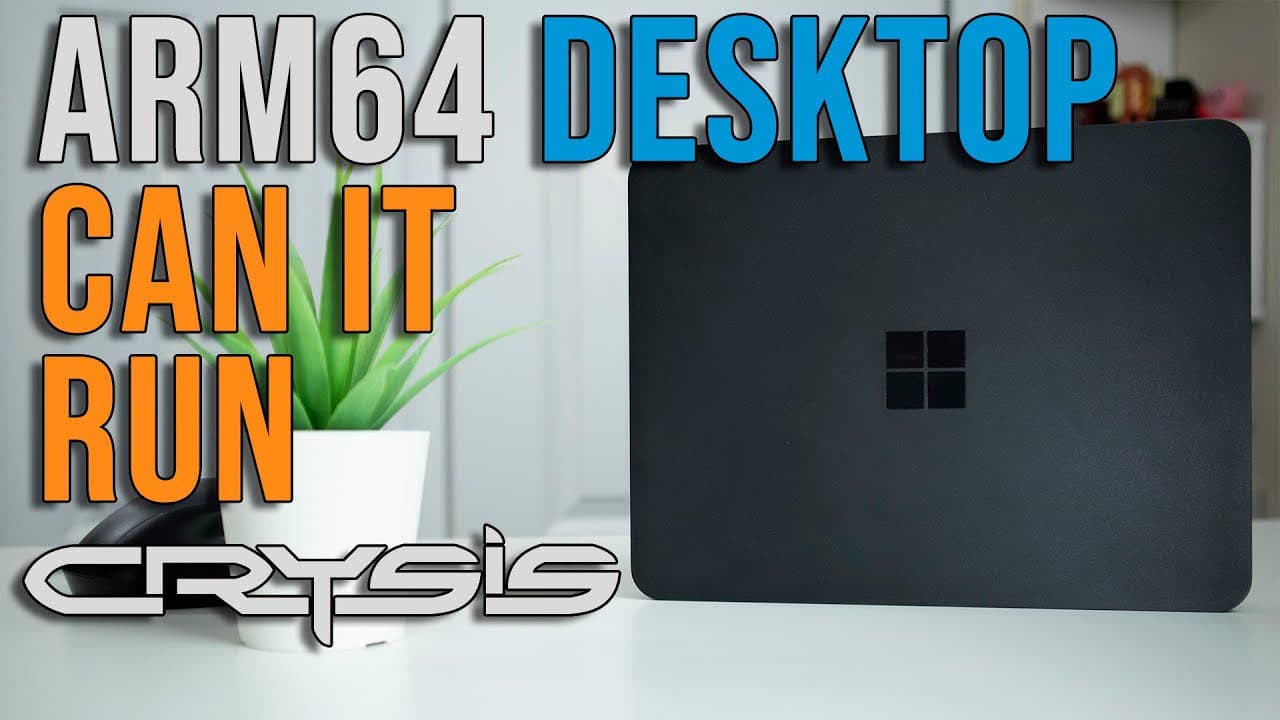
- 🥶 The gaming capabilities allow running older games like Crisis and modern titles like Tomb Raider at acceptable frame rates, albeit with limitations in visual quality settings.
- 🏃 The ability to run Linux via WSL adds flexibility for developers familiar with both operating environments, enabling broader software testing options.
Install to Summarize YouTube Videos and Get Transcripts
Explore YouTube Video Summarizer or Get YouTube Transcript Extractor
Questions & Answers
Q: What features make the Windows on ARM Dev Kit suitable for developers?
The ARM Dev Kit is tailored for developers with support for ARM 64 and ARM 32 application development, providing essential connectivity options like USB ports, display ports, and gigabit Ethernet. It runs Windows 11 Pro, allowing users to access developer tools and libraries required to create ARM-based applications, making it a suitable platform for building and testing ARM software.
Q: How does the device compare to traditional Windows PCs?
The ARM Dev Kit performs similarly to lower-tier traditional Windows PCs, like those with Intel i5 processors. It handles basic tasks efficiently, such as browsing and video playback. However, when running heavier applications or graphics-intensive tasks, users may notice lag due to emulation processes, which limits its effectiveness compared to native x86 PCs.
Q: What performance issues did you encounter with specific software?
Users face performance issues, particularly with Adobe applications, where errors often occur after installation, hindering usability. Photoshop, for instance, initially works but later fails to launch, highlighting challenges in software compatibility on ARM architecture. DaVinci Resolve also struggles as it does not detect the GPU, indicating significant limitations for creative professionals in using this device.
Q: Is the pricing of the ARM Dev Kit justified according to its performance?
At $599, many find the pricing unjustified compared to other mini PCs or similar devices on the market. Although it serves as a platform for ARM application development, its lack of robust day-to-day performance and application compatibility raises concerns over value for money, prompting suggestions for a lower price point to enhance its attractiveness.
Summary & Key Takeaways
-
The Microsoft Windows on ARM Dev Kit is designed for app development, featuring an aluminum build, Snapdragon processor, and multiple connectivity options, priced at $599.
-
The performance is comparable to an Intel i5, making it suitable for basic desktop tasks, but struggles with demanding applications, particularly in graphics processing.
-
Issues arise in running software like Adobe products and DaVinci Resolve, indicating that users may face challenges in day-to-day usage and software compatibility.
Read in Other Languages (beta)
Share This Summary 📚
Summarize YouTube Videos and Get Video Transcripts with 1-Click
Try YouTube Summary with ChatGPT & Claude or YouTube Transcript Generator
Explore More Summaries from Novaspirit Tech 📚






Summarize YouTube Videos and Get Video Transcripts with 1-Click
Try YouTube Summary with ChatGPT & Claude or YouTube Transcript Generator