What Are the Best Productivity Apps for iPhone and Android?
TL;DR
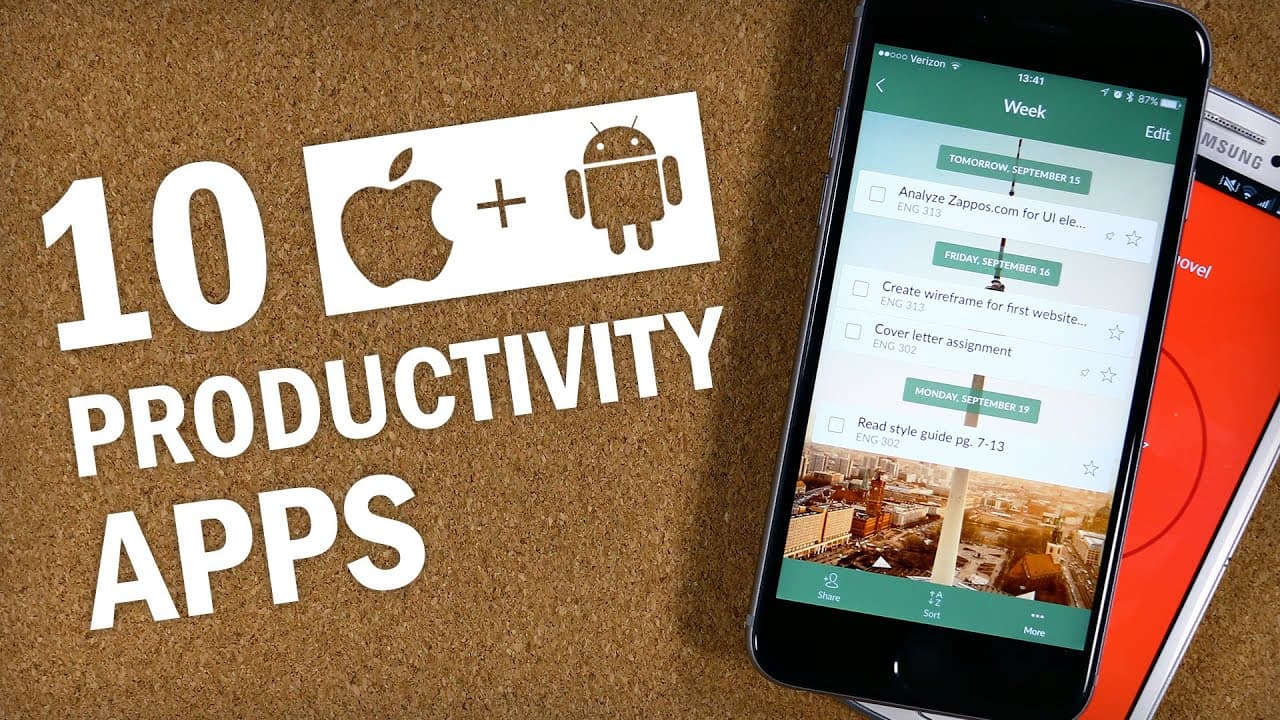
The best productivity apps for iPhone and Android include Wunderlist for to-do lists, Fantastical for calendars, Habitica for habit tracking, and Evernote for note-taking. Dropbox is recommended for file syncing, while Forest helps minimize distractions. Additionally, FocusKeeper and ClearFocus support the Pomodoro Technique, and the 7 Minute Workout app keeps you active without the gym.
Transcript
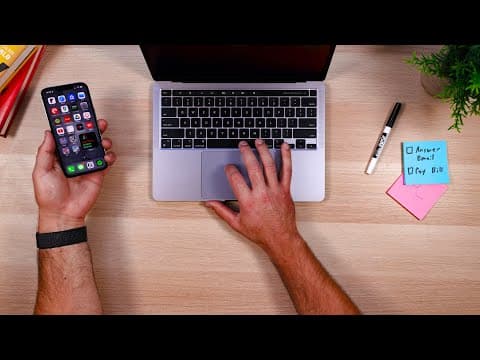
I'm gonna be 100% honest with you guys here, I am an absolute sucker for round-up lists of app recommendations and I know I'm not the only one, because I get asked by you guys for app recommendations all the time. So, here we are. Now, my intention this week was to sit down and make a list of app recommendations for the iPhone, and then I was gonna... Read More
Key Insights
- 😀 Wunderlist is recommended as a user-friendly to-do list app for personal task management.
- 👏 Fantastical is praised for its design, complication support on Apple Watch, and natural language processing feature.
- 🎁 Habitica is presented as a habit tracking app that gamifies habit formation and offers a community for accountability.
- 😀 Evernote is highlighted as a versatile note-taking app, while Microsoft's OneNote is suggested as a potential alternative.
- 🥹 Dropbox is emphasized as a crucial tool for syncing and backing up files across multiple devices.
- 👤 Scannable is recommended for easily scanning and sending documents to Evernote, with ScanBot as an alternative for Android users.
- 🎁 Forest is presented as an app that encourages focus by rewarding users for not using their phone while working.
- ❓ FocusKeeper and ClearFocus are suggested for implementing the Pomodoro Technique to improve focus and productivity.
- 🎁 The 7 Minute Workout app is highlighted as a convenient way to stay active on days when going to the gym is not possible.
Install to Summarize YouTube Videos and Get Transcripts
Explore YouTube Video Summarizer or Get YouTube Transcript Extractor
Questions & Answers
Q: Are there any free alternatives to Fantastical with natural language processing for Android users?
Yes, Today Calendar is an Android app with a similar natural language processing feature, although it requires a paid version after a free trial.
Q: Can you recommend a note-taking app for users with more than two devices?
While Evernote is a cross-platform app, users with more than two devices may want to consider Microsoft's OneNote as an alternative, as it offers more features on the free tier.
Q: Is there a scanning app for Android users that is similar to Scannable?
Yes, ScanBot is an Android app that offers various export options and can be used for scanning documents.
Q: What app can help users stay focused and avoid distractions from their smartphones?
Forest is an app that rewards users for leaving their phone alone, growing a virtual tree. If users touch their phone before the session is up, the tree dies, providing positive reinforcement for focusing on tasks.
Summary & Key Takeaways
-
The video presents ten app recommendations for increasing productivity, including to-do list apps, calendar apps, habit trackers, note-taking apps, file-syncing apps, document scanning apps, focus-boosting apps, timer apps, and workout apps.
-
Wunderlist is suggested as a to-do list app for personal task management.
-
Fantastical is recommended as a calendar app for its design and natural language processing feature.
-
Habitica is presented as a habit tracking app that turns tracking habits into a game.
-
Evernote is suggested as a note-taking app, with Microsoft's OneNote offered as an alternative.
-
Dropbox is recommended for syncing and backing up files across devices.
-
Scannable is suggested for scanning and sending documents to Evernote.
-
Forest is recommended as an app that rewards users for not using their phone while working.
-
FocusKeeper and ClearFocus are suggested as Pomodoro-style timer apps.
-
The 7 Minute Workout app is presented as a way to stay active even without going to the gym.
Read in Other Languages (beta)
Share This Summary 📚
Summarize YouTube Videos and Get Video Transcripts with 1-Click
Try YouTube Summary with ChatGPT & Claude or YouTube Transcript Generator
Explore More Summaries from Thomas Frank 📚
Summarize YouTube Videos and Get Video Transcripts with 1-Click
Try YouTube Summary with ChatGPT & Claude or YouTube Transcript Generator