How to Convert Images into 3D Models with FreeCAD
TL;DR
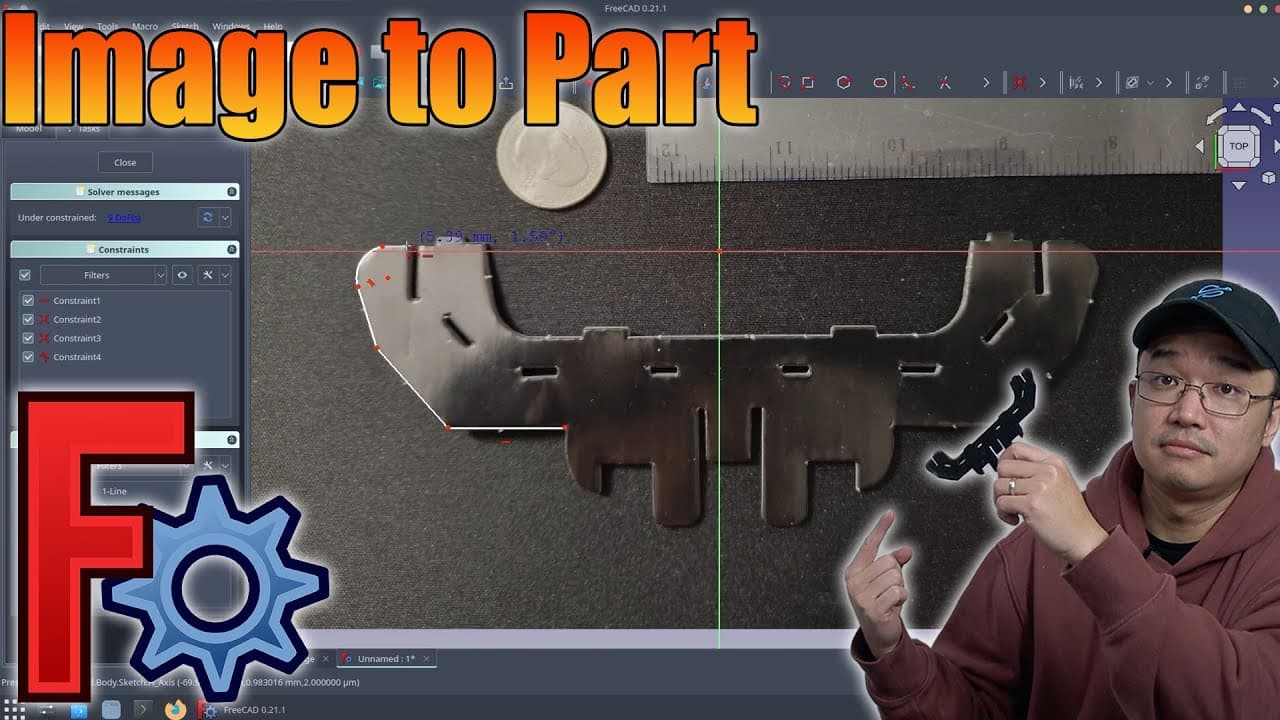
To convert images into 3D models in FreeCAD, take a photo of the design with a ruler for measurement, import it into the software, and use sketching tools to create the part. You can then export the model as an STL file for 3D printing, ensuring accurate dimensions by calibrating the image with the provided measurements.
Transcript
hey guys what's going on it's Don here from Nova Spirit Tech and welcome back to the channel and today I'm going to be showing you guys how to turn an image into a part using freead so let's get started so it's been a while since I had a free cat tutorial so I am glad to be back doing another one now today's objective is very simple we're just basi... Read More
Key Insights
- 🥳 The importance of accurate measurements in design is highlighted, ensuring produced parts match original dimensions.
- 🫥 FreeCAD offers advanced tools for creating and manipulating sketches, especially with polyline functions that allow curved lines and precise designs.
- 📽️ The tutorial emphasizes the versatility of CAD software not only for engineering but also for hobbyist projects involving 3D printing.
- 🥳 Understanding material options available for 3D printing is essential for achieving the desired outcome in both aesthetics and physical properties of the printed parts.
- 💁 Exporting designs in suitable formats like STL is critical for compatibility with 3D printer software, which further streamlines the printing process.
- 👻 The value of flexibility within FreeCAD is demonstrated, allowing adjustments and corrections at multiple stages of design.
- 👤 Engaging with online communities and resources can help novice users expand their CAD skills and troubleshoot issues they encounter.
Install to Summarize YouTube Videos and Get Transcripts
Explore YouTube Video Summarizer or Get YouTube Transcript Extractor
Questions & Answers
Q: What materials can I use for 3D printing in this tutorial?
The tutorial suggests that you can use various materials including plastic, metal, and SLA resin for your 3D prints. The choice of material will depend on your project needs. For basic designs, standard plastic works well, but if you aim for durability or specific aesthetics, considering metals or SLA prints could be beneficial.
Q: Why is it important to place a ruler or coin next to the image?
Placing a ruler or coin next to the image is crucial for properly calibrating measurements within the FreeCAD software. This allows you to ensure that the scaled image corresponds accurately to the real-world dimensions of the part, eliminating discrepancies and ensuring that the final 3D printed model aligns with your initial design intent.
Q: How do I create 3D holes in my design using FreeCAD?
To create holes in your design, you need to perform a pocket operation on the sketch that includes the hole outlines. After sketching the desired shapes where you want the holes, you select the shapes and utilize the “Pocket” tool to cut through the model, forming the holes as per your specifications.
Q: Can I reuse my designs for mass production?
Yes. The designs you create in FreeCAD can be reused and exported for mass production, especially if you utilize services like PCB way, which allows for various printing options. You can simply adjust your design specifications and re-export using the same methods shown in the tutorial for production purposes.
Summary & Key Takeaways
-
The video tutorial demonstrates how to convert a paper craft design into a plastic part using FreeCAD, providing a practical application for 3D printing.
-
The process involves taking a photograph of the original design with a ruler or coin for accurate measurement calibration within the software.
-
Steps include importing the image, creating sketches, using polyline tools for design, and exporting the final model for 3D printing.
Read in Other Languages (beta)
Share This Summary 📚
Summarize YouTube Videos and Get Video Transcripts with 1-Click
Try YouTube Summary with ChatGPT & Claude or YouTube Transcript Generator
Explore More Summaries from Novaspirit Tech 📚






Summarize YouTube Videos and Get Video Transcripts with 1-Click
Try YouTube Summary with ChatGPT & Claude or YouTube Transcript Generator