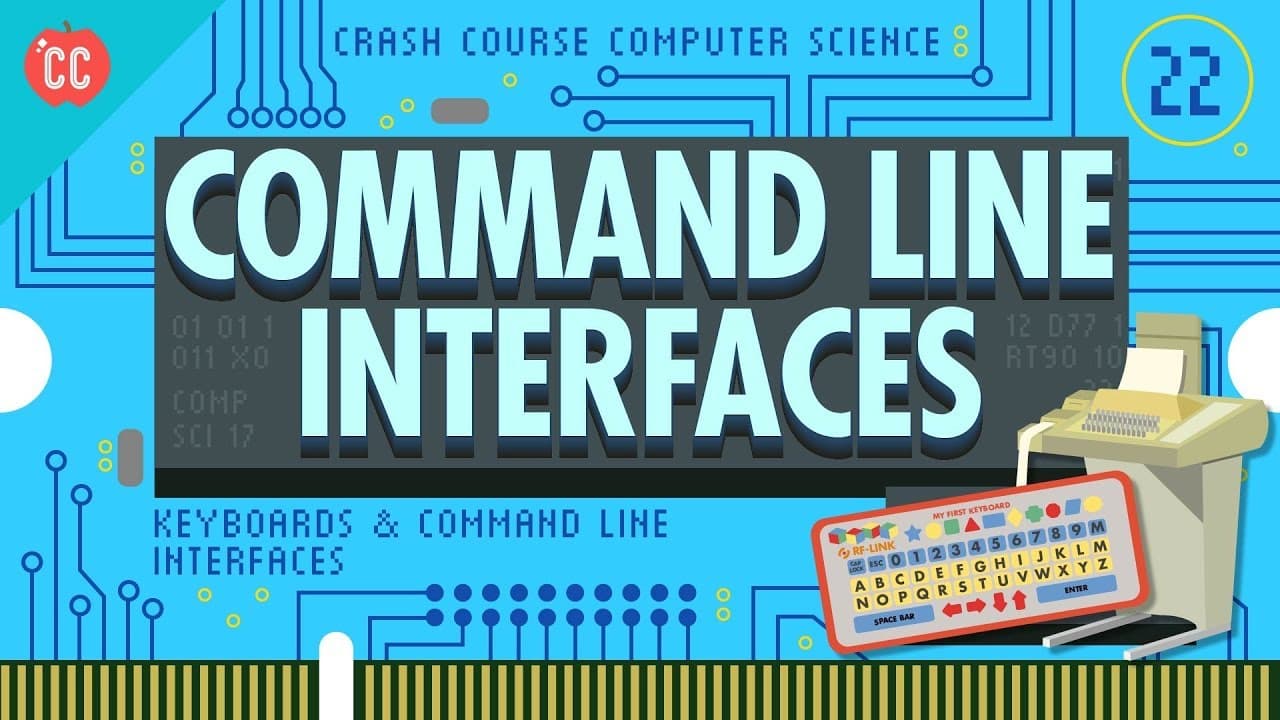
Keyboards & Command Line Interfaces: Crash Course Computer Science #22
TL;DR
Explores the history and evolution of human-computer interaction via keyboards and command line interfaces.
Transcript
Hi, I’m Carrie Anne, and welcome to CrashCourse Computer Science! We’ve talked a lot about inputs and outputs in this series, but they’ve mostly been between different parts of a computer – like outputting data from RAM or inputting instructions to a CPU. We haven’t discussed much about inputs coming from humans. We also haven’t learned how people ... Read More
Key Insights
- Early computers relied heavily on mechanical inputs like gears and switches, which evolved into electronic interfaces using punch cards and magnetic tape by the 1950s.
- Christopher Latham Sholes invented the QWERTY keyboard layout in 1868, which became the standard due to its commercial success and user familiarity.
- Teletype machines, derived from telegraph technology, were adapted for computers, enabling text-based communication between humans and machines.
- Command line interfaces became prevalent in the 1960s and 70s, allowing users to interact with computers through text commands.
- The transition from electromechanical teletype machines to screen-based terminals in the 1970s marked a significant advancement in user interfaces.
- Text-based computer games like Zork and Colossal Cave Adventure demonstrated the potential for interactive fiction and multiplayer experiences.
- Despite the rise of graphical user interfaces, command line interfaces remain essential for programming and remote server access.
- QWERTY keyboards continue to influence modern computing, highlighting the lasting impact of early interface innovations.
Install to Summarize YouTube Videos and Get Transcripts
Explore YouTube Video Summarizer or Get YouTube Transcript Extractor
Questions & Answers
Q: What were the earliest forms of human-computer interaction?
The earliest forms of human-computer interaction involved mechanical inputs such as gears, knobs, and switches. These were used in early mechanical and electro-mechanical computing devices to configure and control operations. By the 1950s, these mechanical inputs were replaced by electronic interfaces using punch cards and magnetic tape, simplifying the interaction process for computers.
Q: How did the QWERTY keyboard layout come to be?
The QWERTY keyboard layout was invented by Christopher Latham Sholes in 1868, with its design refined by 1874 for commercial production. It gained popularity due to the success of Sholes' typewriter, leading competitor companies to adopt the same layout. Despite speculation about its design to reduce typebar jamming, the QWERTY layout's widespread adoption was primarily due to user familiarity and the switching cost associated with learning new layouts.
Q: What role did teletype machines play in computer interfaces?
Teletype machines, originally used for telegraph communication, played a crucial role in early computer interfaces by providing a means for text-based communication between humans and computers. These electromechanical devices could send and receive text over telegraph lines, allowing users to type commands and receive responses from computers. This text-based interaction became the foundation for command line interfaces, which were prevalent until the rise of graphical interfaces.
Q: How did command line interfaces evolve over time?
Command line interfaces evolved from the use of teletype machines, which allowed users to type text commands and receive text responses from computers. In the 1970s, screen-based terminals replaced electromechanical teletype machines, offering faster and more flexible interactions. Despite the rise of graphical user interfaces, command line interfaces remain essential for tasks like programming and remote server access, due to their simplicity and efficiency.
Q: What impact did text-based computer games have on human-computer interaction?
Text-based computer games, such as Zork and Colossal Cave Adventure, had a significant impact on human-computer interaction by demonstrating the potential for interactive fiction and multiplayer experiences. These games engaged users' imaginations, allowing them to explore fictional worlds and interact with objects through text commands. This early form of interactive entertainment laid the groundwork for modern graphical MMORPGs and highlighted the creative possibilities of command line interfaces.
Q: Why do command line interfaces remain relevant today?
Command line interfaces remain relevant today because they provide a powerful and efficient means of interacting with computers, particularly for programming and remote server access. They offer a natural interface for written tasks, allowing users to execute complex commands quickly and automate repetitive tasks. Additionally, command line interfaces are platform-independent, making them a versatile tool for developers and system administrators across different operating systems.
Q: How did screen-based terminals improve user interfaces?
Screen-based terminals improved user interfaces by replacing electromechanical teletype machines with faster and more flexible text-based interactions. Unlike paper-based teletype machines, screen-based terminals allowed users to view and edit text in real-time, offering features like deleting mistakes and scrolling through text. This transition marked a significant advancement in user interfaces, paving the way for more sophisticated graphical interfaces in the future.
Q: What is the significance of the QWERTY keyboard in modern computing?
The QWERTY keyboard holds significant importance in modern computing as it remains the standard layout for most keyboards worldwide. Its widespread adoption is attributed to its early commercial success and the high switching cost associated with learning new layouts. The QWERTY keyboard's influence extends to various devices, including computers, smartphones, and tablets, highlighting the lasting impact of early interface innovations on contemporary technology.
Summary & Key Takeaways
-
The video discusses the evolution of human-computer interaction, focusing on the transition from mechanical inputs to electronic interfaces like keyboards and command line interfaces. It highlights the development of the QWERTY keyboard layout and its widespread adoption.
-
By the 1960s, teletype machines, originally used for telegraphs, were adapted for computers, allowing text-based communication. This led to the rise of command line interfaces, which became the primary means of interaction until the advent of graphical interfaces.
-
Despite advances in technology, command line interfaces remain relevant, particularly in programming and remote server access. The video emphasizes the enduring influence of early interface designs, such as the QWERTY keyboard, on modern computing.
Read in Other Languages (beta)
Share This Summary 📚
Summarize YouTube Videos and Get Video Transcripts with 1-Click
Try YouTube Summary with ChatGPT & Claude or YouTube Transcript Generator
Explore More Summaries from CrashCourse 📚





Summarize YouTube Videos and Get Video Transcripts with 1-Click
Try YouTube Summary with ChatGPT & Claude or YouTube Transcript Generator