How to use Obsidian for an AI second brain
TL;DR
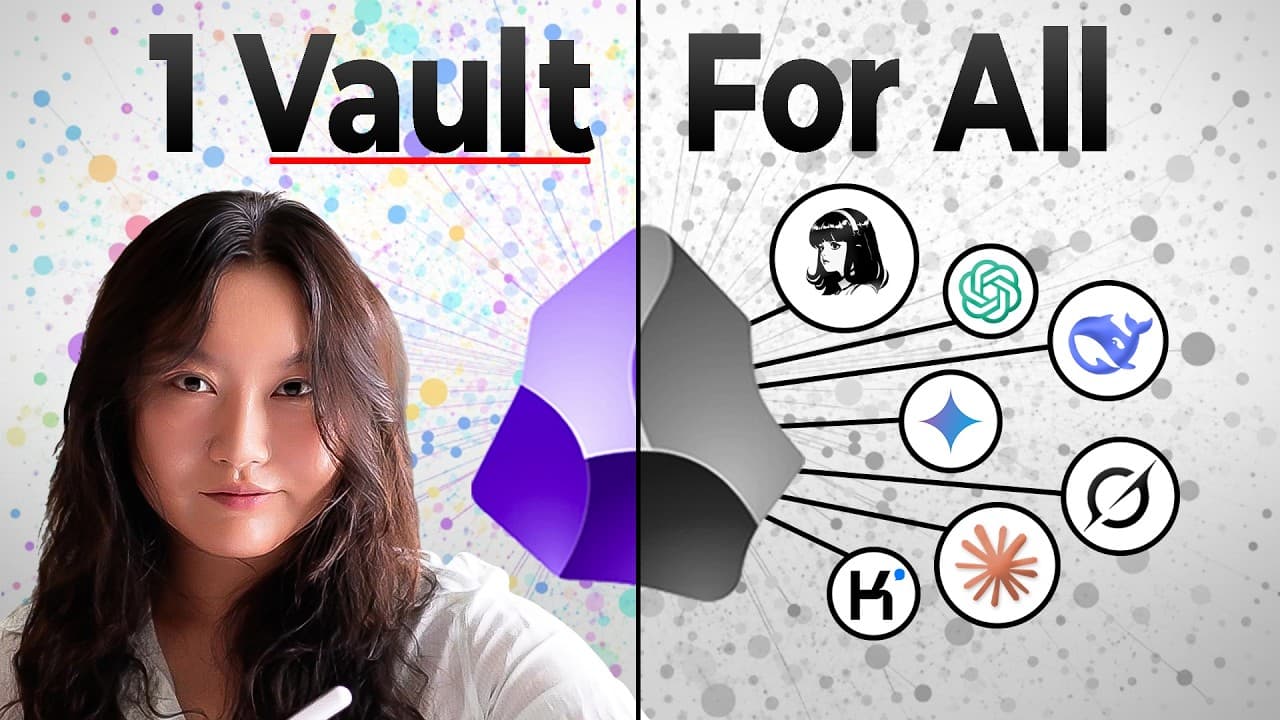
Obsidian stores notes in a local folder called a vault, using markdown files that are easy to read and sync with services like Google Drive or Dropbox. You can link notes, visualize them with graph views, embed almost anything, and add metadata for flexible formatting. The video demonstrates three AI integration levels: second brain, database, and LLM wiki, plus a final quiz.
Transcript
I learned Obsidian for you. So, here's a cliff notes version to save you the hours and hours that I have spent building with Obsidian and AI tools. You see, Obsidian has been a very popular note-taking tool since it launched in 2020, but it really skyrocketed in popularity in recent years because the way that it's organized, the way that it's built... Read More
Key Insights
- Obsidian stores all data in a local vault of markdown files, ensuring privacy and offline access.
- Notes can be linked with bidirectional references, enabling a networked knowledge graph that is visible in both local and full graph views.
- Obsidian supports powerful search filters by path, tag, and metadata, making it easy to locate specific information across notes.
- The platform allows embedding of images, PDFs, audio, tables, tweets, and code blocks, enabling rich content within notes.
- Meta formatting and metadata can be extensively customized, and transformed into tables, Kanban boards, or dashboards.
- Hotkeys and a command palette speed up navigation and note management, increasing editing efficiency.
- Three AI integration levels are demonstrated: Level 1 AI second brain, Level 2 AI database, Level 3 LLM wiki, showing progressive AI capabilities.
- AI tools like Claude Cohere and Codex can read and analyze entire vaults, generating useful outputs such as checklists or concept ideas based on notes.
- The video emphasizes the importance of structuring notes for AI consumption, highlighting how clear linking and metadata enable better AI retrieval and reasoning.
Install to Summarize YouTube Videos and Get Transcripts
Explore YouTube Video Summarizer or Get YouTube Transcript Extractor
Questions & Answers
Q: What is a Obsidian vault and why is it important for AI integration?
An Obsidian vault is a local folder that contains all notes in markdown files. This structure makes data easy to read, link, and index. For AI integration, the vault provides a coherent, self-contained dataset that AI agents can access to retrieve, analyze, and generate outputs such as concepts or checklists, enabling an AI driven second brain.
Q: How does Obsidian support note linking and graph visualization for AI workflows?
Obsidian lets you create links between notes using double brackets, which builds a network of related ideas. The local graph view and full graph view visually map these connections, helping users understand relationships and guide AI reasoning when connecting concepts or constructing knowledge graphs for tasks like concept generation.
Q: What are the three levels of AI integration demonstrated in the video?
The video demonstrates three levels: Level 1 is an AI second brain where AI reads the vault and answers questions using the notes. Level 2 treats notes as an AI database where AI analyzes data and produces structured outputs like checklists. Level 3 builds an LLM wiki that aggregates knowledge from notes for advanced AI interactions.
Q: Which AI tools are mentioned for interacting with Obsidian notes?
The video mentions Claude Cohere as an AI agent that can be given access to the vault for querying notes, along with Codex for programmatic data analysis. These tools illustrate how different AI agents can read and interpret the Obsidian content to produce actionable results.
Q: What types of content can Obsidian embed in notes?
Obsidian supports embedding a wide range of content inside notes, including images, PDFs, audio, tables, tweets, and code blocks. This versatility helps create rich, multimedia notes that AI can interpret and reason about when generating outputs or performing data extraction.
Q: How can AI help with concept generation in Obsidian according to the video?
AI can read the entire vault to understand existing notes, then generate video concepts or other ideas by filtering candidates through predefined criteria. This approach uses AI to synthesize information from multiple notes, improving idea quality and consistency with the stored knowledge.
Q: What role does metadata play in Obsidian’s AI workflows?
Metadata and meta formatting in Obsidian allow for structured data that AI can transform into different formats like tables or dashboards. Proper metadata enhances AI indexing, retrieval, and transformation, enabling more accurate and flexible outputs from AI analyses.
Q: What is the purpose of the quiz at the end of the video?
The quiz is designed to reinforce retention of the three major Obsidian features and the three AI integration levels. It helps viewers recall how the vault structure, linking, graph views, and AI integrations work together to create an AI enabled workflow, ensuring the concepts are understood and usable.
Summary & Key Takeaways
-
Obsidian revolves around a single local vault of markdown files, enabling easy reading, syncing, and encryption. The app supports rich linking, graph visualizations, and powerful search to navigate interconnected notes. It also allows embedding diverse content and extensive metadata customization for flexible outputs.
-
The video introduces three AI integration levels with Obsidian: Level 1 connects AI to the vault for a second brain, Level 2 treats notes as an AI database, and Level 3 builds an LLM wiki on top of the notes. Practical examples use Claude, Cohere, and Codex to analyze notes and generate checklists.
-
A final quiz reinforces retention by asking viewers to identify the three major Obsidian features and how AI interacts with each level, helping learners consolidate the practical steps shared in the walkthrough.
Read in Other Languages (beta)
Share This Summary 📚
Summarize YouTube Videos and Get Video Transcripts with 1-Click
Try YouTube Summary with ChatGPT & Claude or YouTube Transcript Generator
Explore More Summaries from Tina Huang 📚



Summarize YouTube Videos and Get Video Transcripts with 1-Click
Try YouTube Summary with ChatGPT & Claude or YouTube Transcript Generator