How to Use ChatGPT for Writing Engaging Stories
TL;DR
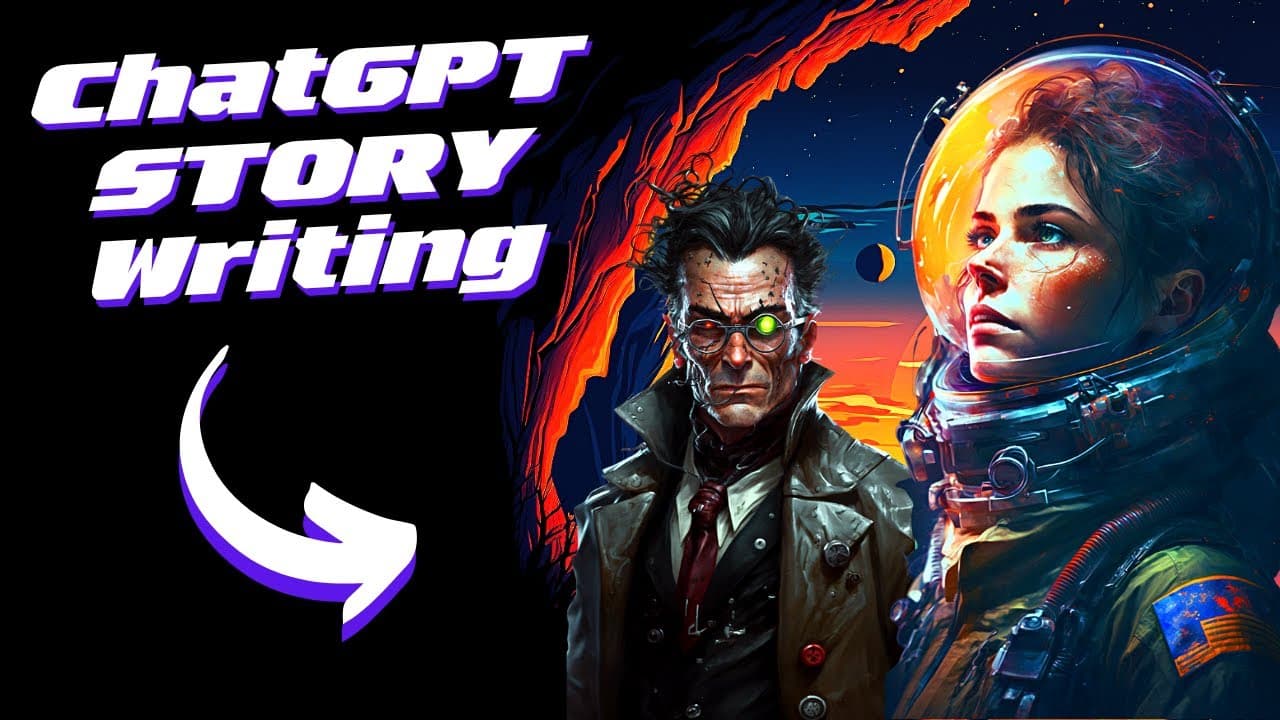
To write engaging stories with ChatGPT, set your genre and fill out a specific prompt template detailing the title, setting, characters, and conflict. Then, create a story outline and write individual chapters, iterating on elements like dialogue and pacing to enhance narrative depth and suspense.
Transcript
so I have received tons of questions about how I would write a story using chat GPT so I went ahead I did some research I did some testing and I ended up with a template that I think works very well for story writing so today I will show you how you can use this too so let's just get going so let's start by looking at the first step we are gonna do... Read More
Key Insights
- 🔍 Using Chat GPT for story writing: After research and testing, a template for story writing using Chat GPT has been developed, which can be used to write genre stories effectively.
- 🎭 Step 1: Setting the genre: The first step is to set the genre for the story, such as sci-fi, which will serve as the foundation for the narrative.
- ️ Step 2: Prompt template: A prompt template is provided, including sections for title, settings, protagonist, antagonist, conflict, dialogue, theme, tone, pacing, and optional details or requirements.
- 📚 Step 3: Building story outlines: The template is used to create an outline for the story, with sections for introduction, journey to the destination, challenges faced, the struggle of power, conclusion, and optional epilogue.
- 📔 Step 4: Creating story chapters: The outline is then used to create individual chapters for the story, such as the epilogue, final confrontation, first discoveries, and chapter one.
- ✍️ Step 5: Writing chapters in-depth: Each chapter is written in detail and with an intriguing writing style, providing depth to the story and engaging the reader.
- 📝 Story iterations: After completing the story, there are suggestions for iteration, including character development, dialogue improvement, setting descriptions, conflict escalation, and adding an optional epilogue.
- 💡 The power of iteration: Iterating on the story can enhance the overall quality, allowing for improvements in character arcs, suspense, and anticipation.
- 📎 Additional resources: A link to the newsletter is provided for a PDF with Chat GPT prompts, along with information on a membership for those interested in generative AI.
Install to Summarize YouTube Videos and Get Transcripts
Explore YouTube Video Summarizer or Get YouTube Transcript Extractor
Questions & Answers
Q: How does the video suggest setting the genre and prompt for a genre story using Chat GPT?
The video suggests setting the genre and prompt by entering specific details such as genre, title, setting, protagonist, antagonist, conflict, dialogue, theme, tone, pacing, and optional details in the Chat GPT prompt.
Q: Why is it recommended to vary the pacing in a genre story?
Varying the pacing in a genre story helps to build and release tension, advance the plot, and create a dramatic effect. It keeps the reader engaged and interested throughout the story.
Q: What are some of the factors included in the story template for genre stories?
The story template for genre stories includes factors such as title, setting details, protagonist (name, age, occupation, description), antagonist, conflict, instructions for dialogue, central theme, tone, pacing, and optional details like word count or genre constraints.
Q: How can iterations be used to improve the story after it's written?
Iterations can be used to improve the story by focusing on areas like character development, dialogue, setting description, and conflict escalation. It helps to enhance the story's depth, suspense, and overall quality.
Q: Can the story chapters be expanded to create more content?
Yes, the story chapters can be expanded to create more content. By adding more chapters, the story will have a greater length and depth. It's up to the author to decide how much content they want to include.
Q: How long is the final story in the example provided in the video?
The final story in the example provided in the video is around 1,888 words, which translates to five pages. It's considered a good length for a story, but it can be expanded if desired by adding more chapters or elaborating on existing ones.
Summary & Key Takeaways
-
The video presents a template for writing genre stories using Chat GPT.
-
Step 1: Set the genre and prompt in Chat GPT.
-
Step 2: Fill out the template with details such as title, setting, protagonist, antagonist, conflict, dialogue, theme, tone, pacing, and optional details.
-
Step 3: Build a story outline based on the template factors.
-
Step 4: Write story chapters in-depth and in an intriguing writing style.
Read in Other Languages (beta)
Share This Summary 📚
Summarize YouTube Videos and Get Video Transcripts with 1-Click
Try YouTube Summary with ChatGPT & Claude or YouTube Transcript Generator
Explore More Summaries from All About AI 📚

Summarize YouTube Videos and Get Video Transcripts with 1-Click
Try YouTube Summary with ChatGPT & Claude or YouTube Transcript Generator