How to Use uv for Python Production in Docker
TL;DR
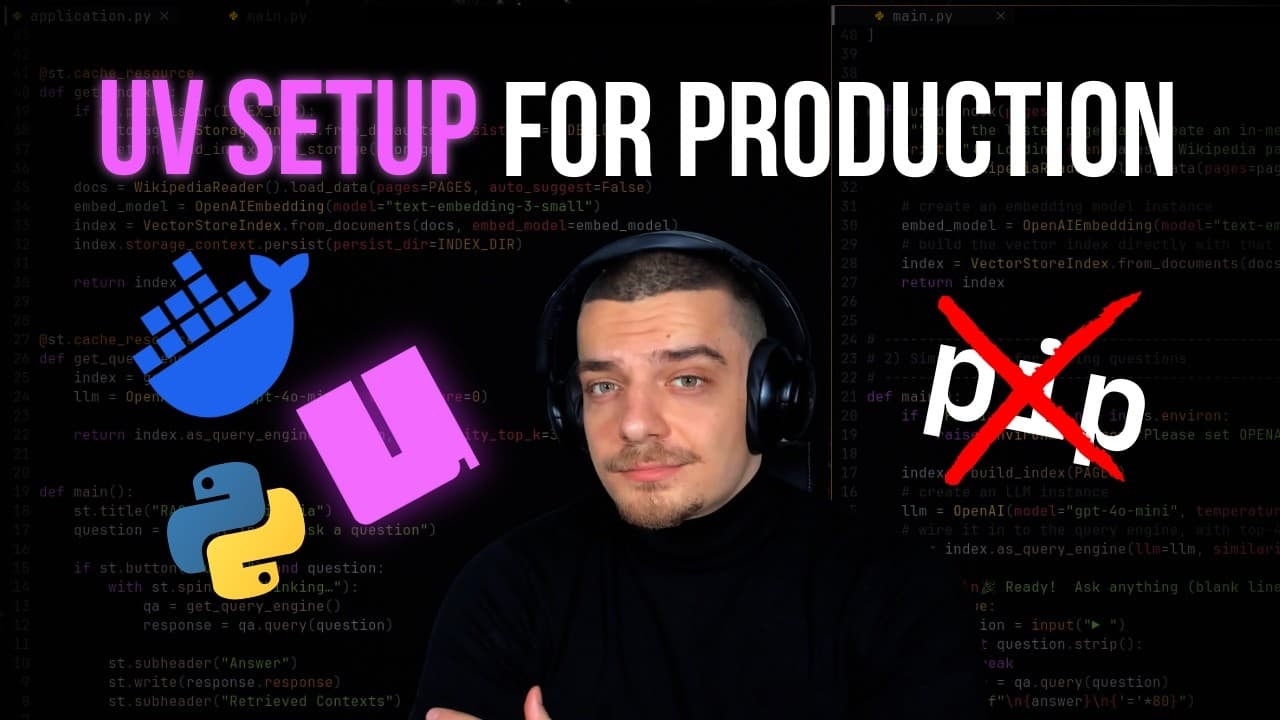
Pin a specific uv version in a Python Docker image, copy the uv and uvx binaries, and install locked dependencies with uv sync --locked. Start the containerized application with uv run, bind Uvicorn to 0.0.0.0 on port 8000, then build and run the image with Docker using the required port mapping.
Transcript
Everybody's talking about transitioning from pip or poetry to using uv which is a rustbased python package manager. In this video today I want to show you how we can use it in production with docker. So let's get right into it. All right. So this is going to be quite a quick tutorial. There's not too much to cover. We basically just want to learn h... Read More
Key Insights
- uv is a Rust-based Python package manager that can replace pip, Poetry, pipx, and separate virtual-environment tooling while managing several parts of a Python project workflow.
- A uv project is initialized with
uv init, and dependencies such as FastAPI, YFinance, and Uvicorn can then be added to create the project metadata and lock file used during deployment. - The sample FastAPI application receives a ticker as a path parameter, downloads its stock information through YFinance, writes the downloaded information to
data.csv, and returns a success response. - The Docker base image in the example is Python 3.13 Slim Bookworm, which does not already include uv, so the uv binaries must be copied or installed separately.
- A specific uv version should be pinned for production instead of using
latest; the example checks the locally installed version and copies uv version 0.6.6 for consistency. - The command
uv sync --lockedinstalls dependencies according to the versions recorded in the uv lock file, serving the same basic deployment purpose as installing a traditional requirements file. - The container command uses
uv run uvicorn main:app --host 0.0.0.0 --port 8000, ensuring that the FastAPI application starts through uv and listens on the demonstrated container port. - Docker port mapping exposes the running service by mapping port 8000 to port 8000, while generated files such as
data.csvcan be inspected inside the container or made accessible through a volume.
Install to Summarize YouTube Videos and Get Transcripts
Explore YouTube Video Summarizer or Get YouTube Transcript Extractor
Questions & Answers
Q: How do you install uv in a production Docker image?
Start with a Python base image, such as the demonstrated Python 3.13 Slim Bookworm image, and copy the uv and uvx binaries from the Astral uv container image into the image's binary directory. The tutorial prefers this single Dockerfile instruction over running an installer script, although it notes that an installer can also be used.
Q: Why should you pin the uv version in Docker?
Pinning a concrete uv version avoids relying on the moving latest reference and follows the production practice identified in the tutorial. The example runs uv --version locally, finds version 0.6.6, and uses that same version in the Dockerfile so the container receives the explicitly selected uv binaries.
Q: What does uv sync --locked do in a Dockerfile?
The uv sync --locked command installs the packages represented by the project's uv lock file. That file contains locked package versions, so the tutorial treats this command as the uv equivalent of installing dependencies from a traditional requirements.txt file. It is run after the project has been added to /app and selected as the working directory.
Q: How do you run FastAPI with uv inside Docker?
Run Uvicorn through uv with uv run uvicorn main:app --host 0.0.0.0 --port 8000. Here, main:app identifies the FastAPI application created in the main module. The host and port arguments make the server listen on the demonstrated container interface and port, which can then be connected through Docker port mapping.
Q: What files are needed to install locked uv dependencies?
The project contents added to the image must include the uv project configuration and its lock file. The tutorial emphasizes the uv lock file because it records the frozen package versions consumed by uv sync --locked. Its Dockerfile copies the current project directory into /app, sets /app as the working directory, and then synchronizes dependencies.
Q: How do you build and run the uv Docker image?
Build the current directory as a Docker image and assign it a tag, demonstrated as uv-production. Run that image as a container with port 8000 on the host mapped to port 8000 in the container, and optionally assign the container a name. The configured command then launches the FastAPI server automatically through uv and Uvicorn.
Q: How does the sample FastAPI endpoint work?
The sample defines a download route containing a ticker path parameter. When a caller supplies a ticker such as Apple or Nvidia, the handler passes it to YFinance, downloads the related stock trading information, saves the result as data.csv, and returns a success response. The endpoint can be called through a browser after the application starts.
Q: How can generated CSV data be accessed from the container?
The tutorial demonstrates opening a Bash shell inside the running container with Docker execution commands and inspecting the generated data.csv file there. It also states that a Docker volume can be mapped if the file needs to be available without entering the container through an interactive shell, although that volume configuration is not demonstrated in detail.
Summary & Key Takeaways
-
The tutorial initializes a uv project and adds FastAPI, YFinance, and Uvicorn as dependencies. Its sample FastAPI application accepts a ticker through a path parameter, downloads the corresponding stock data with YFinance, saves that information to a CSV file, and returns a success response to the caller.
-
The Dockerfile starts from Python 3.13 Slim Bookworm and copies uv binaries from the Astral container image. The demonstrated configuration pins uv to version 0.6.6, adds the project to
/app, selects that directory as the working directory, and installs the exact locked dependencies withuv sync --locked. -
The application starts inside the container through
uv run uvicorn main:app, with the server bound to0.0.0.0on port 8000. After building a tagged image, Docker runs it with port 8000 mapped to port 8000, allowing the FastAPI endpoint to remain accessible through a browser.
Read in Other Languages (beta)
Share This Summary 📚
Summarize YouTube Videos and Get Video Transcripts with 1-Click
Try YouTube Summary with ChatGPT & Claude or YouTube Transcript Generator
Explore More Summaries from NeuralNine 📚




Summarize YouTube Videos and Get Video Transcripts with 1-Click
Try YouTube Summary with ChatGPT & Claude or YouTube Transcript Generator