What Can You Do With an OS on a 1.44MB Floppy Disk?
TL;DR
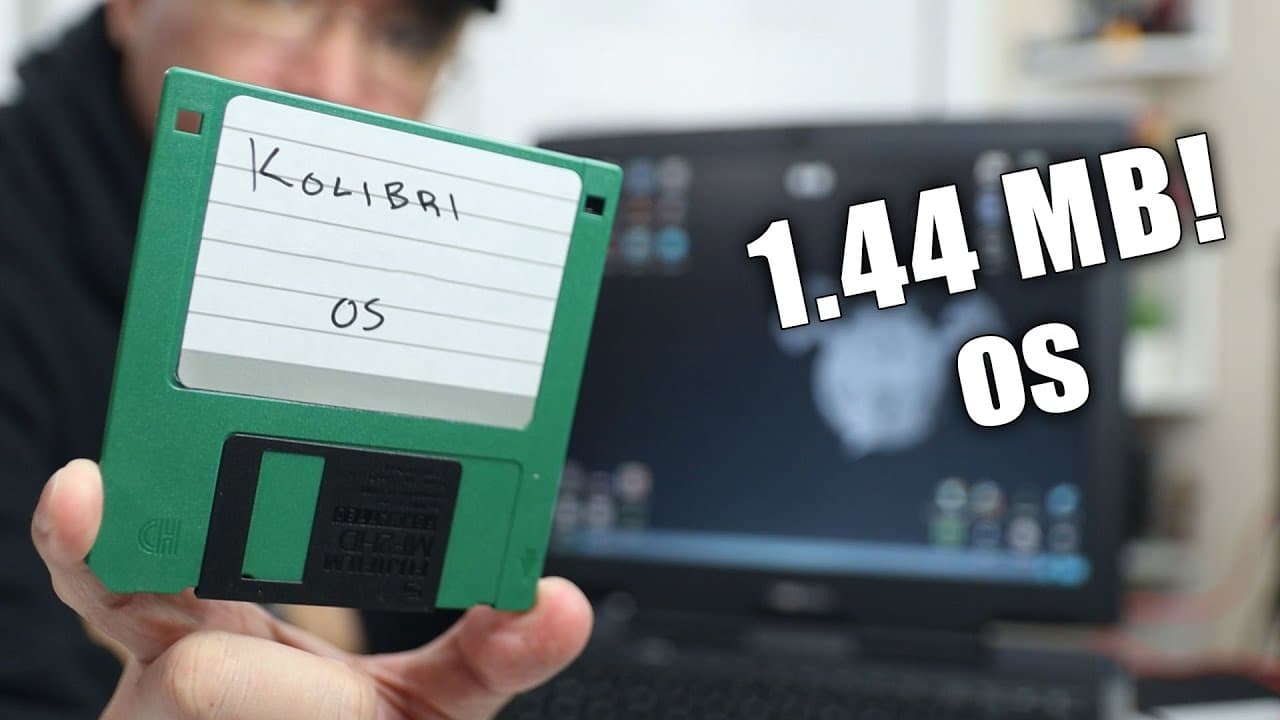
An operating system fitting entirely on a 1.44MB floppy disk can support a full GUI with multiple applications, including games, file management, and internet browsing. It demonstrates impressive capabilities on older hardware, allowing users to run essential computing tasks in a highly compact format while maximizing utility within minimal storage constraints.
Transcript
hey guys what's going on it's Don here from Nova Spirit Tech and welcome back to the channel and today we're going to be checking out an operating system that fits on a floppy disc yes only 1.4 megabytes so let's get started now again this operating system has impressed me with the amount of things that they are able to do it's just not a text spas... Read More
Key Insights
- 🚙 The operating system reveals the capability of maximizing utility within constrained storage, emphasizing software optimization.
- 👤 The GUI provides an intuitive user experience that belies the limited size of the OS, making it accessible for users familiar with more modern operating systems.
- 👻 Compatibility with older hardware, such as a Celeron processor with minimal RAM, allows the OS to revive outdated machines for practical use.
- 😀 One notable feature is the built-in app store, albeit limited by the storage constraints, showcasing how legacy systems can still provide avenues for expansion.
- 😒 Various file management and coding utilities showcase the versatility of the operating system for both casual and developer use.
- 👾 The inclusion of games highlights not just functionality but also entertainment, providing a framework for fun without heavy resource demands.
- 👣 Features like image editing and system monitoring further illustrate the operating system's extensive functionality despite its minimal footprint.
Install to Summarize YouTube Videos and Get Transcripts
Explore YouTube Video Summarizer or Get YouTube Transcript Extractor
Questions & Answers
Q: What is significant about the operating system being demonstrated?
The operating system is remarkable for fitting entirely on a 1.4 MB floppy disk, showcasing how much functionality can be packed into a minimal storage size. It features a complete graphical user interface, highlighting the creativity and efficiency of software design for legacy systems. The ability to run various applications and games on such limited resources makes it a noteworthy exploration into vintage computing.
Q: How was the operating system installed on the computer?
The installation was performed using a tool called Wind Imager, specifically version 6.0, which supports Windows XP. The user copied a floppy drive image to the floppy disk and booted the operating system from it. The boot process took around 45 seconds, which is commendable given that it is running off a floppy disk. This demonstrates an efficient installation method for legacy systems.
Q: What types of applications are included with the operating system?
The operating system comes with a variety of applications, including games like Tetris and Flappy Birds, as well as utility applications for file management and image editing. It features multiple file managers, a web browser, and programming tools, providing a comprehensive suite of software that ensures the operating system is functional for both leisure and productivity without requiring extensive resources.
Q: Can the operating system connect to the internet?
The operating system does include a web browser and network-related applications, which suggest that internet connectivity is possible. However, in the demonstration, the browser did not function due to network driver issues. If a compatible network card were in use, the user could potentially configure the network settings to facilitate internet access, demonstrating its potential despite current limitations.
Summary & Key Takeaways
-
The video showcases a unique operating system that operates entirely from a 1.4 MB floppy disk, demonstrating its surprising capabilities including GUI features and multiple applications.
-
The installation process involves using a program called Wind Imager to flash the system image onto the floppy disk, and the OS manages a desktop environment with various utility and gaming applications.
-
Despite its limited storage, the operating system can run efficiently on older hardware, providing a range of functionalities from file management to gaming, making it a fascinating exploration of vintage computing.
Read in Other Languages (beta)
Share This Summary 📚
Summarize YouTube Videos and Get Video Transcripts with 1-Click
Try YouTube Summary with ChatGPT & Claude or YouTube Transcript Generator
Explore More Summaries from Novaspirit Tech 📚






Summarize YouTube Videos and Get Video Transcripts with 1-Click
Try YouTube Summary with ChatGPT & Claude or YouTube Transcript Generator