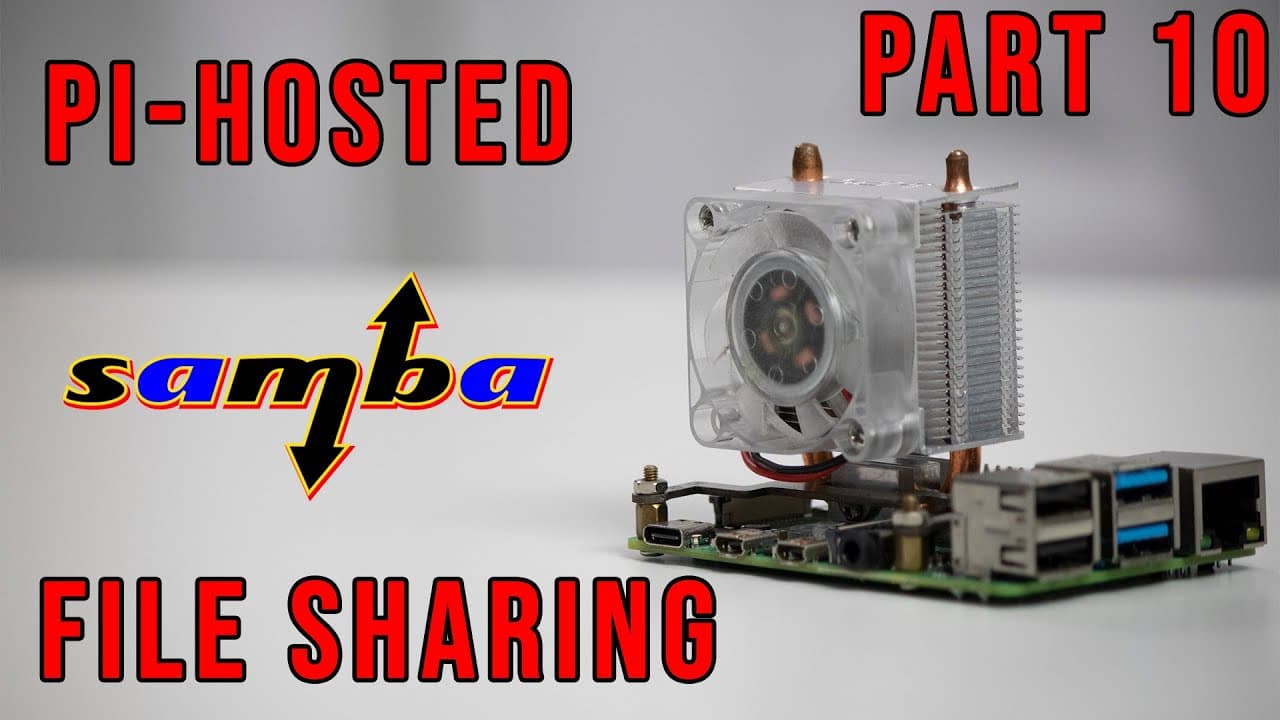
Pi-Hosted : Setting up Raspberry Pi Samba Server For File Sharing on Docker Part 10
TL;DR
A step-by-step guide to installing Samba for network file sharing on Raspberry Pi.
Transcript
hey guys what is going on it's don here from nova spare tech and welcome back to the channel and today we are going to be installing samba network file sharing service on our pi hosted series so let's get started now before i begin i do want to explain a little bit of the episode numbers that we have going on this was originally supposed to be epis... Read More
Key Insights
- 😄 Samba is a powerful tool for network file sharing, chosen for its compatibility and ease of use across operating systems.
- 😫 Understanding configuration file syntax, especially the distinction between colons and semicolons, is crucial for successfully setting up Samba.
- 👤 The tutorial emphasizes guest access settings, which simplify initial setups, but users are encouraged to explore more complex user management options per their security requirements.
- 🚙 Important Docker settings and port configurations are highlighted to prevent common pitfalls during Samba deployment.
- 👤 Users are advised to consult community forums for troubleshooting and assistance, enhancing the sharing experience with Samba.
- 👤 The flexibility of Samba allows users to tailor their installations and shared folders based on specific needs, including creating multiple user accounts.
- 👻 The host integrates personal experiences and recommendations, aiding viewers in avoiding similar mistakes during their configurations.
Install to Summarize YouTube Videos and Get Transcripts
Explore YouTube Video Summarizer or Get YouTube Transcript Extractor
Questions & Answers
Q: What is Samba and why is it used in this tutorial?
Samba is a software suite that allows file sharing and printing services across various operating systems, including Windows and Linux. In this tutorial, the host uses Samba because it is versatile and user-friendly, requiring no additional installations on devices to access shared folders. This ease of use makes it an ideal choice for users who want a seamless experience when sharing files on a network.
Q: What issues did the host encounter during the installation process?
The host experienced a significant issue with misreading configuration file syntax, leading to early complications in setting up the Samba service. Initially, he confused colons and semicolons in the configuration, causing deployment problems. Additionally, he faced a situation where the Docker container showed as "unhealthy," despite functioning correctly—an issue linked to Windows configurations that he planned to monitor for future resolutions.
Q: How can users customize permissions and user access in Samba?
Users can customize Samba permissions and user access through the configuration settings specified in Docker. The host explains that while he set the initial permissions to allow guest access, there are options to create unique users and direct them to different shared folders. Viewers are encouraged to consult the linked GitHub repository for detailed instructions on user management and configurations tailored to specific needs.
Q: What command did the host mention for changing folder permissions?
The host discussed using the command "sudo chmod 777" to change folder permissions, allowing read and write access for all users. He also highlighted the importance of adding the recursive flag "-r" for directories containing subfolders. While this command provides ease of access, he noted that it isn't the most secure option, recommending users consider their specific security needs before applying such broad permissions.
Q: What are the required port settings for Samba to work effectively?
The host emphasized the importance of keeping specific port settings unchanged to ensure Samba functions properly. He pointed out that ports 139 and 445 must remain intact, as changing them would inhibit the ability of Windows and other systems to access the Samba shares correctly. Proper configuration of these ports is critical for enabling smooth file sharing across different devices.
Q: Can users find solutions to common issues while setting up Samba?
Yes, the host advises viewers to check the issue boards associated with the Samba Docker container. Troubleshooting community forums often provide solutions to common problems encountered during installation, such as permission errors or connectivity issues. He encourages users to engage with the community for support and updates on best practices.
Summary & Key Takeaways
-
The episode features the installation of Samba, a file-sharing service for Raspberry Pi, intended for easy file access across different operating systems without requiring extra protocols or installations.
-
The creator also addresses previous episode numbering confusion and shares insights into configuring the Samba service, particularly emphasizing user permissions and the importance of using the correct syntax in configuration files.
-
Throughout the video, the host discusses specific commands, permissions needed for access, and troubleshooting unexpected issues that arise during setup, ensuring clarity for viewers.
Read in Other Languages (beta)
Share This Summary 📚
Summarize YouTube Videos and Get Video Transcripts with 1-Click
Try YouTube Summary with ChatGPT & Claude or YouTube Transcript Generator
Explore More Summaries from Novaspirit Tech 📚






Summarize YouTube Videos and Get Video Transcripts with 1-Click
Try YouTube Summary with ChatGPT & Claude or YouTube Transcript Generator