How Can Non-Developers Adopt DevSecOps?
TL;DR
Non-developers can adopt DevSecOps by automating repetitive security and infrastructure work with scripting, APIs, and tested workflows. PowerShell, PowerShell DSC, and Bash can help administrators provision systems, enforce secure baselines, and introduce small security changes earlier, reducing manual effort, production risk, delays, stress, and burnout.
Transcript
So, uh, my name's Sarah Parrott. I am a senior information security technology engineer at BECU. Yes, they were trying to set records with that title length. Um, what I'd like to talk about today is, you know, DevSecOps for the rest of us. So a lot of the DevSecOps presentations you go to are very developer centric, but there's a lot of us that are... Read More
Key Insights
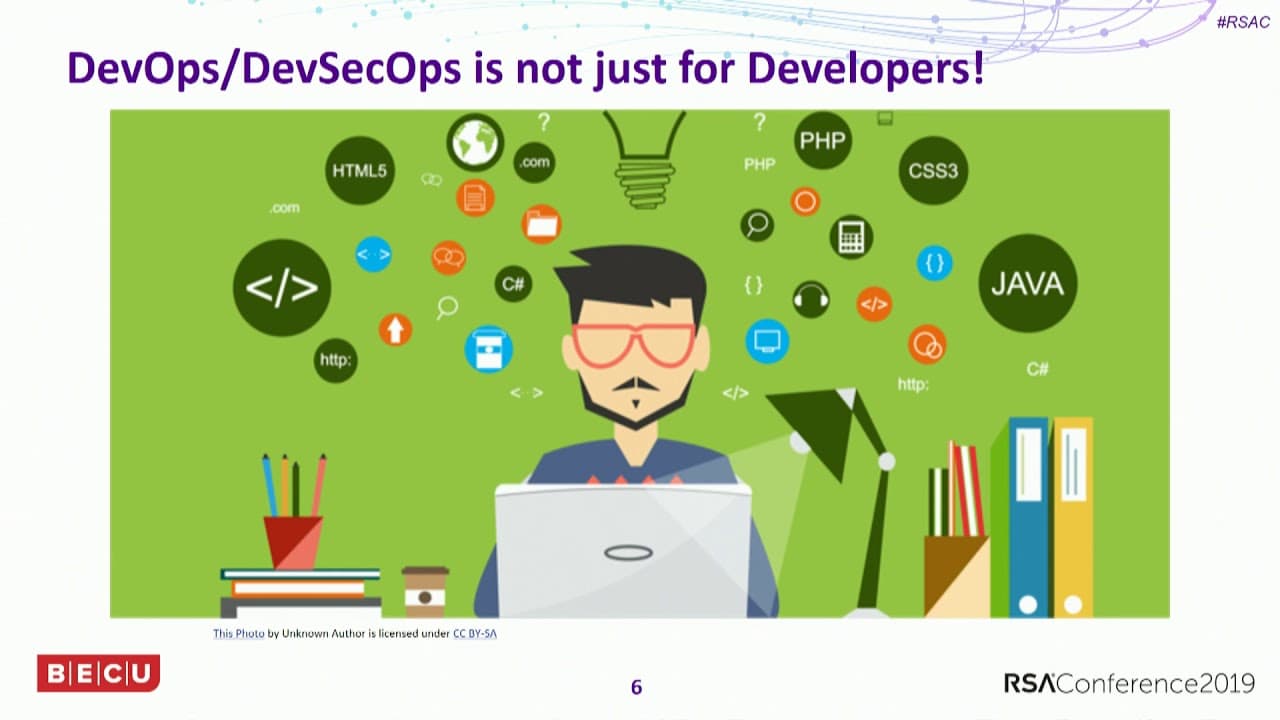
- DevSecOps is applicable to security, system, and network administrators because its automation, collaboration, testing, and incremental-delivery principles address operational work as well as software development. Professionals do not need to be developers to use scripting and APIs for routine security tasks.
- Automation is an immediate way to reduce mundane manual work. A ticket for a new server can trigger a workflow that validates the requested resources, builds the system according to the request, and reduces a process that may take hours or months to about an hour.
- Continuous integration and continuous delivery use small, frequent changes instead of large releases containing many features and bugs. Small changes give customers functionality and security enhancements sooner while making defective changes easier to identify, remove, or correct.
- Traditional DevOps improves communication between developers and operations, but security may remain excluded until the end. Late vulnerability findings can delay projects and make security teams appear responsible for blocking delivery, even when their findings protect the resulting system.
- DevSecOps moves security earlier in the process by checking work while it is being developed. Static analysis can identify code vulnerabilities before delivery, giving teams an opportunity to fix problems sooner and helping projects remain on schedule.
- Secure configuration changes can follow the same incremental approach as software changes. Administrators can modify baselines or scripts in small steps, test changes in development, resolve compatibility problems, and then introduce the verified configuration into production.
- Protocol changes should be tested before production deployment because disabling an insecure protocol, such as TLS 1.0, may break dependent systems. Early collaboration with developers helps security administrators discover the impact, fix affected components, and avoid bringing production systems down.
- PowerShell is a versatile automation language with consistent verb-and-noun command syntax. It is installed with Windows, supports modules for Active Directory and third-party products, has community modules in the PowerShell Gallery, and version six works on both Windows and Linux.
Install to Summarize YouTube Videos and Get Transcripts
Explore YouTube Video Summarizer or Get YouTube Transcript Extractor
Questions & Answers
Q: How can non-developers use DevSecOps principles?
Security, system, and network administrators can apply DevSecOps by treating configurations and operational procedures like incrementally delivered work. They can automate tasks with PowerShell, PowerShell DSC, Bash, and APIs, test small changes in development, collaborate with developers earlier, and deploy verified updates to production. This approach does not require them to become software developers.
Q: Why should security administrators automate repetitive work?
Automation reduces the time spent on mundane manual tasks that compete with project work and regulatory training. The presentation connects excessive manual work with long working days, poor work-life balance, stress, and eventual burnout. Automated workflows can save time, make customers happier, and leave administrators with more capacity for work that requires judgment and attention.
Q: How can server provisioning be automated from a ticket?
A new-server ticket can automatically start a workflow that builds the server according to the customer's request. The workflow can also validate whether the requested resources are reasonable, preventing requests such as 64 cores and 128 gigabytes of RAM from proceeding unchecked. The example reduces provisioning from hours, or even months, to about an hour.
Q: What are continuous integration and continuous delivery?
Continuous integration and continuous delivery replace large, infrequent releases with smaller and more frequent changes, such as a single feature or enhancement. Customers receive new functionality and security improvements sooner, with fewer changes bundled together. If a bug occurs, the team can identify the small recent change and either remove it or fix it more quickly.
Q: Why does DevSecOps move security earlier in the process?
Moving security earlier allows teams to identify vulnerabilities while work is still being developed instead of waiting until the end. Static analysis can reveal code problems before delivery, when fixes are less disruptive to schedules. Earlier security involvement also improves collaboration and reduces situations where late findings delay a project and make security appear to be the obstacle.
Q: How can administrators deploy secure baseline changes safely?
Administrators can express secure baselines through PowerShell scripts or PowerShell DSC configurations, then update them in small increments. Each change can be tested in a development environment to discover whether it breaks anything. Teams can fix the resulting problems before production deployment, reducing the chance that a security improvement will interrupt production systems.
Q: Why should disabling TLS 1.0 be tested first?
Disabling TLS 1.0 is presented as an example of a security change that may break existing systems. Testing the change in development reveals affected components before production is touched. Security professionals and developers can then work together to correct the compatibility problem and deploy the change without bringing production systems down, which is especially important when security teams lack dedicated test systems.
Q: What makes PowerShell useful for security automation?
PowerShell uses a consistent verb-and-noun command structure, with verbs such as get, set, and install identifying actions and nouns identifying their targets. Windows includes PowerShell, and modules extend it to services such as Active Directory and third-party products. PowerShell Gallery includes community-built vendor modules, while version six also supports Linux, Azure, and AWS environments.
Summary & Key Takeaways
-
DevSecOps principles can benefit security, system, and network administrators, not only software developers. Automating repetitive operational tasks gives teams more time for projects, regulatory training, and other responsibilities. It can also improve delivery speed, customer satisfaction, work-life balance, and resilience against the stress caused by persistent manual workloads.
-
Traditional DevOps uses continuous integration and continuous delivery to release small changes frequently. Smaller releases make new functionality and security enhancements available sooner while limiting the scope of bugs. When a problem appears, teams can identify the recent change, remove it, or repair it more quickly than with a large release.
-
DevSecOps moves security earlier into development and operational workflows. Administrators can test secure baselines, protocol changes, scripts, and configurations in development before production deployment. PowerShell, PowerShell DSC, Bash, APIs, and vendor modules support automation across security appliances, Windows, Linux, Azure, AWS, Active Directory, and firewall environments.
Read in Other Languages (beta)
Share This Summary 📚
Summarize YouTube Videos and Get Video Transcripts with 1-Click
Try YouTube Summary with ChatGPT & Claude or YouTube Transcript Generator
Explore More Summaries from RSAC Cybersecurity 📚


Summarize YouTube Videos and Get Video Transcripts with 1-Click
Try YouTube Summary with ChatGPT & Claude or YouTube Transcript Generator