Dual Boot Windows and Linux With rEFInd
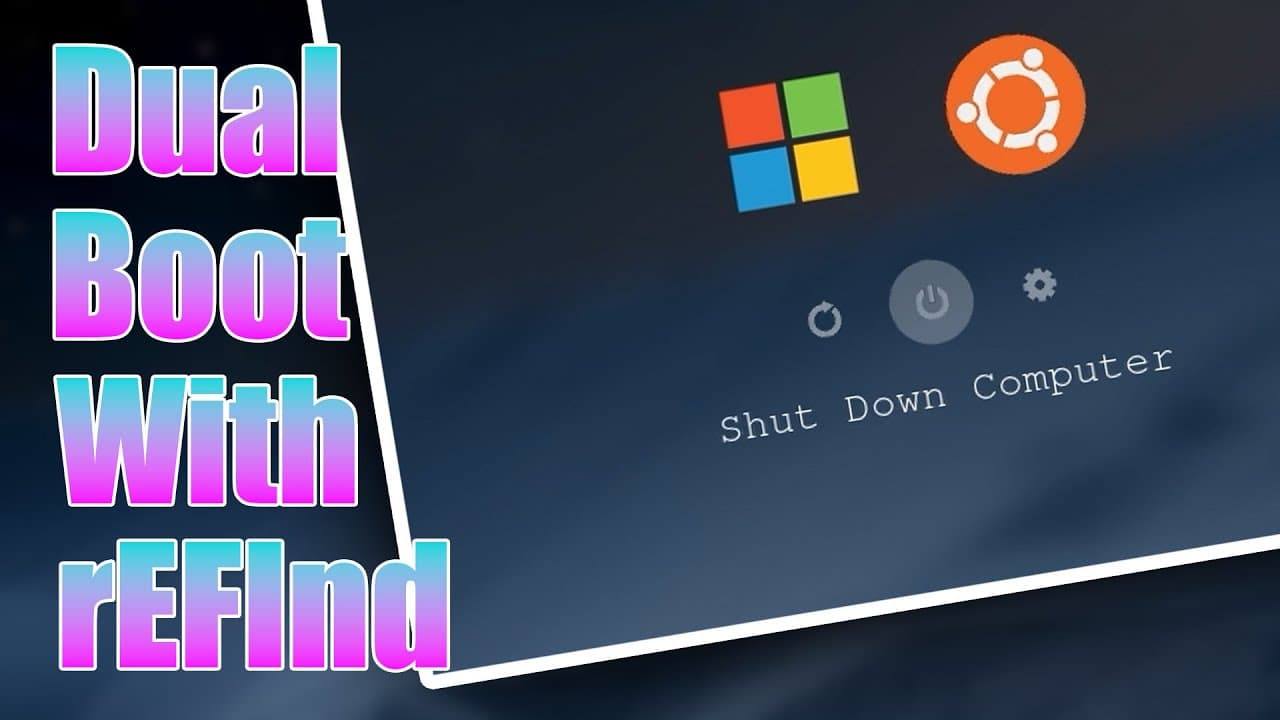
TL;DR
To dual boot Windows 11 and Linux with rEFInd, divide the storage between the two operating systems, install Windows first, install Ubuntu alongside Windows Boot Manager, and then configure the boot manager. The demonstration uses one 1 TB NVMe drive, leaving 488 GB unallocated for Linux, though separate drives can also be used. Read on for the exact installation and BIOS choices shown.
Transcript
all right so today we're going to be dual booting windows and Linux using refine so let's check it out now dual booting is a feature that allows your computer to boot into multiple operating systems in our case it'll be Windows 11 and Linux all right now when it boots it actually goes into something called a boot manager and in our case if you only... Read More
Key Insights
- 👻 Dual booting allows flexibility in operating systems to run software that may only be available on one platform.
- 👾 The process of partitioning is crucial for dual boot setups, ensuring enough disk space is allocated to each operating system without data loss.
- 👤 Refine enhances the dual boot experience with its customization capabilities, making it visually appealing and user-friendly.
- 🥾 Properly configuring UEFI BIOS settings is essential to successfully boot into desired operating systems.
- 💀 The installation of both Windows and Linux can be streamlined using tools like Ventoy for managing installation ISOs.
- 🥾 The ability to theme boot managers can significantly improve user engagement and satisfaction by tailoring the boot process to personal preferences.
- 👤 Users must remain cautious of hidden boot entries that could clutter the boot menu and complicate user selection.
Install to Summarize YouTube Videos and Get Transcripts
Explore YouTube Video Summarizer or Get YouTube Transcript Extractor
Questions & Answers
Q: How do you dual boot Windows 11 and Linux with rEFInd?
Install Windows 11 first, leaving part of the drive unallocated for Linux, and then install Ubuntu using the “Install Ubuntu alongside Windows Boot Manager” option. After both systems are installed, configure rEFInd as the boot manager so you can select the operating system at startup.
Q: What is dual booting?
Dual booting allows one computer to boot into multiple operating systems. In this setup, the available operating systems are Windows 11 and Linux.
Q: How should one drive be partitioned for Windows and Linux?
During the customized Windows installation, the presenter deletes the existing partitions to create one flat drive and then divides the available space. On the demonstrated 1 TB NVMe drive, Windows creates its required system, EFI, reserved, and primary partitions, while 488 GB remains unallocated for Linux.
Q: Can Windows and Linux be installed on separate hard drives?
Yes. If the computer has multiple hard drives, the partition-splitting step can be skipped and Linux can be installed on the second drive.
Q: Why is Windows 11 installed before Ubuntu in this setup?
The walkthrough installs Windows 11 first and reserves unallocated storage for Linux. Ubuntu is then installed by choosing the option to install it alongside Windows Boot Manager.
Q: What is Ventoy used for during the installation?
Ventoy is used as a boot utility that can start multiple ISO files. The presenter boots the Windows 11 installer and later the Ubuntu installer from it.
Q: Why must the BIOS boot settings be changed after installing Ubuntu?
Windows Boot Manager remains the active boot choice after Ubuntu is installed, so the presenter initially needs a boot override to enter Linux. Setting Ubuntu as the first NVMe drive boot priority makes the computer start GRUB automatically instead.
Q: Why use rEFInd instead of GRUB for this dual-boot setup?
GRUB can already present choices for Ubuntu and Windows Boot Manager. The presenter prefers rEFInd because it is easy to customize and configure, while describing the default GRUB menu as unattractive and its theming as less easy.
Summary & Key Takeaways
-
This content provides a detailed tutorial on setting up a dual boot configuration for Windows 11 and Linux using Refine, a customizable boot manager.
-
The guide covers the necessary steps for partitioning a hard drive, installing Windows and Linux, and configuring the boot manager settings effectively.
-
Additional information includes tips on theming the Refine boot manager for better aesthetics and ease of use between multiple operating systems.
Read in Other Languages (beta)
Share This Summary 📚
Summarize YouTube Videos and Get Video Transcripts with 1-Click
Try YouTube Summary with ChatGPT & Claude or YouTube Transcript Generator
Explore More Summaries from Novaspirit Tech 📚






Summarize YouTube Videos and Get Video Transcripts with 1-Click
Try YouTube Summary with ChatGPT & Claude or YouTube Transcript Generator