How to use NumPy for data science in Python
TL;DR
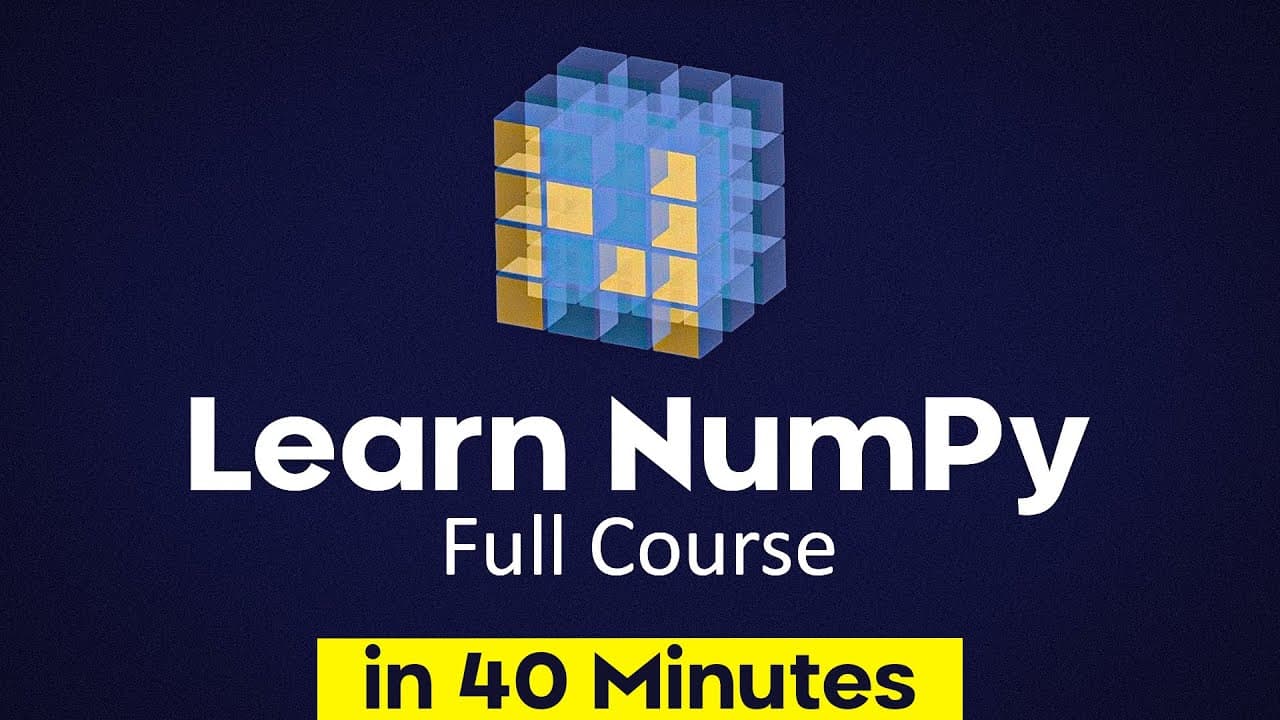
NumPy is the core tool for efficient numerical arrays in Python, enabling vectorized operations and speedups over Python lists. This video covers installation, array creation, data types, and basic operations to get you started, with examples and guidance for using Jupyter notebooks.
Transcript
In this video, you'll learn how to use the numpy library in Python. Now, if you're interested at all in data science, AI, machine learning, or scientific computing, then numpy is a must learn. And fortunately, in just a short video like this, I can teach you all of the fundamentals that will get you quite far. So with that said, let's get on to the... Read More
Key Insights
- NumPy stands for Numerical Python and provides support for large multi dimensional arrays and matrices with a rich set of mathematical functions.
- Arrays in NumPy are more efficient for numerical operations than Python lists and enable vectorized operations that remove the need for explicit Python loops.
- The standard import convention is to alias NumPy as np for concise code.
- NumPy arrays require all elements to be of the same type, unlike Python lists which can mix types.
- np.arange creates a range of values similar to Python range, while np.linspace generates evenly spaced numbers across a range.
- Common array creators include zeros, ones, and full for filled values, as well as identity matrices via np.eye and random arrays via np.random.
- NumPy is widely used behind the scenes by major frameworks like TensorFlow and PyTorch, making it foundational for data science workflows.
- The video advocates using Jupyter notebooks for interactive learning and experimentation with NumPy code.
Install to Summarize YouTube Videos and Get Transcripts
Explore YouTube Video Summarizer or Get YouTube Transcript Extractor
Questions & Answers
Q: A real search query question about the video (e.g. 'How to...', 'What is...', 'Why does...'). Question 1
How do you install NumPy and set up a Python environment for numerical computing? NumPy is installed via pip as the basic command and users on Windows run pip install numpy while users on Mac or Linux typically use pip three. After installation, you import NumPy in code using the common alias numpy as np, which is the standard convention for concise syntax. This setup enables you to begin creating arrays and running NumPy operations within your project or a Jupyter notebook.
Q: Question 2
What is NumPy and why is it important for data science and machine learning? NumPy stands for Numerical Python and provides support for large multi dimensional arrays and matrices along with a collection of mathematical functions to operate on them. It is foundational because the core operations are implemented in C and C plus plus for speed, and major frameworks such as TensorFlow and PyTorch rely on NumPy behind the scenes.
Q: Question 3
How does NumPy compare to Python lists for numerical tasks and what is vectorization? NumPy arrays are more efficient for numerical operations than Python lists and enable vectorized operations, meaning you can perform arithmetic directly on the entire array without looping in Python. This leads to faster execution, as demonstrated by speed comparisons between a million element Python list loop and a NumPy array operation.
Q: Question 4
What is the standard convention for importing NumPy and why is it used? The standard convention is to import NumPy as np, which shortens code and makes frequent array operations more readable and concise. This alias is widely adopted in tutorials and documentation, helping developers write clean, consistent NumPy code across projects.
Q: Question 5
What are the requirements for elements in a NumPy array and how does this affect data types? NumPy arrays require that all elements have the same data type, unlike Python lists which can mix types. This uniformity allows NumPy to optimize storage and performance for numerical operations and ensures predictable behavior when applying vectorized computations or interfacing with other scientific libraries.
Q: Question 6
What are some common NumPy functions to create arrays and what do they do? Common functions include np.array to create an array from a Python list, np.arange to generate a range of values, and np.linspace to produce evenly spaced numbers. Other constructors like np.zeros, np.ones, and np.full create arrays filled with specific values, while np.eye creates an identity matrix and np.random produces random arrays.
Q: Question 7
How can NumPy be used interactively in notebooks and what tools support this workflow? The video recommends using Jupyter notebooks for interactive learning and experimentation with NumPy code because notebooks support combining markdown explanations with executable code blocks. VSCode and other editors can also run notebooks, making it easy to test NumPy expressions, visualize results, and iterate quickly.
Q: Question 8
What is the relationship between NumPy and deep learning frameworks, and how should a learner approach learning NumPy? NumPy underpins numerical operations that are used by major frameworks such as TensorFlow and PyTorch, making it essential to understand NumPy basics early. A learner should start with installation, array creation, and basic data types, then progress to multi dimensional arrays and common operations to build a solid foundation for advanced libraries.
Summary & Key Takeaways
-
NumPy provides large multi dimensional arrays and matrices with a collection of mathematical functions, essential for data science, AI, and scientific computing tasks. The video explains that NumPy is efficient because core operations are written in C and C plus plus and used by major frameworks.
-
NumPy arrays are more efficient than Python lists for numerical operations, enabling vectorized computations and faster code execution as shown in the examples comparing Python lists to NumPy arrays.
-
The tutorial demonstrates multiple ways to create arrays, including from Python lists, arange, linspace, zeros, ones, full, identity, and random arrays, emphasizing that array elements must be the same type and that NumPy arrays support multi dimensional structures.
Read in Other Languages (beta)
Share This Summary 📚
Summarize YouTube Videos and Get Video Transcripts with 1-Click
Try YouTube Summary with ChatGPT & Claude or YouTube Transcript Generator
Explore More Summaries from Tech With Tim 📚





Summarize YouTube Videos and Get Video Transcripts with 1-Click
Try YouTube Summary with ChatGPT & Claude or YouTube Transcript Generator