What to Do After Uploading a YouTube Video
TL;DR
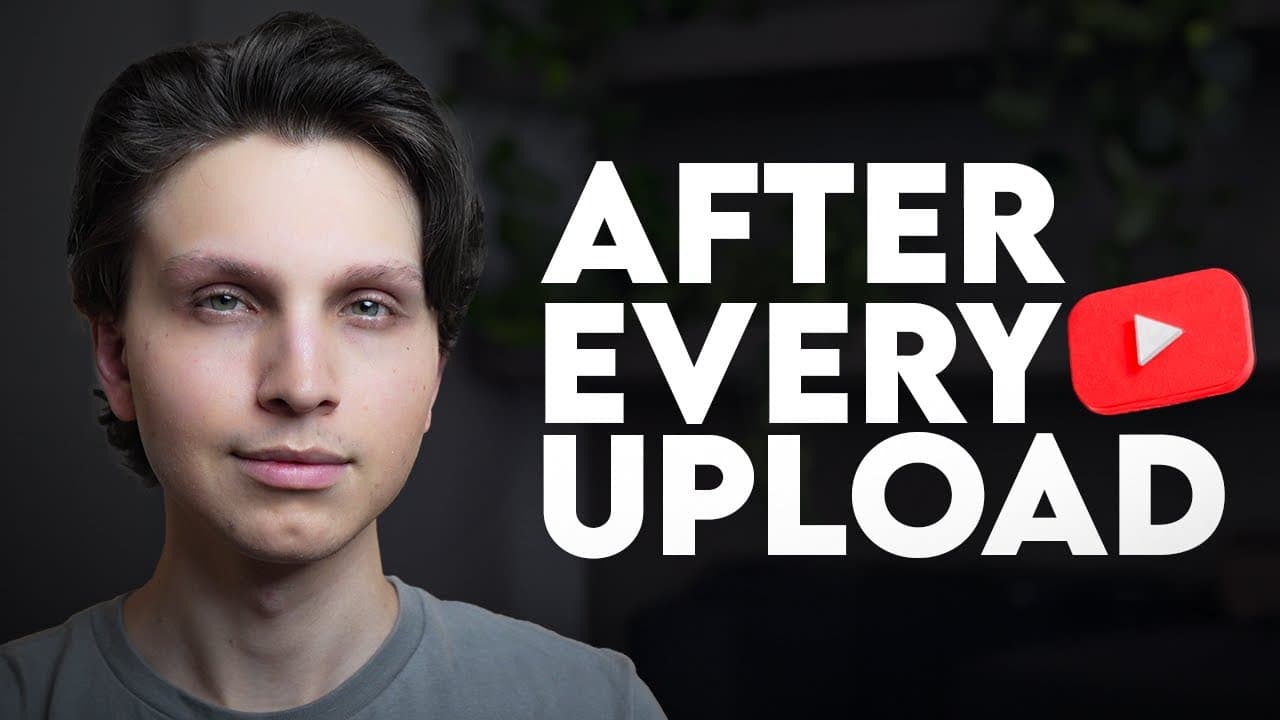
Optimize the video’s title, description, links, and playlist placement instead of treating publication as the final step. Use a clear, accurate title with searchable terms, write a keyword-rich opening paragraph, direct viewers toward related long-form content, disclose affiliate relationships, and keep alternative titles ready if early performance falls below expectations.
Transcript
Most YouTubers think their job is completely done after they hit the publish button. They upload their video. Maybe they share it on social media, which by the way, I do not recommend at all and then they just hope for the best. But here's what they don't understand. What you do immediately after publishing a video is just as important as the video... Read More
Key Insights
- The post-publication process is presented as part of video optimization, not an optional afterthought. The creator recommends following a repeatable system after every upload to improve the opportunity to attract views, gain subscribers, build an audience, and potentially generate revenue.
- A video file name can provide YouTube with additional context because the platform can see the file name and other metadata included with the upload. The creator recommends matching the file name exactly to the planned title, while acknowledging that this is probably a very minor factor.
- A strong YouTube title includes a term people may search for, creates curiosity, and accurately represents the content. It should immediately communicate what viewers will receive while giving them a reason to click when they encounter it in search results or the suggested feed.
- Alternative titles provide options when a video performs below expectations. The creator recommends generating several possibilities, saving the strongest three, publishing with one, and replacing it with another variation after a couple of days if the video receives fewer views than usual.
- An optimized description begins with a natural paragraph that accurately describes the content and incorporates relevant keywords. The paragraph can also introduce curiosity, but the wording should remain connected to what viewers will actually see rather than functioning as an unrelated promotional message.
- A related long video can be placed near the beginning of the description to encourage additional viewing on the channel. The creator describes this as a way to increase session time, meaning the amount of time someone spends on YouTube after watching one of the channel’s videos.
- Consistent channel descriptions and recurring keywords can create similar metadata across uploads. According to the creator, this helps tie a channel’s videos together and may increase the opportunity for one upload to appear in the suggested feed alongside another video from the same channel.
- Strategic links should include relevant tools, paid offers, and appropriate disclosures. The creator recommends branded redirect links for destinations used across many descriptions because one destination can be updated centrally, and states that affiliate links should be accompanied by a disclosure explaining that the creator may earn money.
Install to Summarize YouTube Videos and Get Transcripts
Explore YouTube Video Summarizer or Get YouTube Transcript Extractor
Questions & Answers
Q: What should you do immediately after uploading a YouTube video?
Treat publication as the beginning of a structured optimization process. Review the title for search relevance, curiosity, and accuracy, then write a keyword-rich description with links arranged strategically. Add the upload to a relevant playlist, disclose affiliate relationships where applicable, and save alternative titles that can be tested if the video receives fewer views than usual.
Q: How should you name a YouTube video file before uploading it?
Rename the exported file so it matches the planned YouTube title as closely as possible. The creator uses an exact one-to-one match between the file name and title. He acknowledges that the file name is probably not an important ranking factor, but considers it an easy contextual optimization because YouTube can see the file name and included metadata.
Q: What makes a good YouTube video title?
A good title contains a keyword that potential viewers are likely to search for, creates enough curiosity to encourage a click, and accurately describes the video. Viewers should quickly understand what they will receive when the title appears in search or suggested videos. The title should avoid being so complicated or vague that its value is unclear.
Q: When should you change a YouTube video title?
Consider changing the title a couple of days after uploading if the first option is not performing to your standards or the video is receiving fewer views than usual. Prepare several title ideas before publication, save the strongest three, and keep unused variations available. This creates a planned testing process instead of requiring a new title under pressure.
Q: How should you structure a YouTube video description?
Start with a natural paragraph that accurately summarizes the video, includes relevant keywords, and creates interest in watching. Next, link to a related long video on the channel. After that, include paid offers, social media links, other relevant destinations, and a short channel description containing consistent language that can connect the channel’s uploads through similar metadata.
Q: Why link to a long related video in the description?
A long related video gives viewers a direct path to continue watching content on the same channel. The creator says this can increase session time, which he defines as how long someone remains on YouTube after watching one of your videos. The linked content should be related so the transition makes sense for the viewer.
Q: How should affiliate links be added to a YouTube description?
Add affiliate links for tools or products that are genuinely discussed in the video, and include a clear disclosure stating that the description contains affiliate links from which the creator can earn money. The creator also recommends adding subject-specific disclaimers when discussing areas such as health or making money, including guidance to consult an appropriate professional where relevant.
Q: Why should every YouTube upload be added to a playlist?
Every upload should fit into a playlist based on one of the channel’s recurring content categories. If no suitable playlist exists, a new one can be created. The creator believes playlists tie related videos together and provide another route for viewers to move from one upload to another while watching within an organized playlist environment.
Summary & Key Takeaways
-
Rename the video file to closely match its intended title before uploading. The creator considers this a minor contextual signal rather than a major ranking factor, but recommends it because renaming takes only seconds. The title itself should combine a relevant search term, clear value, accurate representation, and enough curiosity to encourage clicks.
-
Structure the description in distinct sections. Begin with a natural, keyword-rich paragraph that explains the content and encourages viewing. Follow it with a link to a related long video, then include paid offers, social profiles, and a short channel description. Repeated channel language can connect related uploads through similar metadata.
-
Add relevant tools and offers to the description, using affiliate links when appropriate and clearly disclosing that they can generate earnings. Branded redirect links can simplify destination changes across multiple descriptions. Finally, place every upload into a relevant strategic playlist so viewers have another organized path from one related video to the next.
Read in Other Languages (beta)
Share This Summary 📚
Summarize YouTube Videos and Get Video Transcripts with 1-Click
Try YouTube Summary with ChatGPT & Claude or YouTube Transcript Generator
Explore More Summaries from Make Money Matt 📚
Summarize YouTube Videos and Get Video Transcripts with 1-Click
Try YouTube Summary with ChatGPT & Claude or YouTube Transcript Generator