How to Create Real-Time Speech-to-Text with Python?
TL;DR
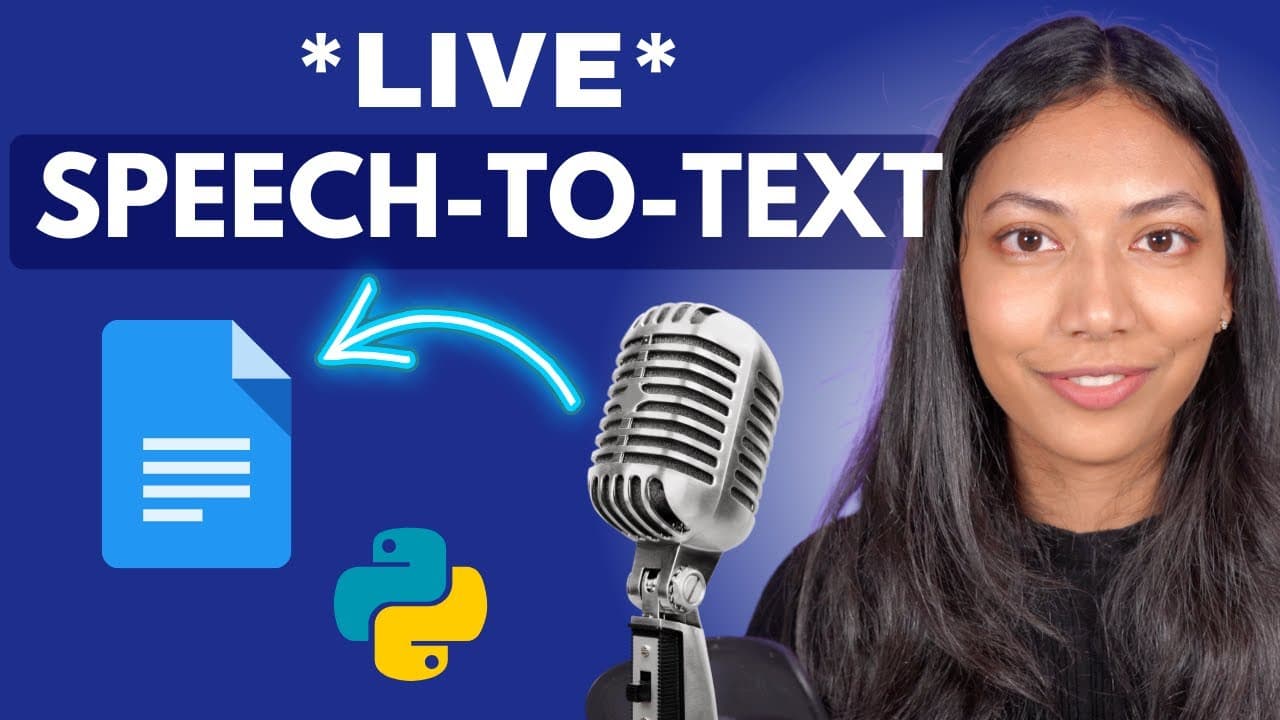
To create a Python application for real-time speech-to-text transcription, use Assembly AI's API to transcribe audio, pass the transcripts to a large language model for analysis, and write the output to a Google Document. This method enables various use cases, including taking notes during interviews and automating form filling based on spoken input.
Transcript
in this video we will build a python application that does real time swiech to text transcription and combines that with a large language model for analysis so as you speak whatever you're saying is being transcribed in real time and that text is being passed to a large language model which in turn is doing analysis on it and writing it all into a ... Read More
Key Insights
- ⌛ Real-time transcription capabilities through Assembly AI's API.
- 🌥️ Integration of a large language model for analysis of transcribed data.
- ❓ Automation of writing analyzed data into a Google Document.
- 🎵 Use cases such as interview notes, meeting notes, and form filling based on customer calls.
- 📚 Installation of dependencies like PortAudio and Assembly AI library for the Python application.
- 🤩 Configuration of API keys and creation of functions for real-time transcription handling.
- 🧭 Use of a transcript accumulator to manage real-time transcripts and pass them to the language model.
Install to Summarize YouTube Videos and Get Transcripts
Explore YouTube Video Summarizer or Get YouTube Transcript Extractor
Questions & Answers
Q: What are the three main steps in building the Python application?
The three main steps are real-time speech to text transcription, passing the transcript to a large language model for analysis, and writing the output to a Google Document.
Q: How can users configure their API key for the Assembly AI service?
Users need to obtain a free API key from the Assembly AI website and configure it within the Python code to use the real-time transcription service.
Q: How does the application handle real-time transcripts and pass them to the language model?
The application creates an object for real-time transcription, captures data from the microphone stream, and utilizes functions to manage data events for processing by the language model.
Q: What is the purpose of creating a prompt for the large language model in the Python application?
The prompt defines the task for the language model to analyze the transcript, generate responses, and avoid adding information not present in the transcription, controlled by the user's input.
Summary & Key Takeaways
-
Create a Python application for real-time speech to text transcription and analysis using a large language model.
-
Data is transcribed in real-time, passed to a language model for analysis, and written to a Google Document.
-
The application offers various use cases like interview notes, meeting notes, and form filling based on customer calls.
Read in Other Languages (beta)
Share This Summary 📚
Summarize YouTube Videos and Get Video Transcripts with 1-Click
Try YouTube Summary with ChatGPT & Claude or YouTube Transcript Generator
Explore More Summaries from AssemblyAI 📚






Summarize YouTube Videos and Get Video Transcripts with 1-Click
Try YouTube Summary with ChatGPT & Claude or YouTube Transcript Generator