How to Transcribe Audio Files to Text in Java
TL;DR
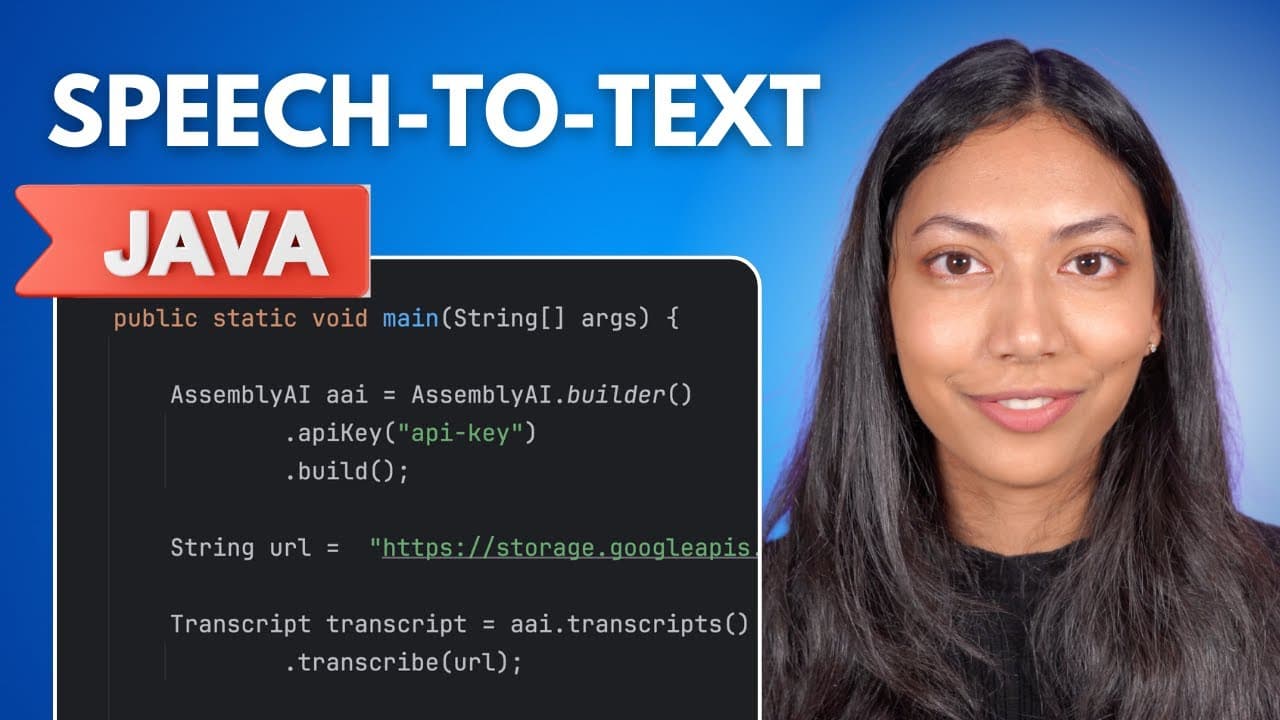
To transcribe audio files in Java, create a project and import the Assembly AI Java SDK. Build an Assembly AI transcriber object using your API key, define the audio file URL, and call the transcribe() method. For speaker identification, add configuration for speaker labels in the transcription process.
Transcript
in this video I'm going to show you exactly how you can transcribe an audio file in Java using assembly AI speech to text API so let's get started the first thing you want to do is create an empty Java project I've done this in intellig but feel free to use any other Java ID that you want so open build.gradle and once you're in build.gradle we want... Read More
Key Insights
- 🪡 To transcribe audio files in Java using Assembly AI, you need to create a Java project and import the Assembly AI Java SDK.
- 🤩 The Assembly AI transcriber object is created using the assemblyai.Builder API key.doBuild() method with your API key.
- 🤙 The URL of the audio file needs to be defined, and then the transcribe() method is called to perform the transcription.
Install to Summarize YouTube Videos and Get Transcripts
Explore YouTube Video Summarizer or Get YouTube Transcript Extractor
Questions & Answers
Q: What is the first step in transcribing an audio file in Java using Assembly AI?
The first step is to create an empty Java project and import the Assembly AI Java SDK.
Q: How do you create an Assembly AI transcriber object in Java?
To create an Assembly AI transcriber object, you use the assemblyai.Builder API key.doBuild() method and provide your Assembly AI API key as a parameter.
Q: How can you define the URL of the audio file to be transcribed?
You can define the URL of the audio file by assigning it to a variable that will be passed as a parameter to the Assembly AI transcribe() method.
Q: How can you generate speaker labels for the audio transcript?
To generate speaker labels, you need to create a config object with the assemblyai.transcripts.optional.PMSClass.Builder.speakerLabels() set to true, and then pass this config object as a parameter in the transcribe() method.
Q: How do you import the AssemblyAI Java SDK with Gradle?
Open build.gradle and add the latest AssemblyAI Java SDK dependency using the Gradle installation instructions from the AssemblyAI website. Then build the Gradle file before writing the transcription code in Main.
Q: How do you send an audio URL to AssemblyAI for transcription in Java?
Call the AssemblyAI object's transcripts transcribe method and pass it the URL containing the audio file. Store the returned result in a transcript variable.
Q: How do you print an AssemblyAI audio transcript in Java?
Print the transcript returned by the transcription call and run the Java project. After the program finishes, its output will contain the transcript of the audio file you passed.
Summary & Key Takeaways
-
The video demonstrates how to transcribe audio files in Java using the Assembly AI Speech to Text API.
-
It starts by creating a new Java project and importing the Assembly AI Java SDK.
-
The video explains how to create an Assembly AI transcriber object, define the URL of the audio file, and perform the transcription.
-
It also shows how to generate speaker labels for the transcript, enabling identification of different speakers.
Read in Other Languages (beta)
Share This Summary 📚
Summarize YouTube Videos and Get Video Transcripts with 1-Click
Try YouTube Summary with ChatGPT & Claude or YouTube Transcript Generator
Explore More Summaries from AssemblyAI 📚






Summarize YouTube Videos and Get Video Transcripts with 1-Click
Try YouTube Summary with ChatGPT & Claude or YouTube Transcript Generator