Supabase Tutorial #1: What Is Supabase and How Does It Work?
TL;DR
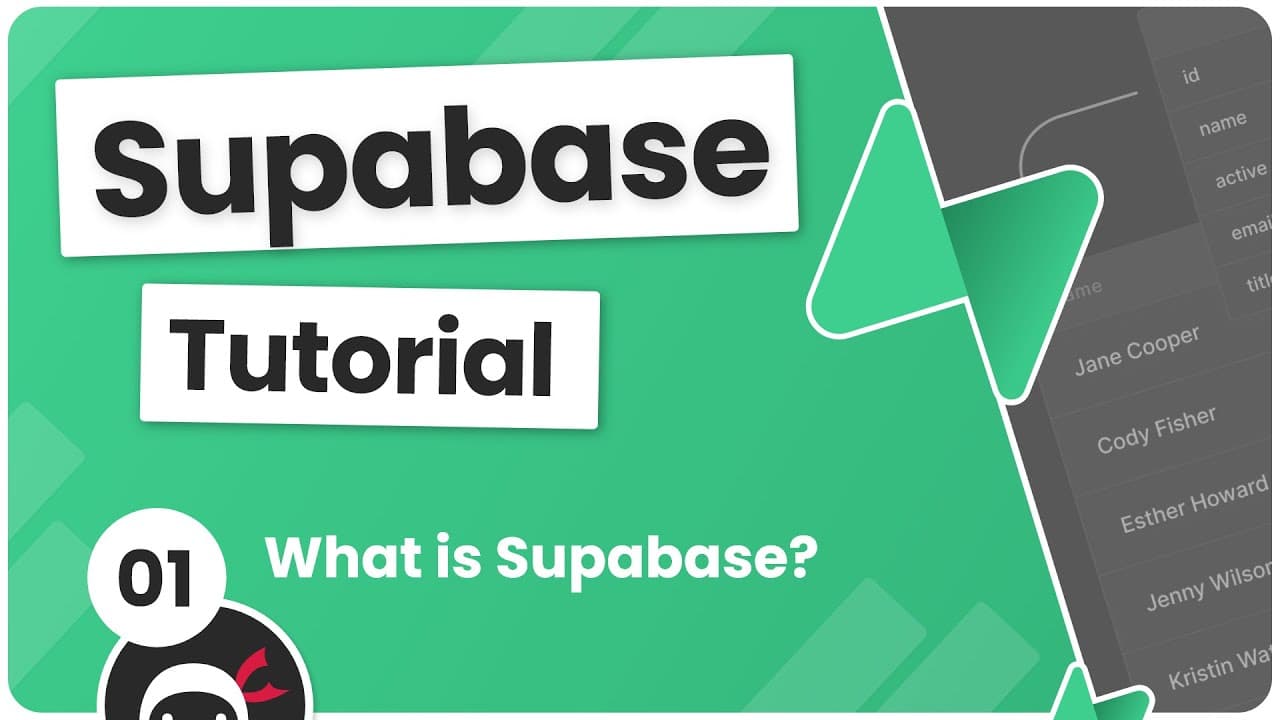
Supabase is a backend-as-a-service that handles database, cloud functions, authentication, and storage for front-end applications. Unlike Firebase’s NoSQL document model, Supabase uses a SQL Postgres database with rows and columns; it also connects open-source technologies, allowing developers to inspect the code and deploy the package where they want. Read on to understand these differences and see how the Super Smoothies CRUD project demonstrates Supabase.
Transcript
hey gang and welcome to your very first super bass tutorial sother my friends first things first what is Super Bass well Super Bass is what's known as a back end as a service meaning that it provides a whole host of different back-end services such as a database Cloud functions authentication and storage and then we can just connect to those back-e... Read More
Key Insights
- Supabase is a backend-as-a-service, meaning it provides back-end services such as a database, cloud functions, authentication, and storage that front-end applications connect to, so the heavy lifting on the back end is handled for you.
- Supabase markets itself as a Firebase alternative and works in a quite similar way, but there are a few major differences between the two services in how they store data and their licensing.
- Supabase uses a SQL database called Postgres, so it deals in rows and columns, not documents like a NoSQL database such as the one used by Firebase.
- The functions in the Supabase client library reflect SQL terminology, so the function names sit nicely with anyone who has used SQL before, though they remain self-explanatory for those who haven't.
- Supabase only uses open-source technologies and connects them together to provide a full back-end experience, so you can take the package, dive into the code, and deploy it where you want with full autonomy.
- Firebase is not open source, so it creates vendor lock-in, whereas Supabase gives the extra advantage of full control if you need it.
- The series builds a simple CRUD application called Super Smoothies that lets users create, read, update, and delete data to and from the Supabase database.
- The course uses React for the front end, but you don't need to know React to follow along, since the Supabase code can be carbon-copied into whatever front-end library you use.
Install to Summarize YouTube Videos and Get Transcripts
Explore YouTube Video Summarizer or Get YouTube Transcript Extractor
Questions & Answers
Q: What is Supabase?
Supabase is a backend-as-a-service that provides a database, cloud functions, authentication, and storage. Front-end applications connect to these services, allowing Supabase to handle much of the back-end work.
Q: What backend services does Supabase provide?
Supabase provides services including a database, cloud functions, authentication, and storage. This introductory series focuses on its database, while more advanced courses are planned for features such as authentication and functions.
Q: How is Supabase different from Firebase?
Supabase uses a SQL Postgres database with rows and columns, while Firebase uses a NoSQL database with documents. Supabase also connects open-source technologies and permits independent deployment, whereas the tutorial describes Firebase as creating vendor lock-in because it is not open source.
Q: What database does Supabase use?
Supabase uses Postgres, a SQL database that stores data in rows and columns rather than documents. Its client-library functions reflect SQL terminology, although the tutorial says they remain self-explanatory for people without SQL experience.
Q: Why does Supabase avoid vendor lock-in?
Supabase uses open-source technologies connected together to deliver a complete back-end experience. Developers can inspect its code, deploy the package where they want, and retain full autonomy.
Q: What project is built in Supabase Tutorial #1 and the rest of the series?
The series builds Super Smoothies, a simple CRUD application connected to a Supabase database. Users can read individual smoothies, edit them and immediately see updates, delete them with a trash icon, and add new ones through a form.
Q: Do I need to know React to follow this Supabase tutorial series?
No, the course says you do not need much React knowledge to follow the Supabase material. Although React powers the front end, the Supabase code can largely be copied into another front-end library.
Q: How do I install and run the Super Smoothies starter project dependencies?
Select the starter project branch in the course files repository, use the green code button to download its ZIP folder, and unzip it. Open the project and run npm install to install the dependencies listed in package.json; Node.js must already be installed because npm comes with it.
Summary & Key Takeaways
-
Supabase is a backend-as-a-service providing a database, cloud functions, authentication, and storage. Front-end applications connect to these services so the backend heavy lifting is handled automatically. It markets itself as a Firebase alternative and works in a similar way, though with important differences in data storage and licensing.
-
The two main differences from Firebase are that Supabase uses a SQL Postgres database dealing in rows and columns rather than NoSQL documents, and its client library functions reflect SQL terminology. Supabase also uses only open-source technologies, avoiding the vendor lock-in that comes with Firebase and granting full autonomy.
-
The series builds a simple CRUD app called Super Smoothies that reads, edits, deletes, and adds smoothies from a Supabase database. React powers the front end via a prepped starter project on the course files repo, but React knowledge isn't required since the Supabase code copies into any front end. Future courses will cover authentication and functions.
Read in Other Languages (beta)
Share This Summary 📚
Summarize YouTube Videos and Get Video Transcripts with 1-Click
Try YouTube Summary with ChatGPT & Claude or YouTube Transcript Generator
Explore More Summaries from Net Ninja 📚





Summarize YouTube Videos and Get Video Transcripts with 1-Click
Try YouTube Summary with ChatGPT & Claude or YouTube Transcript Generator