What IDE Is Recommended for Optimal Programming?
TL;DR
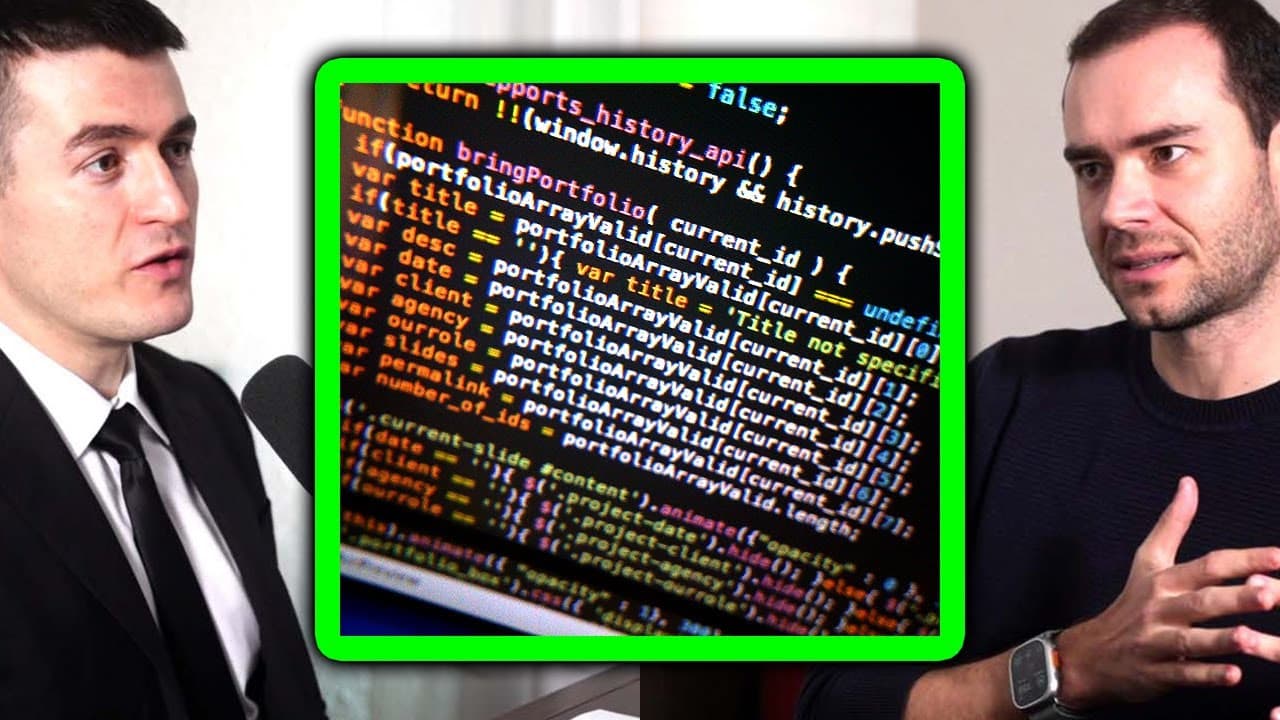
The best IDE for programming is VS Code, especially due to its extensive library of extensions and integration with GitHub Copilot. While AI tools like Copilot can enhance productivity by suggesting code and APIs, developers must verify its outputs and remain involved in the coding process to avoid issues.
Transcript
what's your computer setup what uh what's like the perfect are you somebody that's flexible to no matter what laptop four screens yeah uh or do you uh prefer a certain setup that you're most productive um I guess the one that I'm familiar with is one large screen uh 27 inch um and my laptop on the side water operating system I do Max that's my prim... Read More
Key Insights
- 🌥️ The speaker prefers a setup with a large screen and a MacBook, but Linux is necessary for deep learning projects.
- 🙃 VS Code is recommended as the best IDE for coding, thanks to its extensive extensions and GitHub Copilot integration.
- 🏃 GitHub Copilot can be useful for completing patterns and suggesting unfamiliar APIs, but caution should be exercised in relying solely on its suggestions.
- ❓ The future of AI-assisted programming may involve more autonomous systems, but human supervision and verification will remain crucial.
- 👤 The integration of AI technology in programming raises questions about user interface and user experience design.
- 🤗 AI-assisted development tools open up possibilities for multilingual programming and versatility in language syntax.
- 💦 The complexity of working with computers, including setups, hardware, environmental variables, and automation, presents challenges for AI development tools.
- 🎙️ More videos with Andrej Karpathy:
Install to Summarize YouTube Videos and Get Transcripts
Explore YouTube Video Summarizer or Get YouTube Transcript Extractor
Questions & Answers
Q: What is the speaker's preferred computer setup for productivity?
The speaker prefers a large screen and a Mac laptop, with a Linux operating system for deep learning projects.
Q: What IDE does the speaker recommend for software development?
The speaker recommends VS Code, citing its wide range of extensions and integration with GitHub Copilot.
Q: How does GitHub Copilot assist in coding?
GitHub Copilot suggests code and APIs, which can be helpful for completing patterns, discovering new functions, and learning from the suggested code. However, it is important to verify the suggestions.
Q: What are the concerns regarding the future of AI-assisted programming?
The speaker expresses concerns about the potential for bugs and errors if humans stop supervising the output of AI-assisted programming. They anticipate the need for bug-finding and verification tools in the future.
Summary & Key Takeaways
-
The speaker's preferred computer setup consists of a large screen and a Mac laptop for primary tasks, but deep learning projects require a Linux operating system.
-
They recommend using VS Code as the best IDE for software development, mentioning its extensive extensions and integration with GitHub Copilot.
-
The integration of GitHub Copilot in the development process can be helpful in suggesting code and APIs, but it is important to verify and learn from its suggestions.
Read in Other Languages (beta)
Share This Summary 📚
Summarize YouTube Videos and Get Video Transcripts with 1-Click
Try YouTube Summary with ChatGPT & Claude or YouTube Transcript Generator
Explore More Summaries from Lex Clips 📚




Summarize YouTube Videos and Get Video Transcripts with 1-Click
Try YouTube Summary with ChatGPT & Claude or YouTube Transcript Generator