How to Organize Your Physical Files Efficiently
TL;DR
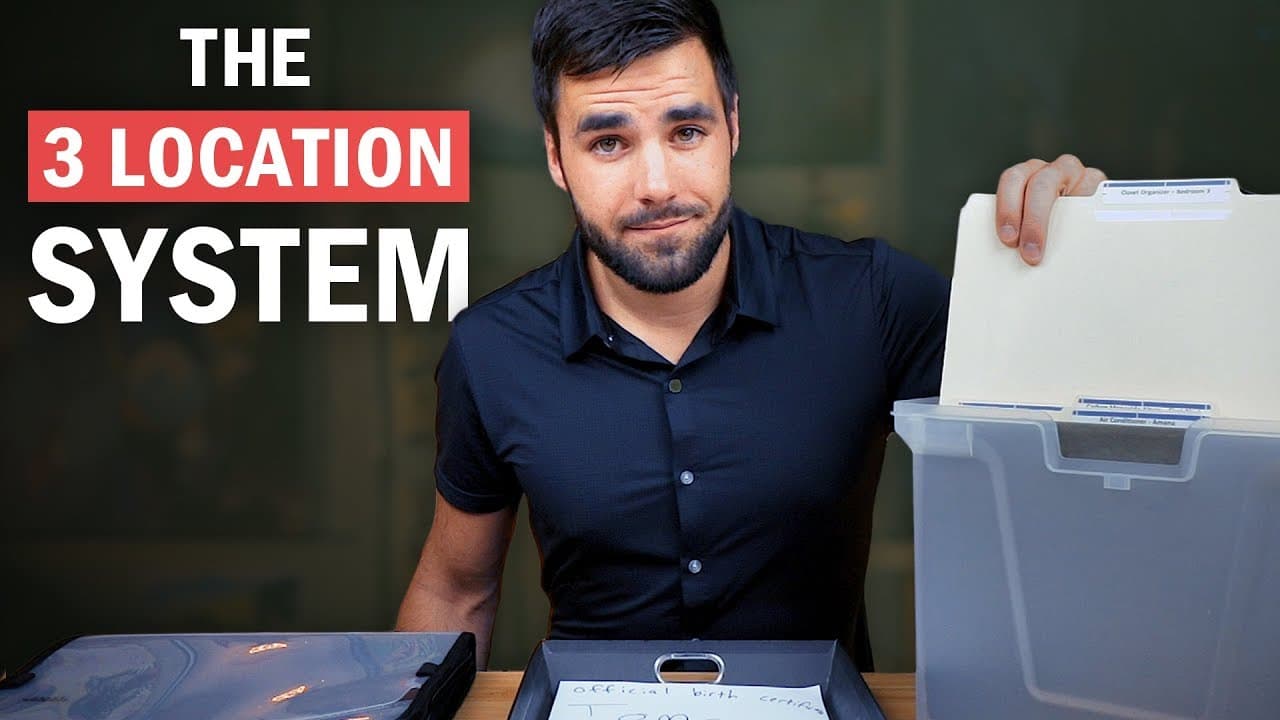
To efficiently organize your physical files, create a system using a main file box, an inbox for incoming documents, and a portable folder for papers on the go. Utilize hanging folders with labels for easy categorization and establish a weekly routine to process your inbox. Digitizing files with apps like Scanbot to store them in Evernote or a similar service can further streamline your organization.
Transcript
- Welcome to the most exciting video that you are ever going to watch. Yes, it is. And what will we be covering you ask? Sports cars, explosions, the top 10 most dangerous bees? Even better, file organization. Oh yes friends. Buckle up because this is going to be one wild ride. And especially I have access to all this explosion footage which I am g... Read More
Key Insights
- 📁 Efficient physical file organization involves using a main file box, an inbox tray, and a portable file folder.
- 📁 Different methods, such as folders within hanging file folders or using divider paper and sticky flags, can be used for deeper levels of organization.
- 👏 It is recommended to use an app like Scanbot for scanning physical files and sending them to a designated location, such as Evernote.
- 👻 Digitization allows for a paperless lifestyle and makes it easier to search for and access important documents.
- 📔 Creating an inbox folder or notebook for automatic scan uploads can streamline the organization process.
- 🤔 Adaptive thinking and finding ways to improve efficiency can lead to increased productivity and problem-solving skills.
- 🎮 Brilliant, an online learning platform, offers courses on computer science and problem-solving that can complement educational videos.
Install to Summarize YouTube Videos and Get Transcripts
Explore YouTube Video Summarizer or Get YouTube Transcript Extractor
Questions & Answers
Q: What are the three locations suggested for efficient physical file organization?
The main file box, the inbox, and a portable file folder are recommended for storing and organizing physical files.
Q: How can you create deeper levels of organization within hanging file folders?
You can use folders within the hanging file folders or use divider paper and sticky flags to separate different sections within the folders.
Q: What is the purpose of an inbox tray in file organization?
The inbox tray serves as a temporary storage for unorganized files, providing a dedicated place to keep documents until they can be processed and filed.
Q: Why is digitization important in file organization?
Digitization allows for a paperless lifestyle, saving space and making it easier to access and search for important documents. It also provides backup and protection against physical damage or loss.
Summary & Key Takeaways
-
This video provides tips for organizing physical files, using a main file box, inbox, and portable file folder to create a tree-like structure for easy organization.
-
Different methods, such as using folders within hanging file folders or using divider paper and sticky flags, can be used for deeper levels of organization.
-
The video also discusses the use of an inbox tray to temporarily store unorganized files and the importance of digitization for a paperless lifestyle. The Scanbot app and Evernote are recommended for scanning and organizing digital files.
Read in Other Languages (beta)
Share This Summary 📚
Summarize YouTube Videos and Get Video Transcripts with 1-Click
Try YouTube Summary with ChatGPT & Claude or YouTube Transcript Generator
Explore More Summaries from Thomas Frank 📚






Summarize YouTube Videos and Get Video Transcripts with 1-Click
Try YouTube Summary with ChatGPT & Claude or YouTube Transcript Generator