How to Build a Budget-Friendly Deep Learning PC
TL;DR
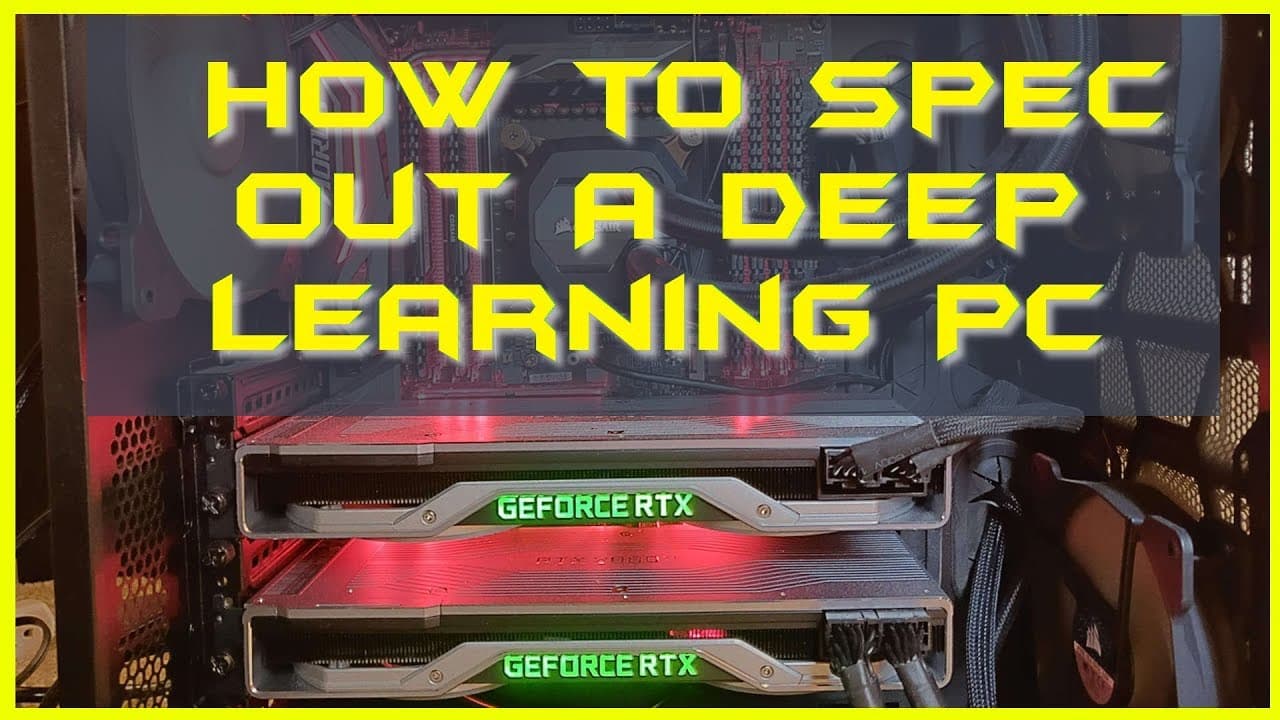
To build a budget-friendly deep learning PC, choose the AMD Ryzen 2600 X CPU and an NVIDIA RTX 2060 or 1660 TI GPU. Aim for at least 32GB of RAM and prioritize a reliable power supply from reputable brands like Corsair or EVGA. Use an SSD for faster storage and ensure your components are compatible, primarily focusing on CPU and GPU performance.
Transcript
what's up everybody Phil here with another video in this video I want to show you exactly how to spec out a deep learning PC on a budget so this is motivated by the question I got on my earlier video on whether or not you should buy or build your own deep learning PC in which I came out pretty strongly in favor of building your own a viewer asked h... Read More
Key Insights
- 😎 Building a deep learning PC on a budget requires careful consideration of the CPU, GPU, motherboard, RAM, storage, power supply, cooling solution, and case.
- 🏛️ For a budget build, the AMD Ryzen 2600 X CPU and an NVIDIA RTX 2060 or 1660 TI GPU are recommended.
- ✊ It is crucial not to cheap out on the power supply as it can adversely affect the stability and performance of the PC.
- 😎 Cooling solutions, such as fans or water coolers, are necessary for handling the intense workload of deep learning tasks.
- ✊ Choose reputable brands like ASUS for the motherboard and Corsair, EVGA, or C Sonic for the power supply.
- 🚁 Opt for at least 32GB of RAM for deep learning tasks that require significant memory usage.
- 💨 Consider using a solid-state disk for faster data transfer and better overall performance.
Install to Summarize YouTube Videos and Get Transcripts
Explore YouTube Video Summarizer or Get YouTube Transcript Extractor
Questions & Answers
Q: Why should I build my own deep learning PC on a budget instead of buying one?
Building your own PC allows you to customize the components based on your specific needs and can be more cost-effective than buying a pre-built PC. It also provides a valuable learning experience.
Q: Is it necessary to have a cooling solution for the PC?
Yes, it is crucial to have a cooling solution for your PC, especially for deep learning tasks that can put a heavy load on the CPU and GPU. Most CPUs come with a cooling solution, but you may consider additional cooling options like fans or all-in-one water coolers.
Q: Can I use an AMD CPU with an NVIDIA GPU?
Yes, you can use an AMD CPU with an NVIDIA GPU. While AMD CPUs are recommended for their price-performance ratio, NVIDIA GPUs are generally preferred for deep learning tasks due to better software support.
Q: Why is the power supply an important component not to cheap out on?
The power supply is critical as it provides stable and reliable power to all other components. Cheap power supplies may cause instability, damage to components, and even potential hazards. It is recommended to choose reputable brands like Corsair, EVGA, or C Sonic with strong warranties.
Summary & Key Takeaways
-
The video discusses how to spec out a deep learning PC on a budget, focusing on the CPU, GPU, motherboard, RAM, storage, power supply, cooling solution, and case.
-
The recommended CPU for a budget build is the AMD Ryzen 2600 X due to its performance and price. The choice of motherboard should be a reputable brand like ASUS.
-
It is suggested to have at least 32GB of RAM for deep learning tasks. For the GPU, options include the NVIDIA RTX 2060 or the 1660 TI, depending on the budget. A reliable power supply is emphasized, and a solid-state disk is recommended for storage. The case choice is a matter of personal preference.
Read in Other Languages (beta)
Share This Summary 📚
Summarize YouTube Videos and Get Video Transcripts with 1-Click
Try YouTube Summary with ChatGPT & Claude or YouTube Transcript Generator
Explore More Summaries from Machine Learning with Phil 📚






Summarize YouTube Videos and Get Video Transcripts with 1-Click
Try YouTube Summary with ChatGPT & Claude or YouTube Transcript Generator