How to Automate Work With Notion AI Agents
TL;DR
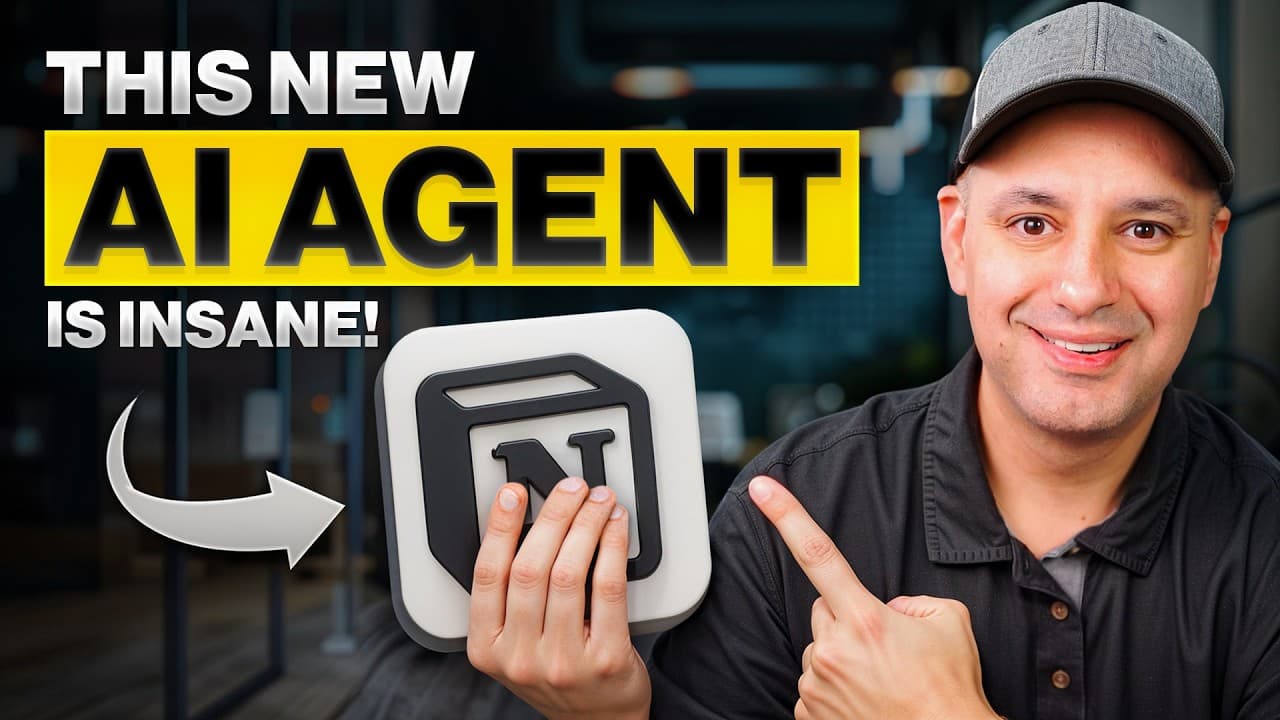
Notion AI Agents automate work by planning and completing multi-step tasks across pages, databases, and connected services from a single prompt. In one daily workflow, the agent reviewed more than 70 documents, updated relevant pages, refreshed a database, and created a linked summary, saving almost an hour each morning. Read on for practical project, SOP, integration, prompting, and access examples.
Transcript
An app that I've used for almost 5 years has released an update that saves me almost a full hour every single morning. And here's an example of just one of the workflows that I'll show you. I gave it a really simple prompt. Basically, it just had my goal and the plans that I wanted to do for me to update pages for me, refresh my entire database for... Read More
Key Insights
- Notion Agents are designed to complete multi-step work from beginning to end, rather than merely answering questions or assisting with writing. An agent can form a plan, search available information, read documents, make decisions, apply updates, and notify the user when the work is finished.
- A daily update workflow can review more than 70 documents, identify pages requiring changes, update the relevant material, refresh a database, and create a single summary document containing links and brief details about every completed update.
- The project kickstart workflow turns a detailed prompt into a structured project page containing an overview, goals, a timeline, tasks, assignments, deliverables, resources, and notes. The agent can also return a summary and direct link to the new page.
- Reusable prompts make recurring workflows faster and more consistent. The creator saves the project kickstart prompt as a template, then uses follow-up prompts in the side chat whenever the generated project page requires adjustments or additional detail.
- Notion Agents understand Notion building blocks and can create, edit, organize, enrich, assign, and view workspace content. This allows users to manage many workspace operations through natural-language goals instead of manually learning every relevant Notion action.
- The SOP finder and refresher locates procedures related to course production, groups them by topic, links back to the original pages, and adds notes when information appears outdated. The resulting page can support onboarding by gathering scattered operational instructions in one organized place.
- Connected services can supply additional context from Google Drive, Gmail, Slack, and Google Calendar. A large Google Drive collection may take up to 36 hours to sync, after which the agent can use relevant material alongside information stored in Notion.
- Users retain controls over agent access and changes. They can allow edits across one or multiple pages, choose whether to use connected apps, disable web search to keep interactions focused on their knowledge base, and undo changes if the agent produces an unwanted result.
Install to Summarize YouTube Videos and Get Transcripts
Explore YouTube Video Summarizer or Get YouTube Transcript Extractor
Questions & Answers
Q: How can Notion AI Agents automate daily work?
A Notion AI Agent can turn a stated goal into a plan, search and read workspace documents, update pages and databases, and report the results. In the demonstrated daily workflow, it reviewed more than 70 documents and produced a summary with links and details about every update, saving almost an hour each morning.
Q: How do you create a project with a Notion AI Agent?
Give the agent a project name, specify the directory, and describe the sections and actions you need. The demonstrated prompt created a project page with an overview, timeline, milestones, tasks, assignments, deliverables, resources, and notes, then returned a summary and link to the page in under two minutes.
Q: What makes Notion Agents different from normal chatbots?
Notion Agents are designed to complete entire workflows rather than merely answer questions or assist with writing. After receiving a goal, an agent can form a plan, search, read, decide, edit multiple pages, update a database, and notify the user when the work is finished.
Q: How can a Notion AI Agent organize and refresh SOPs?
Ask the agent to find SOPs for a chosen topic, group them on a new page, and link each entry to its original document. In the course-production example, the agent organized scattered procedures by topic and flagged information that appeared outdated, making the collection useful for review and onboarding.
Q: What services can connect to Notion AI Agents?
The examples identify Google Drive, Gmail, Slack, and Google Calendar as sources of additional context. Users can choose whether to use connected apps for a particular task, and a large Google Drive collection may take up to 36 hours to sync.
Q: Can Notion AI Agents edit pages and databases automatically?
Yes, when editing is allowed, an agent can change one or multiple pages, create new pages, refresh a database, enrich content, and assign tasks. Users can control its access and undo unwanted changes.
Q: How detailed should a prompt for a Notion AI Agent be?
A recurring workflow benefits from a prompt that names the goal, destination, required structure, assignments, deliverables, and desired final response. The project example saved this detailed prompt as a reusable template, while follow-up prompts were used to adjust or expand the generated page.
Q: Which Notion plans get the full agent tools and connectors?
The Business and Enterprise plans receive the full set of tools described, including connectors such as Slack and Google Drive. The demonstration used a Business plan and advised confirming that the workspace has access to Notion AI before starting.
Summary & Key Takeaways
-
Notion Agents act as AI teammates that execute complete workflows inside a workspace. Given a goal, an agent can create its own plan, search and read relevant material, edit multiple pages, update databases, assign work, and report its results without requiring replies at every step.
-
The project kickstart workflow creates a structured project page from a reusable prompt. It can add an overview, goals, milestones, tasks, assignments, deliverables, resources, and notes, then provide a link to the finished page. The demonstrated task was completed in under two minutes.
-
The SOP finder and refresher searches for procedures related to a chosen topic, groups them on a new page, links to their original documents, and flags material that may be outdated. Connected apps can broaden the available context, while optional controls govern editing, web search, and integrations.
Read in Other Languages (beta)
Share This Summary 📚
Summarize YouTube Videos and Get Video Transcripts with 1-Click
Try YouTube Summary with ChatGPT & Claude or YouTube Transcript Generator
Explore More Summaries from Skill Leap AI 📚





Summarize YouTube Videos and Get Video Transcripts with 1-Click
Try YouTube Summary with ChatGPT & Claude or YouTube Transcript Generator