How to Use ChatGPT with Gmail for Automated Email Drafts
TL;DR
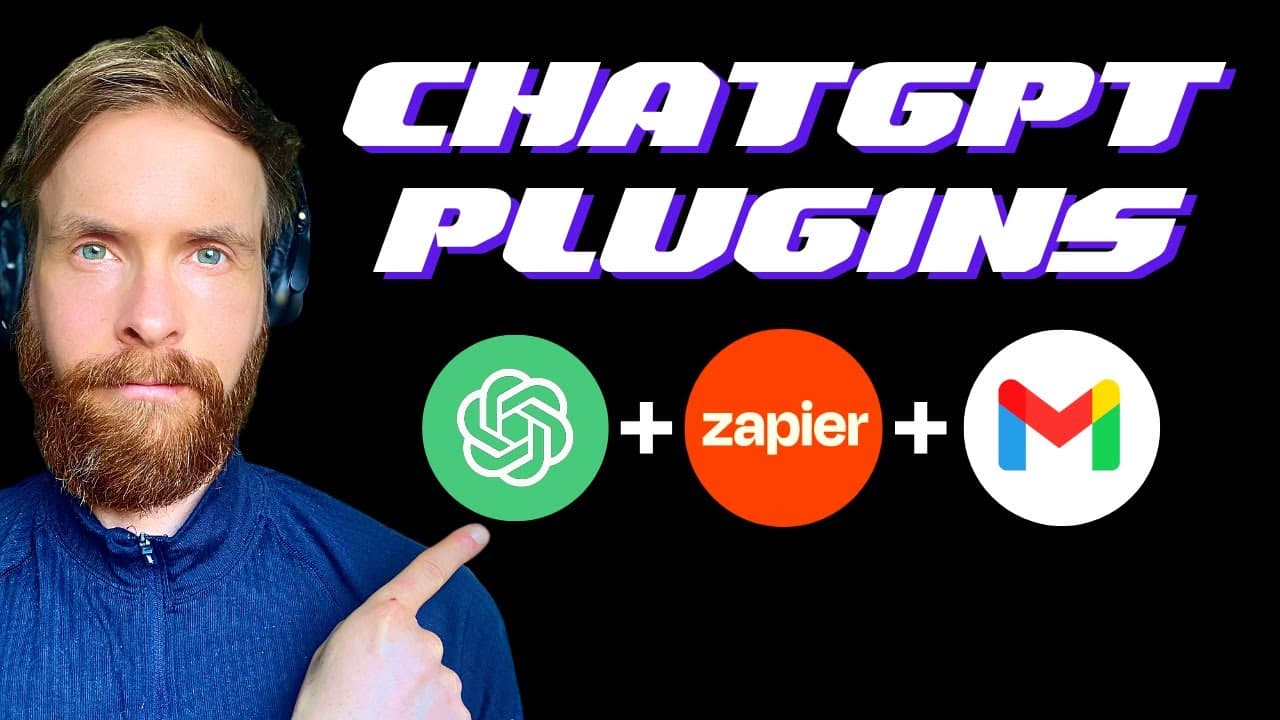
To automate email drafts in Gmail using ChatGPT, connect both platforms through Zapier. Create prompts in ChatGPT, and set up actions to automatically generate drafts in Gmail for your review before sending. This streamlines your email workflow and improves efficiency.
Transcript
the first thing I want you to do is open a window here in chat GPT and a window in sapier then I want you to sign into sapier or if you don't have account just sign up here you will get a seven day free trial when you have signed in or signed up I want you to go down here on the left and click on the my apps for this we need to add a connection to ... Read More
Key Insights
- 💌 Connecting Chat GPT and Gmail through Sapier streamlines email drafting processes.
- 💌 Automated email drafting with Chat GPT and Sapier enhances productivity and accuracy.
- 🥶 Reviewing automated email drafts in Gmail ensures the content is error-free before sending.
- 💌 Automating email tasks using AI technologies like Chat GPT simplifies workflow.
- 💌 Personalized email communication can be efficiently achieved through automation.
- ❓ Integrating plugins like Sapier enhances the capabilities of Chat GPT for automation.
- 💌 Email prompts created by Chat GPT can be seamlessly translated into email drafts with Sapier.
Install to Summarize YouTube Videos and Get Transcripts
Explore YouTube Video Summarizer or Get YouTube Transcript Extractor
Questions & Answers
Q: How can you connect Chat GPT and Gmail for automated email drafting?
To connect Chat GPT and Gmail, use Sapier to create a connection between the two platforms. By following the steps outlined in the content, you can seamlessly integrate Chat GPT with Gmail for automated email drafting.
Q: What is the process for creating automated email drafts using Chat GPT?
Using Chat GPT, you can generate email prompts, which can then be sent to Sapier for drafting the email content. By following the instructions in the content, you can automate the email drafting process efficiently.
Q: How can you review and confirm automated email drafts before sending them out?
After creating automated email drafts using Chat GPT and Sapier, you can review and confirm them in Gmail. By checking the draft in Gmail, you can ensure that the content is accurate before sending it out.
Q: What are the benefits of automating email drafting using Chat GPT and Sapier?
Automating email drafting with Chat GPT and Sapier saves time and effort by streamlining the process. It allows for personalized and efficient email communication without manual intervention.
Summary & Key Takeaways
-
Connect Chat GPT and Gmail through Sapier to automate email drafting.
-
Use Chat GPT to create email prompts and automate the email drafting process.
-
Review and confirm the automated email draft in Gmail before sending it out.
Read in Other Languages (beta)
Share This Summary 📚
Summarize YouTube Videos and Get Video Transcripts with 1-Click
Try YouTube Summary with ChatGPT & Claude or YouTube Transcript Generator
Explore More Summaries from All About AI 📚






Summarize YouTube Videos and Get Video Transcripts with 1-Click
Try YouTube Summary with ChatGPT & Claude or YouTube Transcript Generator