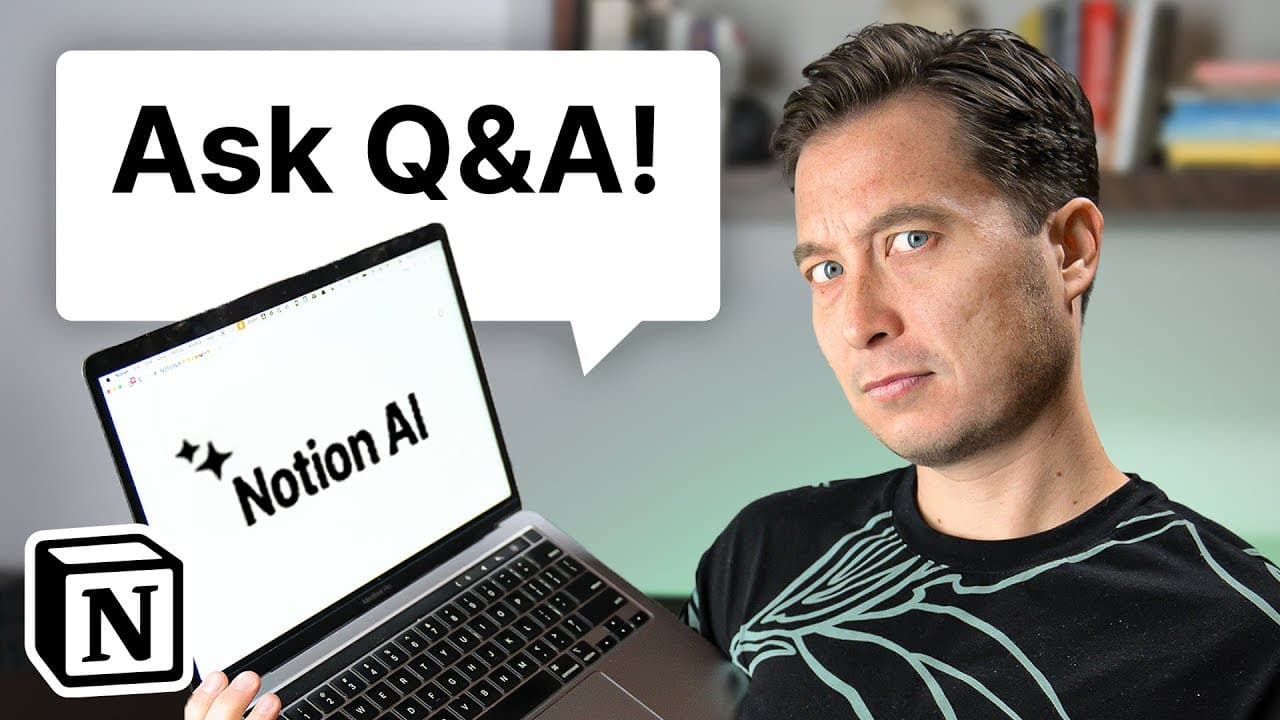
What if Your Second Brain Could Talk? (Testing Notion Q&A)
TL;DR
Notion's Q&A Assistant enhances note-taking by providing AI-powered search and summarization features within your workspace.
Transcript
imagine if your notes could talk go away you paperclip no one likes you imagine if they could actually respond to your questions if they were eager to tell you what they know they'd be like a trusted thought partner or a collaborator who happens to have instantaneous access to everything you've ever captured or written down that's exactly what Noti... Read More
Key Insights
- 💁 Notion's Q&A Assistant enhances productivity by quickly searching and surfacing relevant information within your workspace.
- ✊ The AI-powered tool helps in creating proposals, compiling information, enhancing search queries, and summarizing existing knowledge effectively.
- 👊 Notion's Q&A Assistant features a chat-based interface, source citation, and persistent interaction across different pages.
Install to Summarize YouTube Videos and Get Transcripts
Explore YouTube Video Summarizer or Get YouTube Transcript Extractor
Questions & Answers
Q: How does Notion's Q&A Assistant revolutionize note-taking?
Notion's Q&A Assistant transforms note-taking by offering AI-powered search and summarization, providing quick access to relevant information in your workspace.
Q: What are some use cases for Notion's Q&A Assistant?
Notion's Q&A Assistant can help in creating proposals, compiling information from various sources, enhancing search queries, and summarizing existing knowledge efficiently.
Q: How does the Q&A feature in Notion work?
The Q&A feature in Notion can be activated through a chat window or by selecting specific text, enabling users to interact with the AI to search for information within their workspace.
Q: How does Notion's Q&A Assistant differ from traditional search functionalities?
Notion's Q&A Assistant enhances traditional search functionalities by offering a chat-based conversational interface, citing sources, and persistently following users across different pages.
Summary & Key Takeaways
-
Notion's Q&A Assistant enables users to easily access and search their entire workspace for relevant information.
-
Users can activate the Q&A feature through a chat window or by selecting specific text, allowing for seamless interaction with the AI.
-
The tool assists in creating proposals, compiling information from various sources, enhancing search queries, and summarizing existing knowledge.
Read in Other Languages (beta)
Share This Summary 📚
Summarize YouTube Videos and Get Video Transcripts with 1-Click
Try YouTube Summary with ChatGPT & Claude or YouTube Transcript Generator
Explore More Summaries from Tiago Forte 📚


Summarize YouTube Videos and Get Video Transcripts with 1-Click
Try YouTube Summary with ChatGPT & Claude or YouTube Transcript Generator