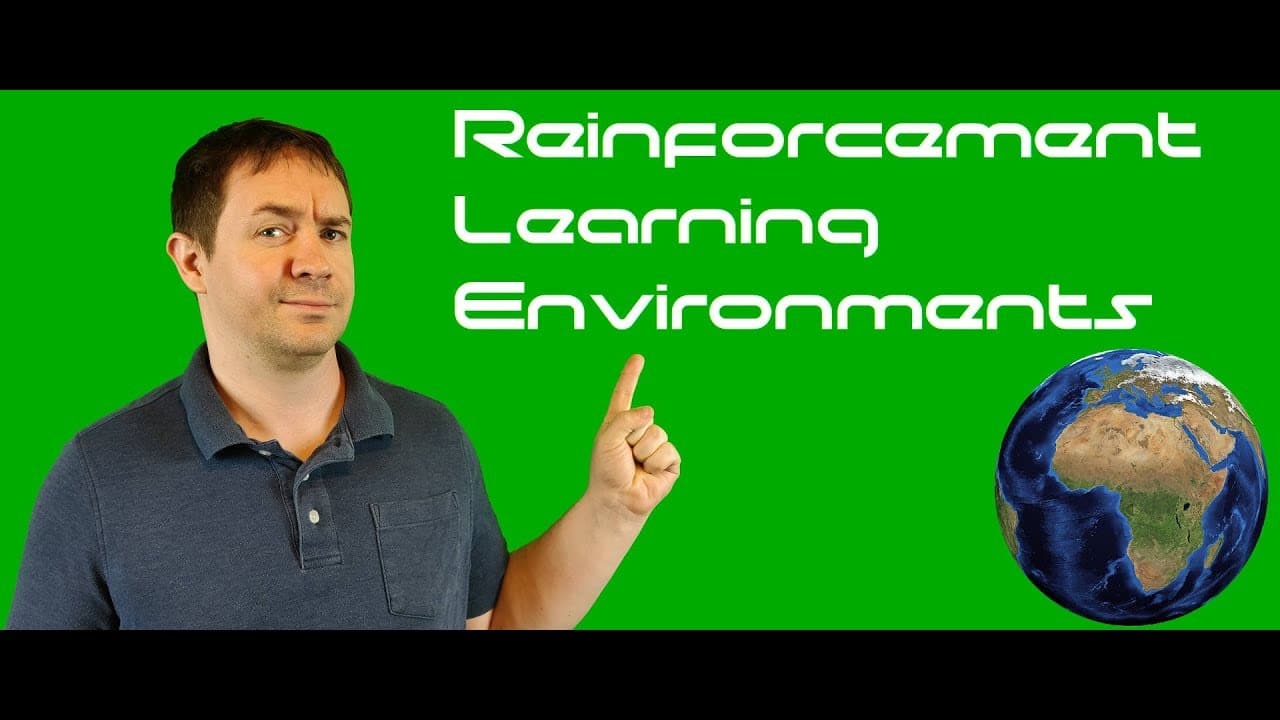
How to Create a Custom Reinforcement Learning Environment
TL;DR
To create a custom reinforcement learning environment in Python, set up a grid where an agent navigates from the top left to the bottom right. Incorporate magic squares for teleportation and assign a reward of -1 for each step to encourage the agent to minimize moves. This environment utilizes Q-learning for effective learning without the complexities of deep Q-learning.
Transcript
welcome back everybody to neural net Dante I I am your host Phil Taber previously a subscriber asked me hey Phil how do I create my own reinforcement learning environment I said well that's a great question I don't have time to answer it in the comments but I can make a video so here we are what we're going to do in the next two videos is create ou... Read More
Key Insights
- 👻 Creating a custom reinforcement learning environment allows for more control and customization of the problem space.
- 🌍 The grid world environment is a popular choice for reinforcement learning due to its simplicity and clear learning objectives.
- 😒 The use of magic squares introduces an interesting twist to the grid world environment and challenges the agent to find shortcuts.
- 🪡 A tabular representation of the agent's action value function is sufficient for this straightforward environment without the need for deep Q-learning.
Install to Summarize YouTube Videos and Get Transcripts
Explore YouTube Video Summarizer or Get YouTube Transcript Extractor
Questions & Answers
Q: What is the purpose of creating a custom reinforcement learning environment?
Creating a custom environment allows for more control and flexibility in defining the problem and learning objectives. It also provides a good opportunity to practice implementation skills.
Q: How are the magic squares implemented in the grid world environment?
The magic squares are represented as dictionary keys in the grid, and their corresponding values indicate the destination square. The agent teleports to the destination square when it lands on a magic square.
Q: Why is a tabular representation used for the agent's action value function?
Since this is a straightforward environment without complex state spaces, a tabular approach is sufficient. The agent's estimates of the action value function are stored in a table, without the need for functional approximation.
Q: What are the main components required to create a reinforcement learning environment?
The main components include defining the state space, action space, handling legal moves, implementing the step function, resetting the environment, and rendering the state.
Summary & Key Takeaways
-
The author intends to create a custom grid world environment for reinforcement learning in Python using OpenAI Gym.
-
The environment consists of a grid where an agent starts at the top left and needs to navigate to the bottom right, with the addition of magic squares for teleportation.
-
The agent receives a reward of -1 for each step and aims to minimize the number of steps taken to reach the terminal state.
Read in Other Languages (beta)
Share This Summary 📚
Summarize YouTube Videos and Get Video Transcripts with 1-Click
Try YouTube Summary with ChatGPT & Claude or YouTube Transcript Generator
Explore More Summaries from Machine Learning with Phil 📚

Summarize YouTube Videos and Get Video Transcripts with 1-Click
Try YouTube Summary with ChatGPT & Claude or YouTube Transcript Generator