How to Organize Notes in Obsidian with LATCH
TL;DR
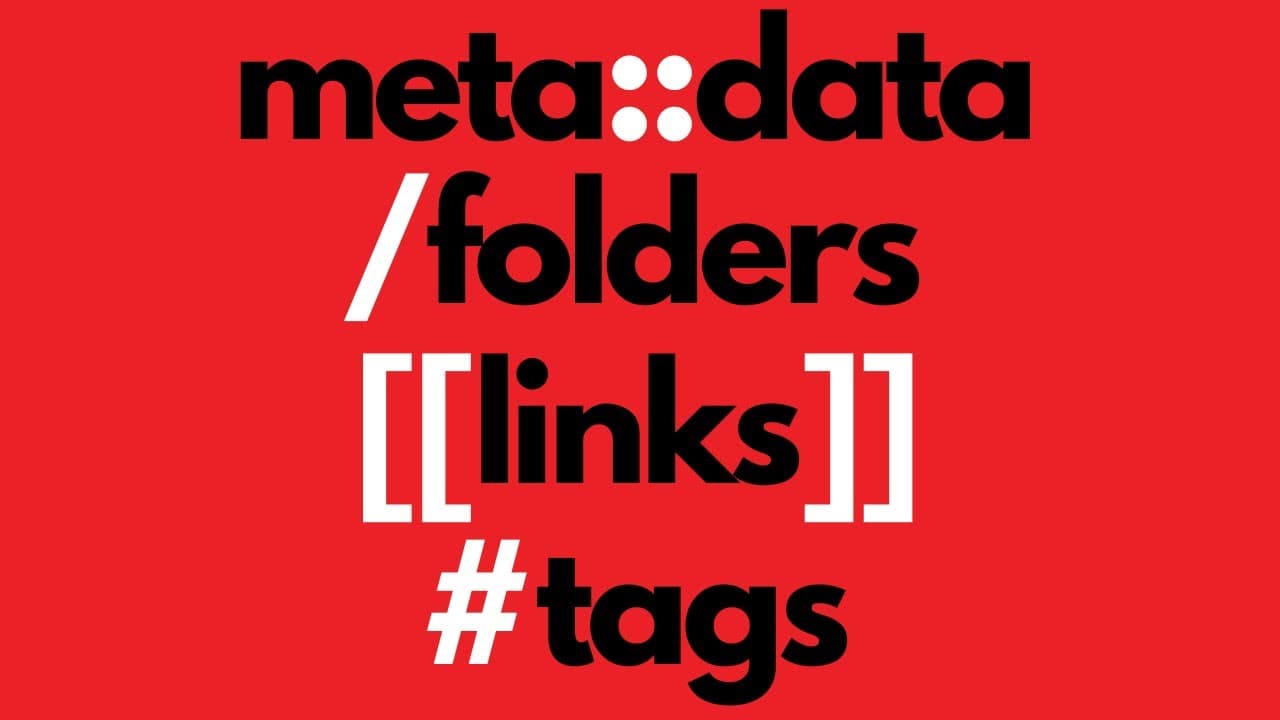
Organize your notes in Obsidian using effective methods like folders, links, tags, and metadata. The LATCH system helps structure your notes regarding Location, Alphabet, Time, Category, and Hierarchy, enhancing retrieval and productivity. Embrace flexibility in your organization approach to better manage your digital note-taking.
Transcript
- The most important thing about taking notes is that you do it. However, the more notes that you have, the more it becomes apparent that some organizational structure probably wouldn't go astray. So, what do you do? Hi, I'm Nicole van der Hoeven and on this channel, I like to talk about tech, travel and taking notes, especially using digital tools... Read More
Key Insights
- 💦 Multiple methods exist for organizing digital notes, and it's important to choose the one that works best for your needs at a given time.
- 🎵 Folders are ideal for categorizing singular notes, while links are beneficial for connecting related notes that may not fit into the same category.
- ⚡ Tags are useful for system-related organization, and metadata provides even more versatility by combining folders, links, and tags.
- 🎵 The LATCH system offers a comprehensive approach to note organization by considering the elements of Location, Alphabet, Time, Category, and Hierarchy.
- 🎵 Plugins like Quick Switcher and Obsidian Search can help locate notes even if they are not perfectly organized, increasing efficiency and productivity.
- 💨 It's important to accept that it may be necessary to do some upkeep and reorganization of notes as you discover better ways to organize and retrieve information.
Install to Summarize YouTube Videos and Get Transcripts
Explore YouTube Video Summarizer or Get YouTube Transcript Extractor
Questions & Answers
Q: What are the main methods for organizing digital notes?
The main methods for organizing digital notes are using folders, links, and tags. Folders are useful for categorizing notes, links help connect related notes, and tags provide system-related organization.
Q: How can metadata be used in note organization?
Metadata, particularly through Dataview parameters, allows for a combination of folders, links, and tags. It is helpful for visualizing and creating databases within your note-taking system.
Q: What is the LATCH system?
The LATCH system is an approach to organizing notes based on five key elements: Location, Alphabet, Time, Category, and Hierarchy. It provides a framework for effective searching and retrieval of notes.
Q: How can the Quick Switcher and Obsidian Search be helpful in finding notes?
The Quick Switcher and Obsidian Search are core plugins that make it easier to find notes, even if they are not perfectly organized. They allow for quick retrieval of notes based on keywords or file names.
Summary & Key Takeaways
-
The three main methods for organizing digital notes are folders, links, and tags. Folders are best for categorizing singular notes, links are useful for connecting related notes, and tags are helpful for system-related organization.
-
Metadata, specifically using Dataview parameters, allows for a combination of folders, links, and tags, and is beneficial for visualizing and creating databases within your note-taking system.
-
The LATCH system, which stands for Location, Alphabet, Time, Category, and Hierarchy, provides a framework for organizing notes based on five key elements, allowing for effective searching and retrieval.
Read in Other Languages (beta)
Share This Summary 📚
Summarize YouTube Videos and Get Video Transcripts with 1-Click
Try YouTube Summary with ChatGPT & Claude or YouTube Transcript Generator
Explore More Summaries from Nicole van der Hoeven 📚




Summarize YouTube Videos and Get Video Transcripts with 1-Click
Try YouTube Summary with ChatGPT & Claude or YouTube Transcript Generator