Optimize Your Kindle Reading and Note-Taking Process
TL;DR
Maximize your Kindle reading experience by using services like Shortform to filter books and syncing with Readwise and Obsidian for easy note-taking. Customize Readwise settings for efficient tagging, and utilize multiple devices to enhance accessibility and maintain your reading habit.
Transcript
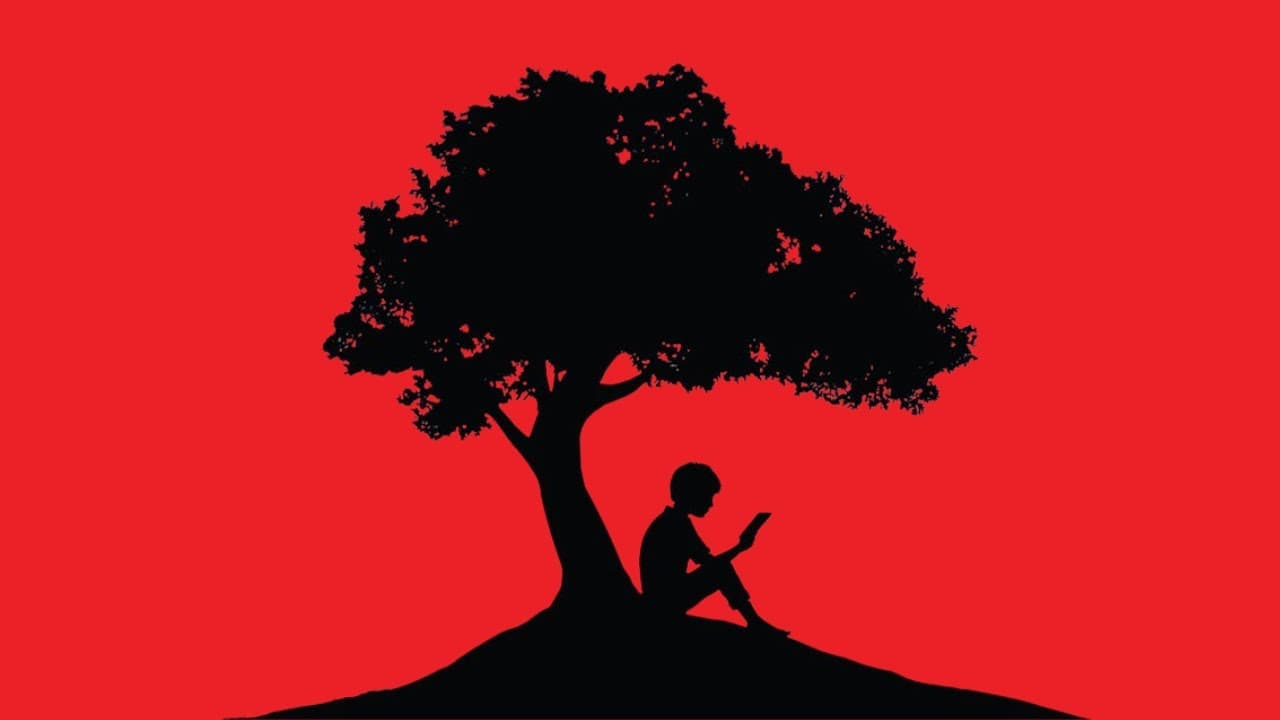
- I've always been a bookworm. As a kid, I got my allowance in the form of books because that's what I spent all my money on anyway. I got three books a week and even that wasn't enough. Fast forward several decades later and the amount of disposable time that I have has waned but my interest in reading has not. In 2020, I read 54 books. Last year ... Read More
Key Insights
- 📚 Despite having less disposable time, the individual's interest in reading has remained strong, with an increase in books read over the years.
- 📖 The individual uses Shortform to screen books in advance, helping them determine if a particular book is worth reading.
- 🖥️ The integration of Kindle with Readwise and Obsidian has transformed the individual's reading and note-taking process.
- 🗂️ Changing Readwise settings allows for proper tagging and formatting when importing books into Obsidian.
- 📱 Utilizing multiple Kindle devices or apps across various platforms makes reading more accessible and encourages less mindless scrolling on social media.
- 📚 Reading multiple books simultaneously is encouraged as it allows for a variety of reading experiences.
- 💡 Taking notes while reading and linking them to relevant Obsidian notes enhances the overall reading and note-taking process.
- 📝 Delineating chapters in the book as headings in Obsidian files provides structure and context to the highlighted content.
- 📗 Using a cover or pop socket for Kindles improves grip and usability, enhancing the reading experience on physical devices.
- 🌐 Connecting Kindles to Goodreads allows for the seamless tracking of books read, sharing highlights, and interacting with a community of readers.
Install to Summarize YouTube Videos and Get Transcripts
Explore YouTube Video Summarizer or Get YouTube Transcript Extractor
Questions & Answers
Q: How can Shortform help in the process of choosing books to read?
Shortform is a service that helps screen books in advance, providing chapter breakdowns and summaries to determine if a book is worth investing time in. This helps readers make informed decisions and get more value out of their reading habits.
Q: How does syncing Kindle with Readwise and Obsidian enhance the reading and note-taking experience?
Syncing Kindle with Readwise and Obsidian allows for a seamless integration where highlights and notes made on the Kindle are directly sent to Readwise and then to the user's Obsidian vault. This ensures that all reading and note-taking activities are consolidated in one place, making it easier to review and reference later.
Q: How can Readwise settings be customized for better organization and formatting in Obsidian?
Readwise settings can be adjusted to determine how books are imported into Obsidian, including file names, formatting, and tagging. Users can decide on folder structures, file formats, and even include YAML front matter for added organization and customization.
Q: Why is it recommended to use multiple Kindles or devices for reading?
Using multiple Kindles or devices allows readers to have access to their books at all times, increasing the likelihood of reading instead of mindlessly scrolling through social media. Kindle books can be accessed on web browsers, mobile operating systems, and tablets, offering convenience and flexibility.
Q: Is it necessary to finish one book before starting another?
No, the speaker encourages reading multiple books simultaneously without feeling guilty. Reading multiple books at once allows for a variety of reading experiences, catering to different moods and interests. It helps sustain the reading habit and prevents monotony.
Q: How can Obsidian notes be linked directly from the Kindle app?
While reading on the Kindle app, users can make notes and mention specific Obsidian notes within the Kindle app itself. These notes, along with their associated Kindle highlights, are then synced to Obsidian, creating clickable Obsidian notes that provide additional context and connections.
Q: How can Kindle covers or pop sockets enhance the reading experience?
Kindle covers or pop sockets provide better grip and convenience while holding the device, making it more comfortable to read with one hand. Kindle covers can also serve as stands, further mimicking the experience of reading a physical book. Pop sockets offer a secure grip and better control when navigating through the pages.
Summary & Key Takeaways
-
The speaker shares tips for optimizing the reading experience on Kindle devices, including using a screening service like Shortform to narrow down book choices.
-
Syncing Kindle with Readwise and Obsidian allows for seamless highlighting and note-taking with direct links to an Obsidian vault.
-
Customizing Readwise settings ensures that imported books are tagged correctly in Obsidian. Using multiple Kindles and devices encourages consistent reading habits, and reading multiple books simultaneously is encouraged for variety and sustained interest.
Read in Other Languages (beta)
Share This Summary 📚
Summarize YouTube Videos and Get Video Transcripts with 1-Click
Try YouTube Summary with ChatGPT & Claude or YouTube Transcript Generator
Explore More Summaries from Nicole van der Hoeven 📚
Summarize YouTube Videos and Get Video Transcripts with 1-Click
Try YouTube Summary with ChatGPT & Claude or YouTube Transcript Generator