How to vibe code with Windsurf and Cursor
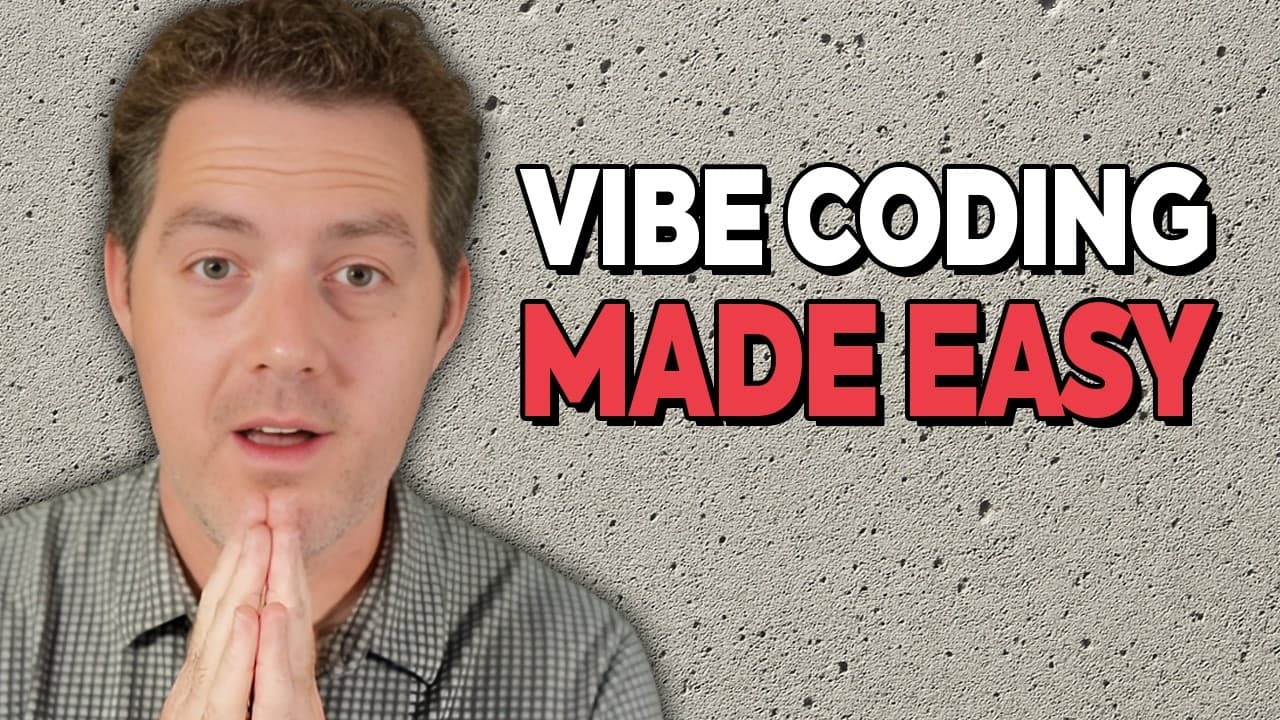
TL;DR
Windsurf is the preferred vibe coding tool and is a fork of VS Code, with Cursor as a secondary option. Use the most popular languages like JavaScript or Python for a broad code base, plan thoroughly with AI, and rely on version control such as Git to protect against AI drift. Set up templates, test in the browser, and iterate.
Transcript
Here's everything you need to know about vibe coding. All right, first which tool are you going to use? There are a few different variations of what you can do here. First, I use Windsurf and Cursor. Most of all, I'm usually using Windsurf as of late. Windsurf is a code editor. It is also a fork of VS Code, the most popular coding editor on the pla... Read More
Key Insights
- Windsurf is presented as the preferred code editor for vibe coding and is described as a fork of VS Code, offering features to streamline AI assisted development.
- Cursor is offered as an alternative way to vibe code inside VS Code, showing the ecosystem flexibility for developers who prefer existing editors.
- The video recommends using the most popular programming languages because they have more AI training data and examples to draw from, with JavaScript and Python highlighted.
- A detailed planning phase is emphasized, advising users to draft a thorough plan with edge cases and to leverage AI to help fill gaps.
- Version control is described as crucial for vibe coding, enabling rollback to stable points when AI changes cause issues.
- Git is introduced as a common default for version control, with a suggestion to let AI assist in writing git commands while encouraging users to learn basic terms.
- The workflow encourages treating the plan and to-do lists as living documents that AI can reference and update as the project evolves.
- The tutorial discusses front end templates, three.js library, and basic security considerations as core elements of building in browser environments.
Install to Summarize YouTube Videos and Get Transcripts
Explore YouTube Video Summarizer or Get YouTube Transcript Extractor
Questions & Answers
Q: What is the recommended first tool for vibe coding and why?
The recommended first tool for vibe coding is Windsurf because it is a dedicated code editor tailored for vibe coding, and it functions as a fork of VS Code. Windsurf offers features like tab completion, browser preview, and access to various model options, which together streamline the process of building and iterating AI assisted projects.
Q: Which coding languages should you consider for a vibe coding project and why?
You should consider JavaScript for the front end due to its popularity and broad AI training data, and Python for the back end for its versatility and AI friendliness, with NodeJS as an alternative for back end using JavaScript. The emphasis is on choosing languages with abundant code examples to improve AI code generation quality.
Q: Why is planning so important in vibe coding, and how should you structure it?
Planning is crucial to identify edge cases and set clear expectations for the app behavior. Structure the plan as a detailed specification that AI can reference, including features, data flows, and success criteria. Using a PRD format helps organize requirements and provides a stable reference for developers and AI to follow.
Q: What role does version control play in vibe coding, and which tool is suggested?
Version control is essential to save code at different points so you can roll back if AI changes produce issues. Git is the suggested default tool, and while it can be complex, AI assistants can help generate the necessary commands. Learning basic concepts like commit, revert, and logs is still valuable.
Q: How should you handle AI generated changes to your codebase?
AI changes can be sweeping, so keeping a stable code baseline is important. Use version control to revert to the latest stable state if needed, and maintain a living plan that you can adjust as requirements evolve. Regularly compare changes and test them in the browser environment.
Q: What are some practical testing approaches mentioned for vibe coding?
Practical testing includes using a browser canvas to run HTML and JavaScript code directly in the browser, allowing live feedback on features. This approach is useful for iterating quickly and visually validating UI and interaction behaviors while staying within browser sandbox constraints.
Q: What is the value of front end templates and libraries like three.js in vibe coding?
Front end templates provide a starting point to rapidly assemble user interfaces, while libraries like three.js enable rich 3D visuals with less manual setup. Using these tools helps you demonstrate or test concepts quickly, which is valuable when iterating AI generated code and building interactive experiences.
Q: How should you balance learning traditional coding skills with AI automation?
It is helpful to learn core concepts like version control terminology and basic git workflows, but you can rely on AI to handle many implementation details. Focus on understanding the overall process, staying organized with plans and documents, and using AI to assist rather than replace foundational knowledge.
Summary & Key Takeaways
-
The video explains choosing between Windsurf, Cursor, Klein, and Replet as coding tools, with Windsurf being the primary recommendation for vibe coding. It emphasizes browser based testing and the value of an AI assisted workflow to plan and execute projects.
-
A strong emphasis is placed on planning and version control. Creating a detailed plan, using a PRD in MD format, and maintaining a robust to do list helps keep AI driven development on track and reduces future rework while projects scale.
-
The tutorial covers language choice focusing on popularity to maximize AI training data usefulness. It recommends JavaScript for front end and Python or NodeJS for back end, and highlights the importance of choosing a stack that suits the project while staying flexible.
Read in Other Languages (beta)
Share This Summary 📚
Summarize YouTube Videos and Get Video Transcripts with 1-Click
Try YouTube Summary with ChatGPT & Claude or YouTube Transcript Generator
Explore More Summaries from Matthew Berman 📚

Summarize YouTube Videos and Get Video Transcripts with 1-Click
Try YouTube Summary with ChatGPT & Claude or YouTube Transcript Generator