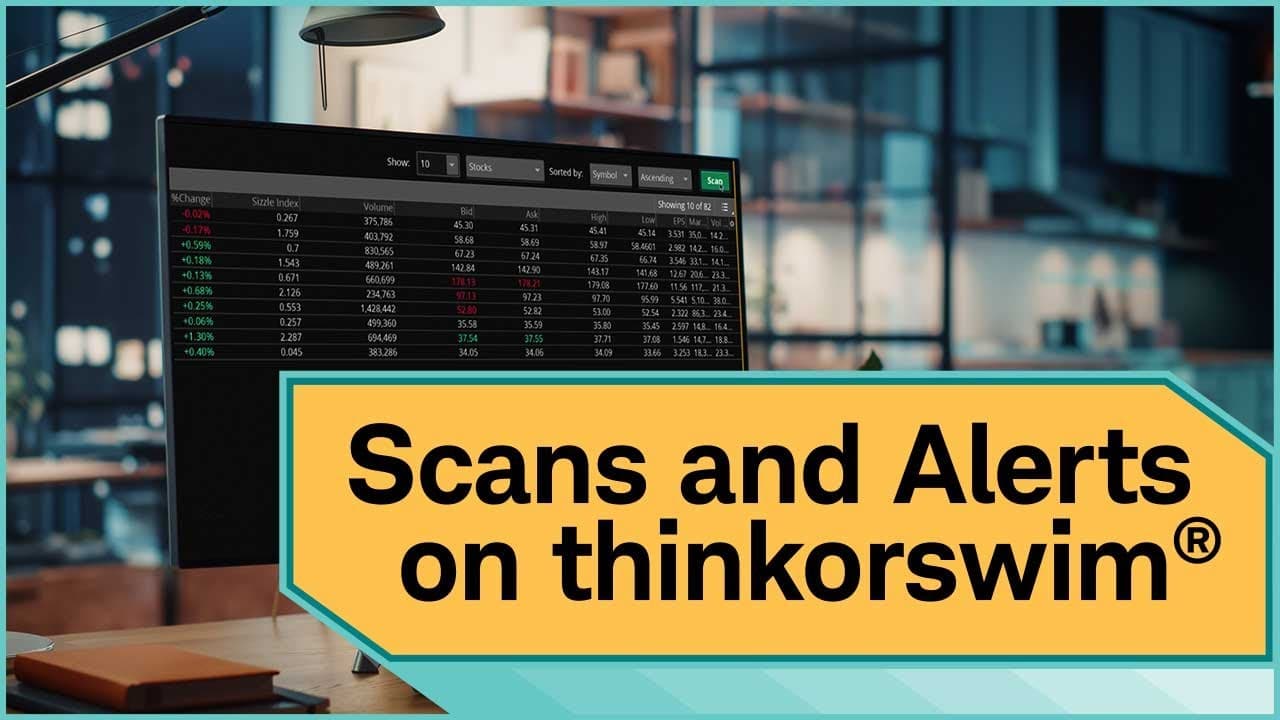
How to Create Custom Scans and Alerts on thinkorswim®
TL;DR
To create custom scans on thinkorswim®, navigate to the Scan tab, adjust filters for stocks and options, and hit Scan. You can save your scans and set alerts to notify you when results change by selecting the alert option after creating your scan. Customize columns and sorting in your search results to refine your analysis.
Transcript
This demo shows you how to create scans on thinkorswim®, then set alerts to keep you up to date if results change. Filter through tens of thousands of available stock and options products to find products that meet your search criteria. To create a scan, go to the Scan tab. The tab defaults to the Stock Hacker view. If you don't want to ... Read More
Key Insights
- 👻 Thinkorswim® allows users to create custom scans and alerts for stocks and options products.
- 👤 Users can add, adjust, and remove filters for stocks, options, studies, and fundamentals in their scans.
- 🤩 Customizing scan results display, saving scans, and setting alerts for changing results are key features on thinkorswim®.
Install to Summarize YouTube Videos and Get Transcripts
Explore YouTube Video Summarizer or Get YouTube Transcript Extractor
Questions & Answers
Q: How do you customize scans on thinkorswim®?
To customize scans on thinkorswim®, go to the Scan tab, select filters, adjust parameters, add or remove filters, and save your scan query after customization.
Q: How can you set alerts for changing scan results?
To set alerts for changing scan results, save your customized scan query, select the list icon, choose to alert when results change, customize alert settings, and create the alert.
Q: What customization options are available for scan results display?
You can adjust the columns in search results by selecting the gear icon or right-clicking a column header, adding or removing columns, and ordering your watch list by certain criteria.
Q: How can you save your customized scan on thinkorswim®?
To save your customized scan on thinkorswim®, select the list icon, save your scan query by entering a name, and saving it.
Summary & Key Takeaways
-
Customize scans on thinkorswim® to filter through stocks and options products.
-
Add, adjust, and remove filters for stocks, options, studies, and fundamentals.
-
Set alerts to notify you when scan results change and customize alert settings.
Read in Other Languages (beta)
Share This Summary 📚
Summarize YouTube Videos and Get Video Transcripts with 1-Click
Try YouTube Summary with ChatGPT & Claude or YouTube Transcript Generator
Explore More Summaries from Charles Schwab 📚





Summarize YouTube Videos and Get Video Transcripts with 1-Click
Try YouTube Summary with ChatGPT & Claude or YouTube Transcript Generator