How to start Ruby programming for beginners
TL;DR
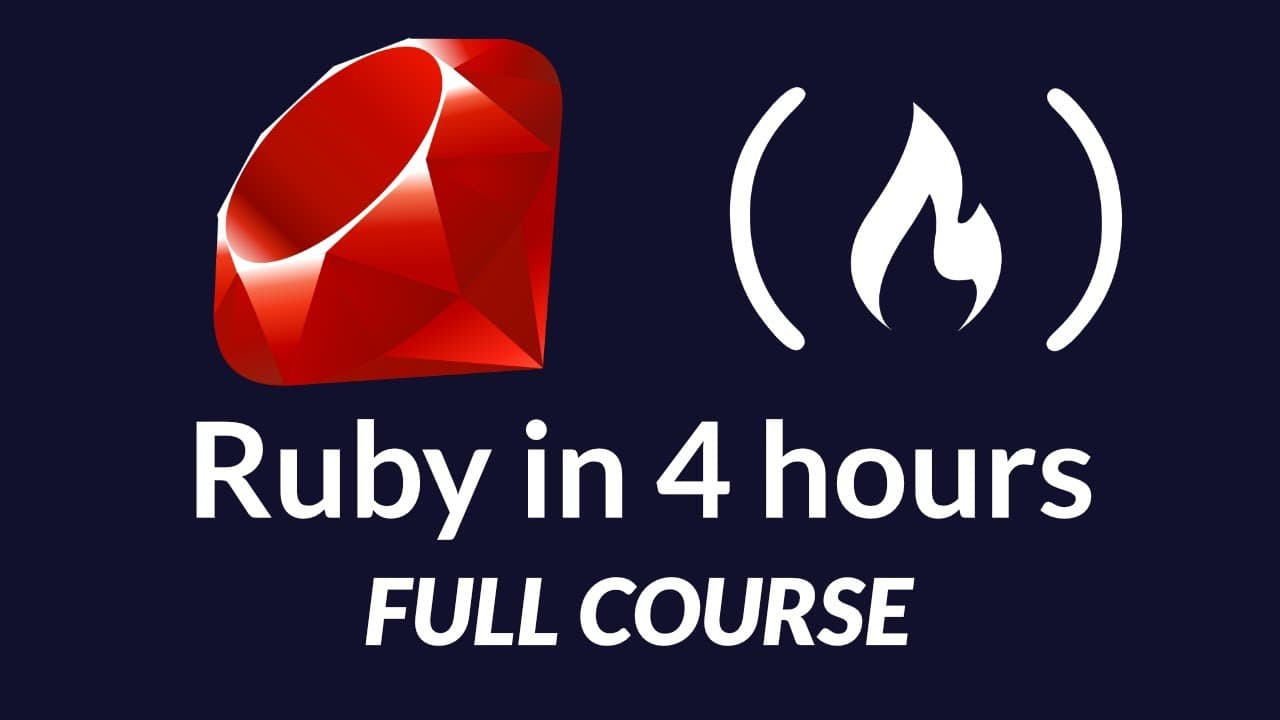
The course teaches Ruby from installation to basics and beyond. It covers Windows and Mac setup, writing and running your first Ruby program, variables, data types, control flow, and object oriented programming. You'll build mini applications like a calculator and a guessing game to apply concepts in real projects.
Transcript
In this course, I'm going to be teaching you everything you need to know to get started writing programs in Ruby. And Ruby is an extremely popular programming language. And it's also the programming language behind one of the most popular web development frameworks called Ruby on Rails. So if you're somebody who's looking to get into Ruby on Rails,... Read More
Key Insights
- Ruby is the central language of the course and is used to teach practical programming skills.
- The Windows installation path uses the Ruby installer from rubyinstaller.org and includes a three step toolchain setup.
- Mac installation notes that Ruby comes pre installed and highlights the option to use Ruby Version Manager for updates.
- Editors like Atom are viable for Ruby development, and Atom Runner enables running Ruby code directly from the editor.
- The course emphasizes building real world mini applications such as a calculator and a guessing game to apply concepts.
- Fundamental topics covered include variables, data types, strings, and numbers, with attention to input and output.
- Control flow is taught through if statements, loops, and case expressions to handle decision making.
- Object oriented programming concepts form a core part of the course, introducing classes, objects, inheritance, and modules.
Install to Summarize YouTube Videos and Get Transcripts
Explore YouTube Video Summarizer or Get YouTube Transcript Extractor
Questions & Answers
Q: How do you install Ruby on Windows according to the video content?
To install Ruby on Windows, download the latest Ruby installer from the Ruby Installer website and run it. During setup, ensure to install the MSYS2 toolchain and system updates as prompted. Complete all three installation steps in order to have Ruby and its development tools properly configured, then verify the installation by running ruby -v in the command prompt to display the installed version.
Q: What does the Mac installation section say about Ruby availability?
The Mac installation section notes that macOS typically comes with Ruby pre installed, so you usually do not need to install Ruby separately. It also mentions using Terminal to check the Ruby version with ruby -v. If you need to update, consider using a Ruby version manager to manage and switch Ruby versions as needed.
Q: What editor is recommended in the course for Ruby development and why?
The course recommends using Atom as the text editor because it is designed to support Ruby well and can be extended with plugins. It also introduces Atom Runner, a plugin that lets you run Ruby scripts directly from within Atom, streamlining the coding workflow and keeping the development environment cohesive.
Q: What are the first programming concepts introduced after setup?
After setup, the course introduces core programming concepts such as variables and dealing with different data types, followed by strings and numbers. Learners will practice storing data and performing basic operations, which lays the groundwork for more advanced topics like conditionals, loops, and methods.
Q: What kinds of projects are used to apply Ruby concepts in the course?
The curriculum uses real world mini applications to apply Ruby concepts, including building a calculator and a guessing game. These projects are designed to illustrate how the language can be used in practical scenarios, reinforcing syntax, control flow, and user interaction while developing problem solving skills.
Q: Which advanced Ruby topics are covered later in the course?
Later sections cover object oriented programming with classes and objects, inheritance, modules, and interactive Ruby (IRB). This progression helps learners understand how to structure programs with reusable components, extend functionality through inheritance, and experiment interactively with Ruby code.
Q: What is the purpose of the various topics like arrays, hashes, and methods in the course?
Arrays and hashes introduce common data structures used to store collections of data, while methods provide reusable blocks of code to perform actions. Together, these topics teach organization, data management, and code reuse, enabling learners to build more complex programs and larger applications with Ruby.
Q: What does the course promise about end outcomes for learners?
By the end of the course, learners should have a solid understanding of what Ruby is capable of and how to apply it in different situations, including Rails development. The course emphasizes practical skills, problem solving, and the ability to build functional programs, preparing students to pursue further Ruby and Rails projects.
Summary & Key Takeaways
-
This module introduces Ruby and explains how to install it on Windows, then confirms the Mac installation with pre installed Ruby. It sets up a text editor (Atom) and introduces the concept of running Ruby programs from a chosen editor, preparing you to write your first script. The plan includes progressing through real world mini projects.
-
Next, the course covers core programming topics like variables, data types, strings, and numbers, progressing toward methods, conditionals, loops, and file handling. Students repeatedly build practical programs to cement understanding and showcase applicability to Rails development.
-
Finally, the curriculum expands to object oriented programming, including classes and objects, inheritance, modules, and interactive Ruby, culminating in more complex projects such as calculators and quizzes while reinforcing best practices and problem solving through Ruby.
Read in Other Languages (beta)
Share This Summary 📚
Summarize YouTube Videos and Get Video Transcripts with 1-Click
Try YouTube Summary with ChatGPT & Claude or YouTube Transcript Generator
Explore More Summaries from freeCodeCamp.org 📚



Summarize YouTube Videos and Get Video Transcripts with 1-Click
Try YouTube Summary with ChatGPT & Claude or YouTube Transcript Generator