What Is a System Call in an Operating System?
TL;DR
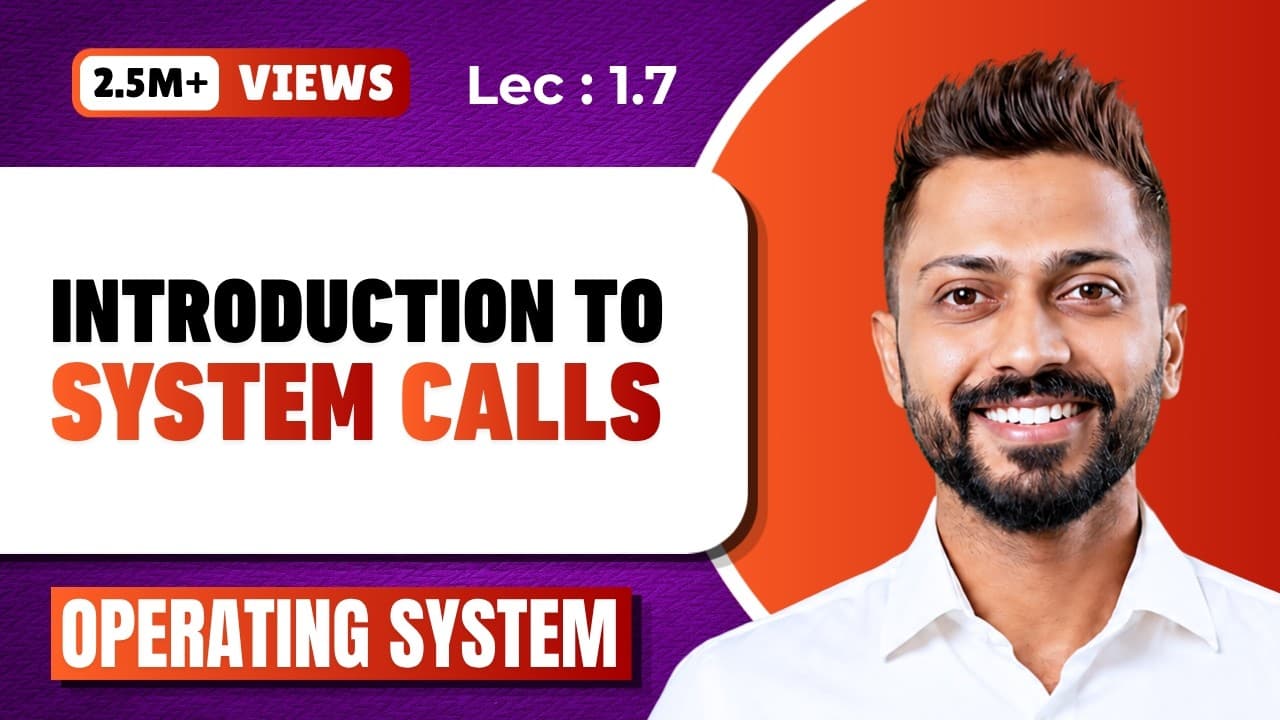
A system call is the programmatic way a program shifts from user mode to kernel mode to access operating system functionality. Any work involving devices, files, or hardware needs kernel privilege, so it must go through a system call. Even library functions like printf are not system calls themselves; they invoke system calls underneath to get the work done.
Transcript
Hello friends, Welcome to Gate Smashers The topic is system call... In the last video we discussed how we work in user mode & kernel mode If the user is using any application or API or writing any program then we generally writes it in user mode But if I wants to access any functionality of operating system then I have to go in kernel mode So becau... Read More
Key Insights
- A system call is a programmatic way to shift from user mode to kernel mode, or to access the functionalities of the kernel and the operating system. Because user access sits in user mode, the system call is the entry point into kernel territory.
- Arithmetic like 2 + 2 completes in user mode since the processor handles it directly, but printing the result to a monitor requires kernel help. Any operation touching devices, printers, or monitors must be routed through the operating system.
- Files live on the hard disk, so accessing or modifying file data requires kernel mode. All devices and resources are governed by the operating system, and the kernel is the main logical unit inside that operating system.
- printf is a function, not a system call. Printing to a monitor means the printf function accesses a system call underneath, so whether you call the system call directly or use an API or library, the work ultimately happens through a system call that invokes the kernel.
- The count of system calls varies by operating system. Many operating systems have around 300 system calls, while Windows 7 has around 700. Linux allows direct use of system calls such as read, write, close, open, and fork inside a C program.
- A program becomes a process when it is executed and enters running mode, which means it resides in RAM. The kernel also sits in main memory, and the process lacks privilege on its own, so it invokes a system call to have the kernel grant access.
- Information related system calls retrieve metadata: getpid returns a process ID and getppid returns a parent ID. Metadata means data about data, such as an audio file's size, file name, permission, and extension, as well as system time and date.
- fork is a process control system call in which a process creates its own child process. The child does its work while the parent also does its work, which builds a multiprocessing environment as an alternative to multithreading.
Install to Summarize YouTube Videos and Get Transcripts
Explore YouTube Video Summarizer or Get YouTube Transcript Extractor
Questions & Answers
Q: What is a system call in an operating system?
A system call is a programmatic way through which a program shifts from user mode to kernel mode, or accesses the functionalities of the kernel and the operating system. Users and applications operate in user mode, so any request that needs operating system privilege, such as reading a file or writing to a device, has to pass through a system call. The system call invokes the kernel, which is the main logical unit of the operating system, to actually perform the requested work.
Q: Why do you need a system call to print something on the monitor?
Calculating something like 2 + 2 stays entirely in user mode because the processor performs the arithmetic and no operating system privilege is required. But getting that result printed on the monitor means accessing a device, and all devices and resources are governed by the operating system. Since the user cannot access hardware directly, the program has to take help from the kernel, and the way to reach the kernel is through a system call.
Q: Is printf a system call?
No. printf is a function, part of a local library, not a system call itself. However, that function accesses a system call underneath, because printing means writing on the monitor, which requires kernel privilege. So whether you write the system call directly, as you can in Linux with read, write, open, close, or fork, or you use an API or a library function like printf or scanner, at the end the work is done through a system call that invokes the kernel.
Q: What are the main types of system calls?
The major categories are file related system calls, used to create, open, read, or write a file; device related system calls, used to read, write, reposition, or access attributes of hardware such as a hard disk, printer, or monitor; information related system calls, used to obtain metadata such as process IDs and system time and date; process control system calls, used to load, execute, abort, and fork processes; and communication system calls, used for inter process communication. There are also protection and security related system calls.
Q: How many system calls does an operating system have?
The number varies according to the operating system. Many operating systems have around 300 system calls, and Windows 7 has around 700 system calls. In Linux, hundreds of system calls exist and you can use several of them directly when writing a C program in a text editor, including read, write, close, open, and fork. Other operating systems do not expose system calls for direct writing, so programs use APIs or local library functions instead.
Q: What does the fork system call do?
fork is a process control system call in which a process creates its own child process. Once created, the child process performs its work while the parent process also continues performing its own work, which produces a multiprocessing environment where multiple processes and tasks run at a time. The alternative approach for running multiple tasks is a multithreading environment, where multiple threads related to the process run instead of separate child processes.
Q: What are information related system calls used for?
Information related system calls retrieve information about processes or devices, generally referred to as metadata. getpid is used to obtain a process's ID, and getppid is used to obtain the parent ID. Metadata means data related to a data item: for an audio file, the content is the data, while its size, file name, permission, and extension are attributes. Information related system calls are also used to access the system's time, date, and system data.
Q: How do two processes communicate using system calls?
Two processes communicating with each other use inter process communication, and there are communication system calls for it. One option is the pipe method, using the pipe() system call. Another is shared memory, where shmget() is used to get the value of shared memory. There are also system calls in this category for creating and terminating connections between processes. Related process synchronization work, such as making a process wait or increasing semaphore values, is handled through wait and signal.
Summary & Key Takeaways
-
Applications, APIs, and programs run in user mode, but accessing operating system functionality requires kernel mode. A system call is the programmatic mechanism for that shift. Computing 2 + 2 stays in user mode because the processor handles it, but printing the result to a monitor requires going through the kernel.
-
System calls fall into major categories: file related (create, open, read, write), device related (read, write, reposition, get attributes, ioctl), information related (getpid, getppid, system time and date), process control (loading, aborting, fork), and communication (pipe, shmget, creating and terminating connections).
-
The number of system calls varies by operating system. Many operating systems have around 300, and Windows 7 has around 700. In Linux you can write system calls such as read, write, close, open, and fork directly inside a C program in a text editor, while other systems route through APIs and libraries instead.
Read in Other Languages (beta)
Share This Summary 📚
Summarize YouTube Videos and Get Video Transcripts with 1-Click
Try YouTube Summary with ChatGPT & Claude or YouTube Transcript Generator
Explore More Summaries from Gate Smashers 📚




Summarize YouTube Videos and Get Video Transcripts with 1-Click
Try YouTube Summary with ChatGPT & Claude or YouTube Transcript Generator