What Is a Hub in Computer Networks and How Does It Work?
TL;DR
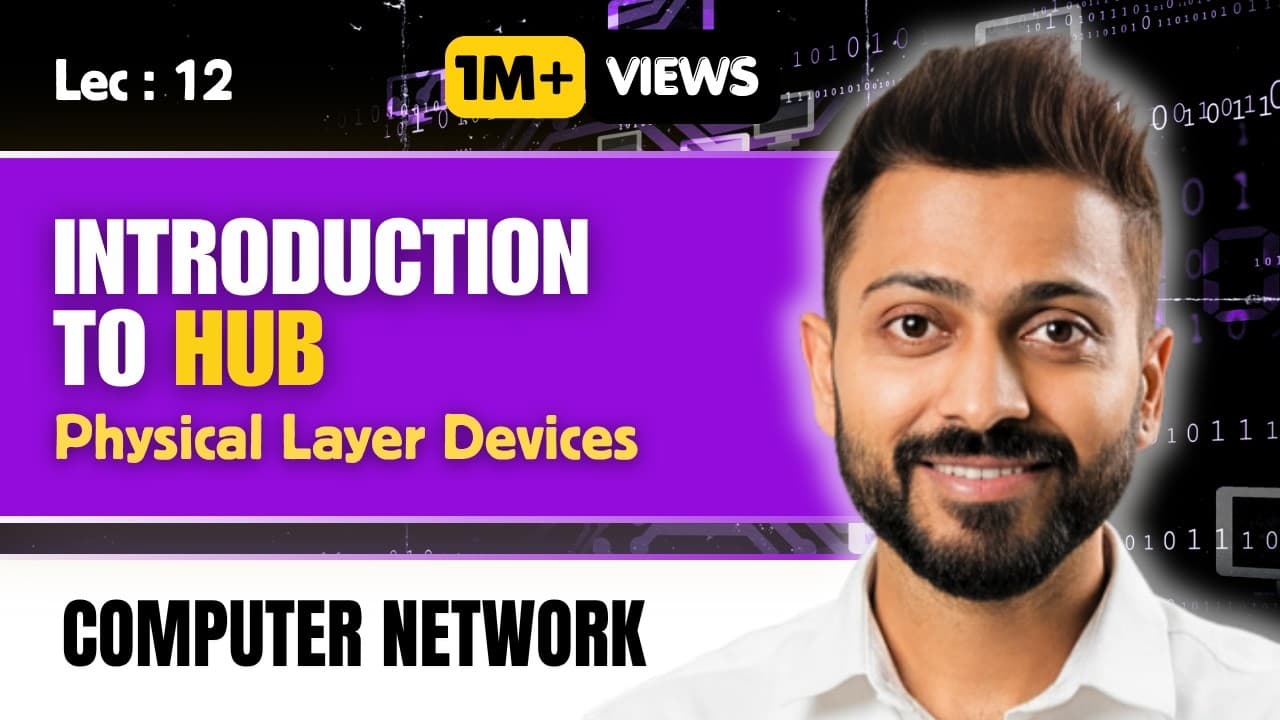
A hub is a physical layer device that connects multiple networking devices as a multiport repeater, forwarding data without filtering, which leads to high network traffic and potential collisions. It features hardware-only functionality, such as LED indicators for power and connectivity, making it cheaper than routers and switches. Understanding hubs is vital for students preparing for electronics exams like UGC NET.
Transcript
Read and summarize the transcript of this video on Glasp Reader (beta).
Key Insights
- Hubs operate on the physical layer, meaning they are purely hardware devices without any software components involved.
- A hub is essentially a multiport repeater, allowing it to connect multiple devices, unlike a standard two-port repeater.
- Hubs provide extra functionalities such as LED indicators to show power status or issues, which repeaters do not offer.
- In terms of data transmission, hubs perform forwarding but lack filtering capabilities, meaning they broadcast data to all connected devices.
- The lack of filtering in hubs results in high network traffic and an increased likelihood of data collisions.
- Collisions occur within the hub, as signals from multiple devices can collide when transmitted simultaneously.
- Hubs are more cost-effective compared to devices like routers and switches because they are purely hardware-based.
- Understanding the basic functionalities of hubs is essential for students preparing for exams like UGC NET, especially in electronics.
Install to Summarize YouTube Videos and Get Transcripts
Explore YouTube Video Summarizer or Get YouTube Transcript Extractor
Questions & Answers
Q: What is the primary function of a hub in a network?
The primary function of a hub in a network is to connect multiple devices, allowing them to communicate with each other. Operating on the physical layer, hubs forward data packets received from one device to all other connected devices, acting as a multiport repeater without any data filtering capabilities.
Q: How does a hub differ from a repeater?
A hub differs from a repeater primarily in its port capacity and functionality. While a repeater typically has two ports and is used to connect two devices or network segments, a hub is a multiport device, allowing multiple devices to be interconnected. Additionally, hubs provide extra functionalities like LED indicators, which repeaters lack.
Q: What are the limitations of using a hub in a network?
The limitations of using a hub in a network include the lack of data filtering, which results in all data being broadcast to every connected device, leading to high network traffic. This can cause data collisions, especially in networks with many devices. Hubs also cannot determine the destination of data packets, unlike more advanced devices like switches.
Q: Why are hubs considered cost-effective compared to routers and switches?
Hubs are considered cost-effective compared to routers and switches because they are purely hardware devices operating on the physical layer without any software components. This simplicity in design and functionality reduces manufacturing costs, making hubs cheaper options for basic network connectivity, particularly in smaller or less complex network setups.
Q: What role do LED indicators play in hubs?
LED indicators in hubs serve as visual signals to provide information about the device's status. They can indicate whether the hub is powered on and if there are any connectivity issues, such as a disconnected or malfunctioning port. This feature offers basic troubleshooting assistance, which is a functionality not available in simpler devices like repeaters.
Q: How do hubs handle data collisions?
Hubs do not have mechanisms to prevent data collisions. When multiple devices send data simultaneously, the signals collide, particularly within the hub itself. This is because hubs lack filtering and broadcast data to all connected devices indiscriminately. The occurrence of collisions can degrade network performance, especially in busy networks.
Q: In what scenarios are hubs most appropriately used?
Hubs are most appropriately used in simple network setups where cost is a primary concern and advanced features like data filtering and traffic management are not required. They are suitable for small networks with limited devices, where the risk of data collisions and high traffic is minimal, and basic connectivity is the primary goal.
Q: What exam preparations can benefit from understanding hubs?
Understanding hubs can benefit students preparing for exams like the UGC NET, especially those in electronics and computer science fields. Knowledge of hubs, their functionalities, and limitations is crucial for questions related to networking concepts, particularly those focused on the physical layer of the OSI model and basic networking devices.
Summary & Key Takeaways
-
The video explains that hubs are basic networking devices that operate on the physical layer, connecting multiple devices without software involvement. They function as multiport repeaters, offering additional features like LED indicators to signal power or connectivity issues. Hubs forward data to all devices, resulting in high traffic and collision potential.
-
Hubs perform forwarding but lack filtering, meaning they broadcast data to all connected devices, causing increased traffic and potential for collisions. They are cost-effective compared to routers and switches due to their hardware-only nature. Understanding hubs is crucial for exams, particularly in electronics fields.
-
The content emphasizes that hubs, being physical layer devices, are purely hardware and cheaper than more complex devices like routers. They connect multiple devices by forwarding data to all, increasing collision risks. The video is particularly useful for students preparing for exams like UGC NET in electronics.
Read in Other Languages (beta)
Share This Summary 📚
Summarize YouTube Videos and Get Video Transcripts with 1-Click
Try YouTube Summary with ChatGPT & Claude or YouTube Transcript Generator
Explore More Summaries from Gate Smashers 📚





Summarize YouTube Videos and Get Video Transcripts with 1-Click
Try YouTube Summary with ChatGPT & Claude or YouTube Transcript Generator