How to start using OpenAI Codex in your project
TL;DR
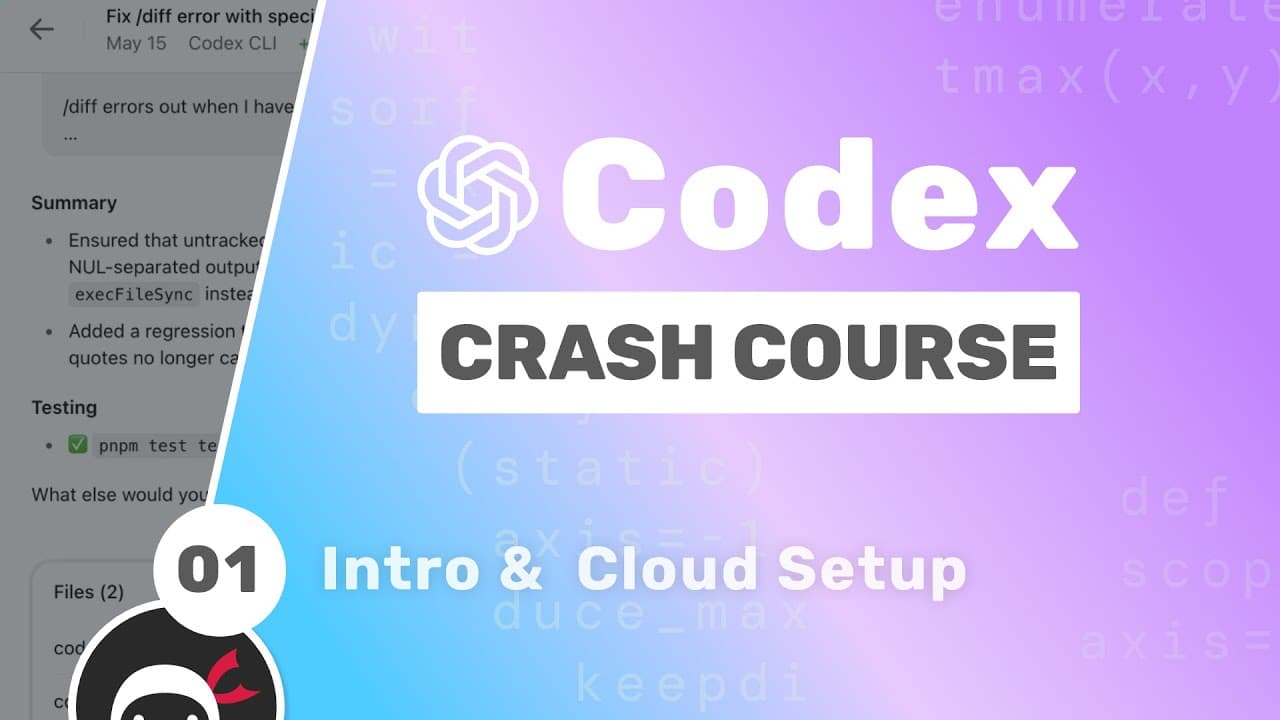
Codex is an AI powered coding assistant from OpenAI that can work across multiple interfaces, including a VS Code like IDE extension, a CLI, a browser based cloud service, and a code review bot. The course will show how to set up Codex Cloud, connect GitHub, create environments, and run tasks remotely while linking the different interfaces for a smooth workflow.
Transcript
All right then, gang. In this series, we're going to be talking about Codeex by OpenAI and all the different ways we can use it within a development workflow. But first of all, what exactly is Codeex? And that's a question I've asked myself a bunch of times over the last few months because it's actually a few different tools rolled up into a single... Read More
Key Insights
- Codex is described as an AI powered coding assistant created by OpenAI. The tool set includes a Codeex IDE extension, a Codeex CLI, Codex Cloud, and a Codex review tool. These are designed to interlink rather than function as completely separate products.
- Codex Cloud runs tasks remotely by spinning up isolated containers on Codex servers, allowing you to connect a GitHub repo and configure environments with customizable package versions and setup scripts.
- An environment in Codex Cloud is created by selecting a GitHub repository and optionally enabling internet access for external API calls or documentation. This environment can be edited or deleted from the settings.
- The IDE extension, CLI, and Cloud service can be used in tandem, for example delegating a task in the IDE or CLI, then having Codex Cloud open a PR on GitHub, which the Codex review bot can automatically inspect.
- The service emphasizes that you do not need your project cloned locally to work with Codex Cloud, enabling remote work from laptops, mobile devices, or other computers with access to the repo.
- Codex Cloud supports pre installed packages in the default container like Node, Python, and Ruby, and allows editing of environment variables to access external services.
- The course includes a practical workflow progression: start with Codex Cloud, then move to the CLI for local work, followed by installing the IDE extension to work inside VS Code, showing interconnected usage.
- OpenAI Codex is positioned as a set of tools unified under Codex to streamline coding workflows and reduce friction between remote and local development tasks.
Install to Summarize YouTube Videos and Get Transcripts
Explore YouTube Video Summarizer or Get YouTube Transcript Extractor
Questions & Answers
Q: How does Codex Cloud connect to a GitHub repository and what is the initial setup?
Codex Cloud requires signing in with a ChatGPT Pro or Plus account and connecting a GitHub repository from the Codex dashboard. The process includes authenticating with GitHub credentials through a pop up and then selecting an environment to work in, which ties a specific repo to Codex for remote task execution.
Q: What is an environment in Codex Cloud and how is it created?
An environment in Codex Cloud is a configured workspace tied to a GitHub repository where Codex will run tasks remotely. It is created by selecting a repository from the environment setup, configuring optional options like internet access, and saving to start using remote tasks within that project.
Q: What does enabling internet access in Codex Cloud environments enable and what are the trade offs?
Enabling internet access allows the coding agent to interact with remote APIs and external documentation while working on the project. The trade off is potential exposure to external resources, so the decision depends on whether the task requires internet access to fetch APIs or references.
Q: How are default containers configured in Codex Cloud and can they be customized?
The default container in Codex Cloud comes with pre installed packages such as Node, Python, and Ruby. Users can change package versions and define setup scripts or environment variables in the environment settings to tailor the container to their project needs.
Q: What is the workflow pattern demonstrated in the tutorial for using Codex across interfaces?
The tutorial demonstrates delegating tasks via the Codex IDE extension or Cloud interface, letting Codex Cloud open a PR on GitHub, and then applying Codex review during the pull request process to automatically check the work before merging, illustrating a cycle between local and remote tooling.
Q: Why is Git and GitHub knowledge considered important when using Codex according to the video description?
The presenter emphasizes that understanding Git and GitHub is crucial when letting AI code on your project because without it, AI powered coding agents can potentially modify the codebase in minutes, highlighting the need for proper version control and review workflows.
Q: What future lessons are outlined beyond the initial setup in the Codex tutorial series?
The course plans to explore the Codex CLI for local work, install the Codex IDE extension in VS Code, discuss context and reasoning, and show how the extension and Codex Cloud can coordinate tasks in parallel, providing a comprehensive guide to using Codex in different environments.
Q: What is the role of the Codex review tool in the workflow described?
The Codex review tool is installed on GitHub to automatically review pull requests when they are created, acting as an automated quality gate that can double check the changes made by Codex, helping to ensure code integrity before merging.
Summary & Key Takeaways
-
Codex is an AI powered coding assistant created by OpenAI that can work autonomously on coding tasks and is available to users with a ChatGPT Plus or Pro account. The product includes four main interfaces: IDE extension, CLI, Codex Cloud, and Codex review tool, which are designed to interoperate.
-
The course will cover each interface in isolation and then demonstrate how they interconnect, such as delegating a task in Codex Cloud, opening a PR, and having the Codex review bot double check the work before merging.
-
Codex Cloud spins up remote containers on Codex servers to run tasks, connects to a GitHub repository, and can open pull requests, enabling remote coding from anywhere without local clones.
Read in Other Languages (beta)
Share This Summary 📚
Summarize YouTube Videos and Get Video Transcripts with 1-Click
Try YouTube Summary with ChatGPT & Claude or YouTube Transcript Generator
Explore More Summaries from Net Ninja 📚
Summarize YouTube Videos and Get Video Transcripts with 1-Click
Try YouTube Summary with ChatGPT & Claude or YouTube Transcript Generator