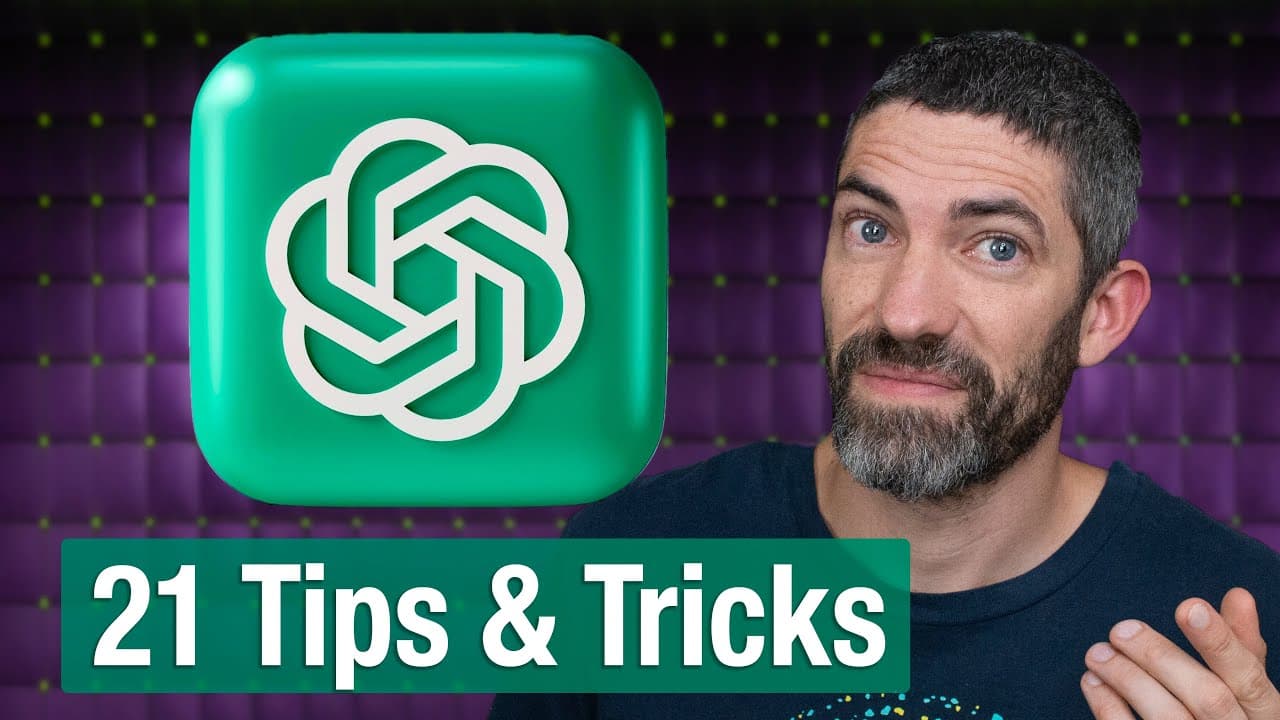
How to Maximize ChatGPT with 21 Effective Tips
TL;DR
To fully leverage ChatGPT, utilize features like temporary chat mode for privacy, keyboard shortcuts for efficiency, and prompt templates for productivity. Explore advanced features such as data analysis, custom instructions, and voice mode to enhance your workflow and AI interactions.
Transcript
everyone uses chat GPT but not to its full potential most people are only scratching the surface and even power users won't know some of the tricks I'm about to share ever wish you had an incognito mode for chat GPT turn on temporary chat go up to the model list then click temporary chat now anything you say won't show up in your history open AI wo... Read More
Key Insights
- Temporary chat mode allows users to ask questions without storing data in history, protecting privacy.
- Keyboard shortcuts streamline navigation and tasks, enhancing user efficiency when interacting with ChatGPT.
- Prompt templates provide pre-written frameworks for various tasks, saving time and improving productivity.
- Custom instructions let users tailor ChatGPT's responses, minimizing unnecessary disclaimers and optimizing interaction.
- Projects feature helps organize chats and maintain context across multiple sessions, improving workflow continuity.
- Voice mode enables hands-free interaction, beneficial for multitasking and natural conversations.
- Data analysis tools in ChatGPT can visualize datasets, uncover trends, and perform calculations efficiently.
- Advanced reasoning capabilities in ChatGPT Pro offer deep insights and complex problem-solving abilities.
Install to Summarize YouTube Videos and Get Transcripts
Explore YouTube Video Summarizer or Get YouTube Transcript Extractor
Questions & Answers
Q: How to protect privacy when using ChatGPT?
To protect privacy, activate the temporary chat mode. This feature prevents your queries from being stored in the chat history, ensuring that OpenAI does not use your data for model training. This is particularly useful when discussing proprietary or sensitive information.
Q: What are the benefits of using keyboard shortcuts in ChatGPT?
Keyboard shortcuts significantly enhance efficiency when using ChatGPT. They allow quick navigation between chats, easy access to features like new chat creation or sidebar toggling, and streamline tasks without needing to use a mouse, thus improving overall workflow speed.
Q: Why use prompt templates with ChatGPT?
Prompt templates offer pre-structured prompts tailored for specific tasks, such as marketing or productivity. They save time by providing a framework that users can customize, ensuring more effective and targeted interactions with ChatGPT, ultimately improving task efficiency and output quality.
Q: How can custom instructions improve ChatGPT interactions?
Custom instructions allow users to set specific preferences for ChatGPT's responses. By minimizing unnecessary disclaimers and tailoring responses to personal needs, users can achieve more relevant and concise interactions, enhancing the overall user experience and making the AI more responsive to individual requirements.
Q: What is the purpose of the voice mode in ChatGPT?
Voice mode in ChatGPT provides hands-free interaction, which is ideal for multitasking environments. It allows users to engage in natural conversations, receive real-time feedback, and control devices without manual input, making it a convenient option for tasks like brainstorming or setting reminders while on the move.
Q: How does ChatGPT handle data analysis and visualization?
ChatGPT can analyze datasets by performing calculations, identifying trends, and generating visualizations like bar charts and scatter plots. This feature aids in data-driven decision-making by providing clear insights and graphical representations of data, all within the ChatGPT interface, enhancing analytical capabilities.
Q: What are the advantages of using projects in ChatGPT?
Projects in ChatGPT help organize chats and maintain contextual continuity across multiple sessions. This feature is particularly useful for managing complex tasks or workflows, as it keeps related chats connected and accessible, ensuring that users can easily track progress and maintain focus on ongoing projects.
Q: What capabilities does ChatGPT Pro offer for advanced reasoning?
ChatGPT Pro offers enhanced reasoning capabilities, allowing for deep insights and complex problem-solving. It can process intricate prompts, explore alternative theories, and provide comprehensive analyses, making it a powerful tool for users requiring advanced cognitive tasks and in-depth exploration of challenging topics.
Summary & Key Takeaways
-
ChatGPT's temporary chat mode ensures privacy by not storing data, making it ideal for sensitive queries. Keyboard shortcuts enhance user efficiency by providing quick access to features like new chat creation and sidebar toggling.
-
Prompt templates are invaluable for productivity, offering structured prompts across various categories. Custom instructions allow users to personalize ChatGPT's behavior, reducing unnecessary disclaimers and improving response relevance.
-
Voice mode offers hands-free interaction, perfect for multitasking or when voice input is more convenient. Data analysis features enable users to visualize and interpret datasets within ChatGPT, enhancing data-driven decision-making.
Read in Other Languages (beta)
Share This Summary 📚
Summarize YouTube Videos and Get Video Transcripts with 1-Click
Try YouTube Summary with ChatGPT & Claude or YouTube Transcript Generator
Explore More Summaries from Futurepedia 📚





Summarize YouTube Videos and Get Video Transcripts with 1-Click
Try YouTube Summary with ChatGPT & Claude or YouTube Transcript Generator