How to Create New Instagram Highlight Covers in Canva
TL;DR
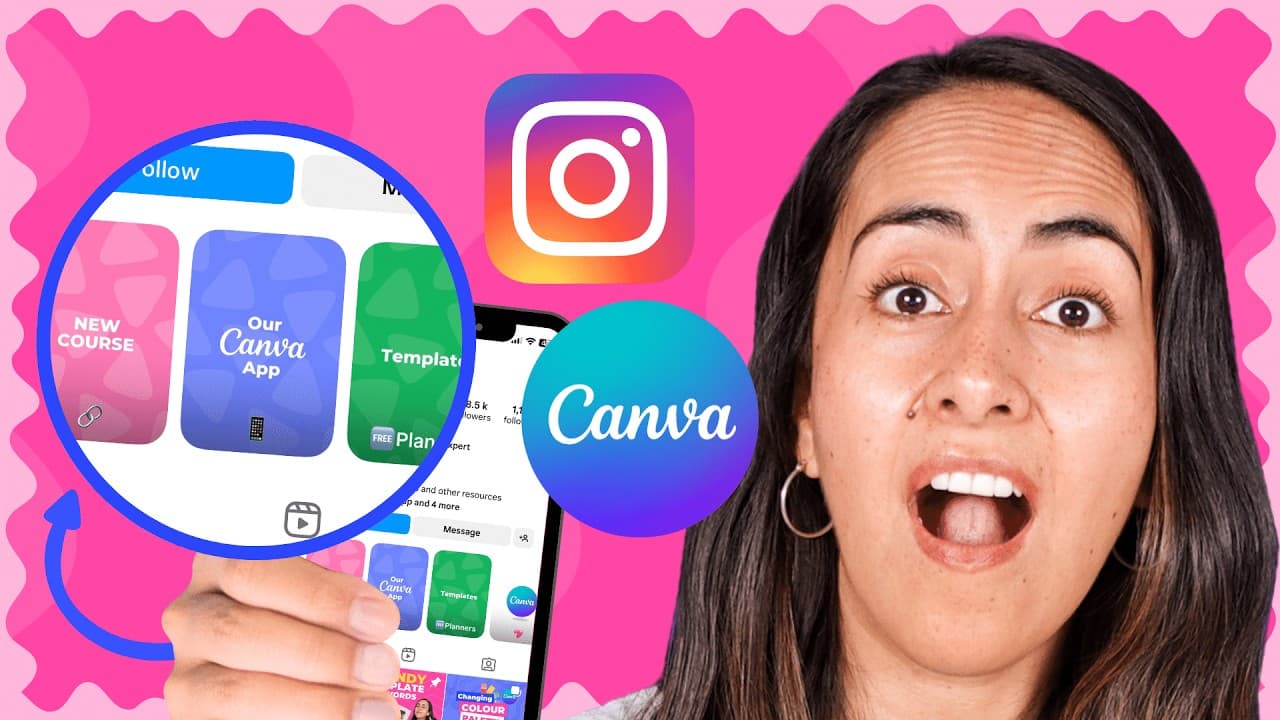
To create new Instagram highlight covers using Canva, start by selecting 'Instagram highlight cover' in Canva and designing within the safe area. Download your covers to your phone via a QR code for easy uploading to Instagram. Customize templates or create from scratch to enhance your profile's aesthetic.
Transcript
a couple of days ago I checked my Instagram profile and realized that my Instagram highlight covers changed they now look like this and because the ratio and the size of the covers changed I had to update them and because I had to update them I already know the size of the safe areas of these covers and I thought it would be a good idea to share th... Read More
Key Insights
- 🥳 Instagram introduced new highlight covers with a changed ratio and size.
- 🎨 Canva provides tools to create highlight covers within the safe area for the updated design.
- 👻 Customizing Canva templates or designing from scratch allows for unique highlight cover creations.
- 👨💻 QR code feature in Canva enables easy downloading of designs to your phone for Instagram uploads.
- 📔 Updating highlight covers using Canva enhances the overall aesthetic of your Instagram profile.
- 🎨 Canva Pro offers additional features for further customization and design options.
- 👶 User feedback indicates varying availability of the new highlight covers on Instagram.
Install to Summarize YouTube Videos and Get Transcripts
Explore YouTube Video Summarizer or Get YouTube Transcript Extractor
Questions & Answers
Q: How can you update Instagram highlight covers due to a size change?
You can use Canva to create new highlight covers within the safe area for the updated size, ensuring they display correctly.
Q: What are the steps to design new highlight covers using Canva?
By creating guides to mark the safe area, selecting elements from Canva's library, and customizing templates, you can design unique highlight covers easily.
Q: How can you download and upload Canva-designed covers to Instagram?
Canva offers a feature to send designs to your phone via a QR code, allowing for easy downloading and direct uploading to Instagram for your new highlight covers.
Q: What is the benefit of updating Instagram highlight covers using Canva?
By following this tutorial and updating your highlight covers, you ensure they appear correctly on your profile, enhancing the visual appeal and organization of your highlights.
Summary & Key Takeaways
-
Update Instagram highlight covers due to size change.
-
Use Canva to create highlight covers within safe area.
-
Easily download and upload covers to Instagram using Canva.
Read in Other Languages (beta)
Share This Summary 📚
Summarize YouTube Videos and Get Video Transcripts with 1-Click
Try YouTube Summary with ChatGPT & Claude or YouTube Transcript Generator
Explore More Summaries from Design with Canva 📚






Summarize YouTube Videos and Get Video Transcripts with 1-Click
Try YouTube Summary with ChatGPT & Claude or YouTube Transcript Generator