How to Create an Animated Lower Third in Canva
TL;DR
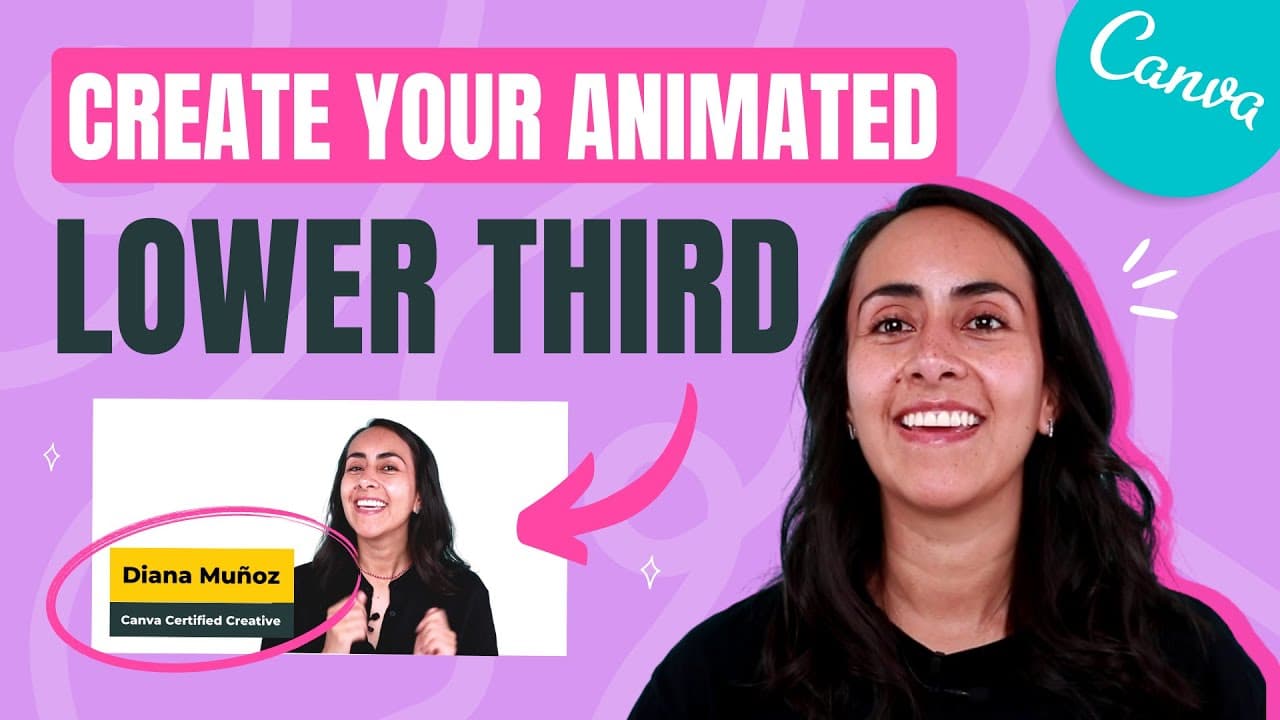
To create an animated lower third in Canva, start by designing a rectangle and adding text boxes for your name and role. Apply different animations to the text and rectangles, then download the animation as an MP4. Finally, use Adobe Premiere Pro to remove the green background using the Ultra Key effect.
Transcript
in today's tutorial i'm going to teach you how to create this animation that we see right here this lower third and we're going to do everything in canva so if you guys are interested in this tutorial let's go to my computer here we are in the canva homepage and for this project in particular let's go to video and then select the first option that ... Read More
Key Insights
- 😘 Canva provides a user-friendly platform for creating animations, including lower thirds.
- ❓ Text and elements can be customized with different fonts, colors, and animations.
- 🤩 Removing the green background from the animation can be done using Adobe Premiere Pro's Ultra Key effect.
Install to Summarize YouTube Videos and Get Transcripts
Explore YouTube Video Summarizer or Get YouTube Transcript Extractor
Questions & Answers
Q: What is the purpose of the tutorial?
The tutorial aims to teach users how to create a lower third animation using Canva and apply it to their videos.
Q: How do you add text to the lower third design?
To add text, use the "T" key to bring up a text box, change the text content and font, and position it over the rectangle.
Q: Can you customize the animations?
Yes, Canva offers a variety of free animations for text and elements. Users can choose animations like bounce or pan for different parts of the lower third design.
Q: How can the green background be removed from the animation?
After downloading the Canva animation, import it into Adobe Premiere Pro, apply the Ultra Key effect, select the green color, and remove the background.
Summary & Key Takeaways
-
The tutorial teaches how to create a lower third design animation using Canva's video editor.
-
Steps include adding rectangles, text boxes, changing fonts and colors, and applying animations.
-
The video also briefly shows how to remove the green background using Adobe Premiere Pro.
Read in Other Languages (beta)
Share This Summary 📚
Summarize YouTube Videos and Get Video Transcripts with 1-Click
Try YouTube Summary with ChatGPT & Claude or YouTube Transcript Generator
Explore More Summaries from Design with Canva 📚






Summarize YouTube Videos and Get Video Transcripts with 1-Click
Try YouTube Summary with ChatGPT & Claude or YouTube Transcript Generator