How to Build an AI Image Generator with Cursor
TL;DR
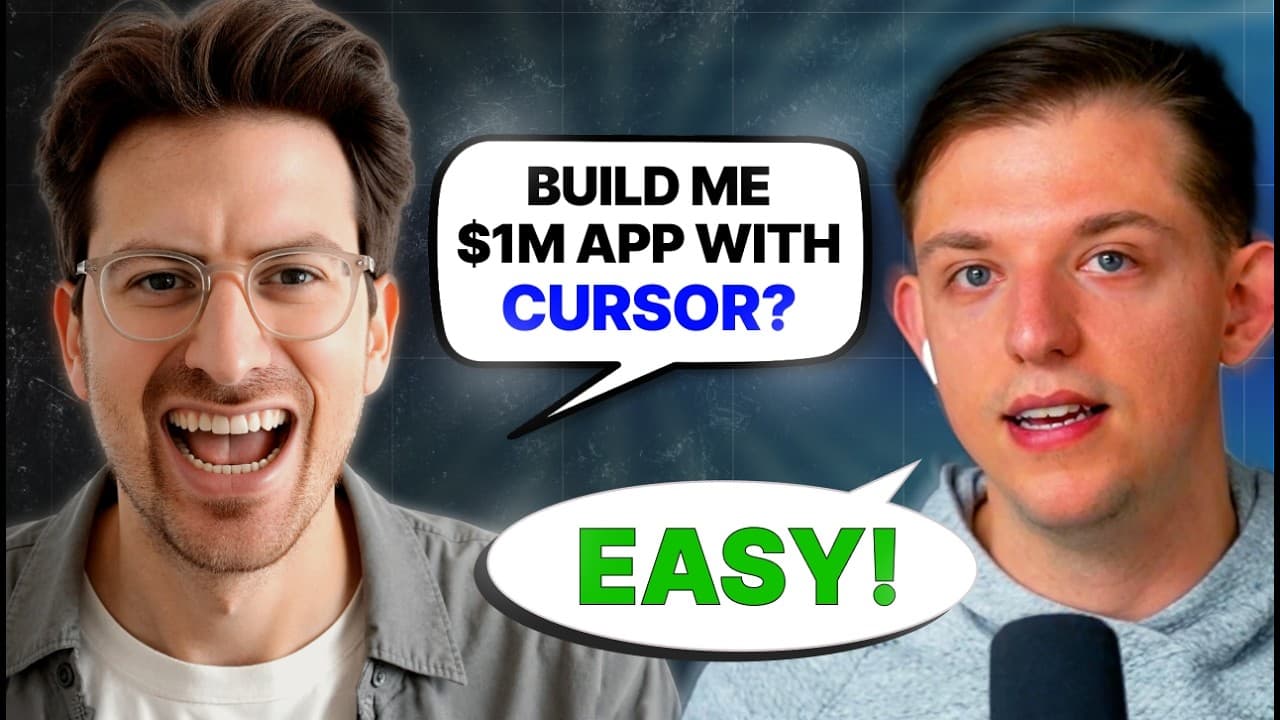
Start by asking Cursor Agent to clone a trusted Next.js repository, install its dependencies, and run it locally. Then use API code examples to add image generation, test and debug the application, improve the interface, connect Firebase for authentication and storage, and deploy the finished project through Vercel.
Transcript
Riley Brown what are we talking about today today we're going to be talking about how I've recently switched to basically only using cursor when building apps with AI and I want to explain why we're doing it and then we're going to build an app with AI start so obviously there's a lot of really good AI tools out right now there's bolts you have... Read More
Key Insights
- Cursor Agent can set up a local application from one prompt by cloning a GitHub repository, installing the required dependencies, and starting the development server. In the demonstration, the project files and a working local link appear without additional manual intervention.
- A blank folder is enough to begin a Cursor project because Composer can operate inside the opened directory and create the application from a repository. The demonstrated workflow starts by creating a folder, opening it in Cursor, launching Composer, and supplying the template link.
- YOLO mode automatically approves commands that Cursor wants to execute, reducing repeated confirmation prompts. The tutorial presents it as convenient for a nontechnical builder, while warning that users should clone only repositories from sources they trust because downloaded code may be unsafe.
- A local web view makes application development easier because every saved code change can be checked in the running project. The presenter keeps Composer and the web view separate, allowing quick movement between AI-assisted edits and direct visual verification of the application.
- API integration works like combining reusable building blocks because code examples can give Cursor the implementation instructions it needs. The tutorial searches for Next.js examples for using Flux through Replicate, then uses that material to guide development of image-generation capabilities.
- Replicate and fal are presented as platforms that make AI features easier to add to applications. Replicate provides access to many AI models, including creative models, so a builder can request suitable code examples and integrate image generation without first mastering every technical detail.
- The AI image generator uses multiple models, including Flux, Ideagram, and Stability AI. Cursor assists with building, testing, and debugging these model integrations, demonstrating how an application can progress from a reusable Next.js template to a functioning multi-model image-generation product.
- Firebase provides authentication and storage for the completed application, while Vercel handles deployment. These integrations extend the project from a locally running image generator into a fuller application with user-related services, stored content, and an accessible deployed version.
Install to Summarize YouTube Videos and Get Transcripts
Explore YouTube Video Summarizer or Get YouTube Transcript Extractor
Questions & Answers
Q: How do you start a Next.js project with Cursor Agent?
Create a new folder in a stable location on your computer, open that folder in Cursor, and launch Composer. Give Agent a prompt asking it to clone the supplied public GitHub repository and run it locally in one command. Cursor can then clone the repository, install the Next.js dependencies, start the development server, and provide a local link for viewing the template.
Q: What does YOLO mode do in Cursor?
YOLO mode lets Cursor execute proposed commands automatically instead of asking the user to approve each command individually. This makes setup faster and reduces repeated confirmation clicks. The tutorial also gives an important warning: only clone or run code from a trusted GitHub source. More technical developers may prefer reviewing commands and choosing different terminal instructions themselves.
Q: Why should developers run an AI application locally?
Running the application locally gives developers a live web view where they can immediately inspect the results of code changes. In the demonstrated workflow, Cursor starts the project and provides a local port link. The presenter keeps the web view separate from Composer, saves edits in Cursor, and switches between the two views to confirm that updates are synchronized correctly.
Q: How can Cursor help integrate an image generation API?
Cursor can use relevant Next.js code examples as instructions for implementing an API. The tutorial searches Perplexity for examples of using Flux through Replicate for image generation, then treats those examples as reusable building blocks for Cursor. This approach helps a beginner assemble API-powered features even if they have not yet learned every technical concept behind the integration.
Q: Which AI image models are integrated into the application?
The completed AI image generator integrates multiple models, including Flux, Ideagram, and Stability AI. The tutorial demonstrates building, testing, and debugging the generator as these capabilities are added. Using multiple models turns the initial Next.js template into a broader image-generation application and shows how Cursor Agent can assist with a more substantial full-stack development workflow.
Q: What role does Firebase play in the AI image generator?
Firebase is integrated to provide authentication and storage for the application. These services move the project beyond a simple local interface by supporting user access and stored application content. The Firebase work occurs after the image generator has been built, tested, debugged, and visually improved, making it part of the later full-stack development stage before deployment.
Q: How is the finished Cursor application deployed?
The completed application is deployed using Vercel after its core image-generation features, user interface improvements, Firebase authentication, and storage integration are in place. This deployment step makes the project accessible beyond the local development environment. The description also provides a Vercel link to the resulting Mount Cursor image generator as the finished example from the tutorial.
Q: What is the complete workflow for building the AI image generator?
The workflow begins with a blank folder in Cursor and a public GitHub Next.js template. Cursor Agent clones the repository, installs dependencies, and runs it locally. The builders then explore API integration, implement multiple image-generation models, test and debug the application, improve its interface, connect Firebase for authentication and storage, and finally deploy the completed application through Vercel.
Summary & Key Takeaways
-
Cursor Agent can initialize a Next.js application from a blank local folder by cloning a public GitHub repository, installing its dependencies, and starting the development server. The resulting local web view provides immediate feedback, while edits made in Cursor are synchronized with the running application for rapid testing and iteration.
-
The application is developed as an AI image generator using multiple models, including Flux, Ideagram, and Stability AI. API integration is approached like assembling building blocks: developers find relevant Next.js examples, provide those instructions to Cursor, and let the agent help implement, test, and debug the required features with minimal manual coding.
-
The completed project expands beyond image generation by improving the user interface and integrating Firebase for authentication and storage. After local development and debugging, the application is deployed with Vercel. The tutorial therefore demonstrates a complete workflow spanning project setup, API-based AI features, interface refinement, backend services, and production deployment.
Read in Other Languages (beta)
Share This Summary 📚
Summarize YouTube Videos and Get Video Transcripts with 1-Click
Try YouTube Summary with ChatGPT & Claude or YouTube Transcript Generator
Explore More Summaries from Greg Isenberg 📚




Summarize YouTube Videos and Get Video Transcripts with 1-Click
Try YouTube Summary with ChatGPT & Claude or YouTube Transcript Generator