How to Create Product Mockups in Canva Easily
TL;DR
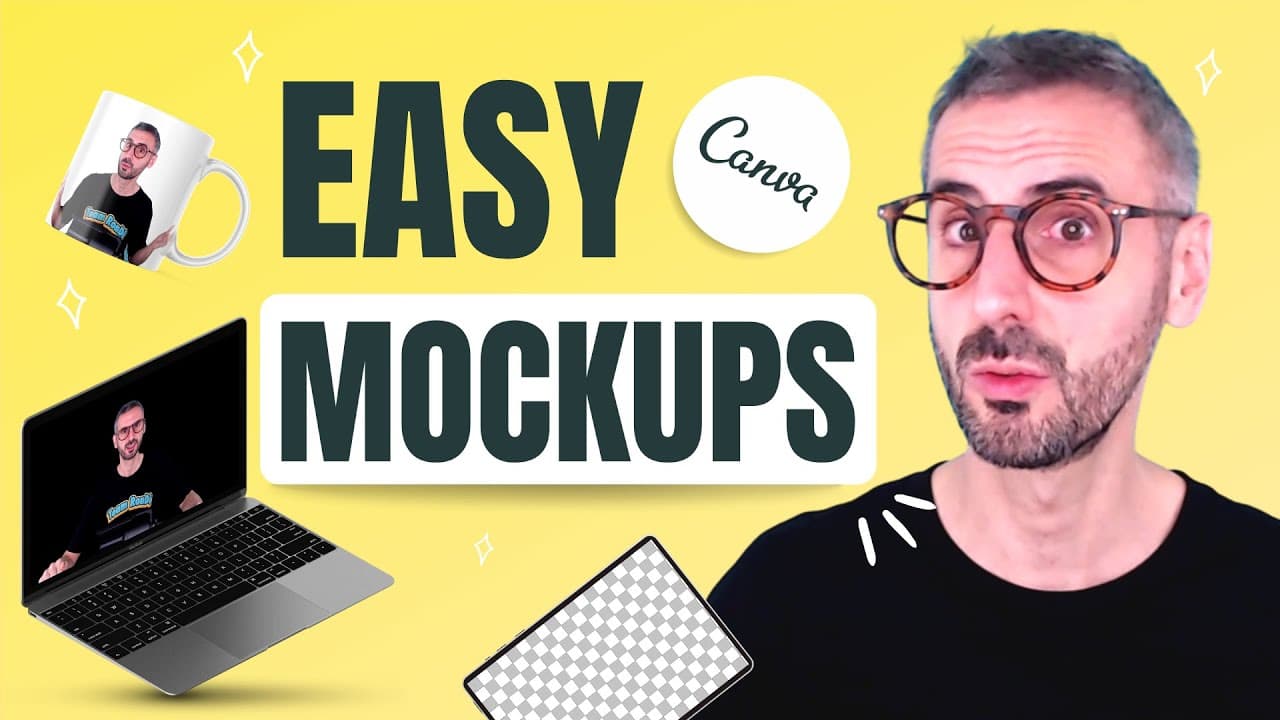
To create product mockups in Canva, use the smart mock-ups feature to easily overlay your logo or designs onto items like t-shirts and mugs. Simply select your product type, adjust the settings for positioning and size, and apply your branding color. This method allows for professional-looking mockups without needing a photography setup.
Transcript
welcome back to the channel guys today we are going to learn everything about mockups how to create mock-ups with canva how to put your logo on a cup on a t-shirt on a business card on anything you want really how to create very cool flat lace with your social media account and feed it within a phone or within a computer beautiful mock-ups this is ... Read More
Key Insights
- 💘 Canva offers a smart mock-ups feature for creating realistic representations of logos on products like t-shirts, cups, and business cards.
- 🙃 Creating mock-ups on Canva can help in showcasing products without the need for actual photography setups.
- 🙃 Mock-ups of social media feeds on devices can be useful for designing aesthetically pleasing visuals for promotional purposes.
- 👻 Adjusting settings in Canva allows for precise positioning and customization of logos on various products.
- 📚 Designers can utilize Canva's extensive library of mock-up templates for different types of products and scenarios.
- 🦻 Simulating social media feeds on devices using Canva can aid in planning content layouts and aesthetics for online platforms.
- ❓ Canva's mock-up creation process enables designers to showcase their branding elements effectively on different items.
Install to Summarize YouTube Videos and Get Transcripts
Explore YouTube Video Summarizer or Get YouTube Transcript Extractor
Questions & Answers
Q: What is the main focus of the tutorial on creating mock-ups in Canva?
The main focus is to show how to effectively use Canva's features to create mock-ups with logos on various products and simulate social media feeds on devices.
Q: How can one add their logo to a t-shirt in Canva for creating a mock-up?
To add a logo to a t-shirt in Canva, one can use the smart mock-ups feature, select the desired mock-up style, adjust logo settings, and apply the logo to create a realistic representation.
Q: Can Canva be used to create mock-ups of products other than t-shirts?
Yes, Canva can be used to create mock-ups of various products like cups, business cards, and even simulate social media feeds on devices like phones.
Q: What is the significance of creating mock-ups using Canva for social media accounts?
Creating mock-ups for social media accounts allows designers to visualize their feeds on devices, providing a realistic preview of how their content will appear to viewers.
Summary & Key Takeaways
-
Tutorial on creating mock-ups in Canva, including adding logos to products like t-shirts and cups.
-
Demonstrates using Canva's smart mock-ups feature for realistic representations.
-
Shows how to simulate social media feeds on devices for design purposes.
Read in Other Languages (beta)
Share This Summary 📚
Summarize YouTube Videos and Get Video Transcripts with 1-Click
Try YouTube Summary with ChatGPT & Claude or YouTube Transcript Generator
Explore More Summaries from Design with Canva 📚


Summarize YouTube Videos and Get Video Transcripts with 1-Click
Try YouTube Summary with ChatGPT & Claude or YouTube Transcript Generator