How to Create Custom Video Clips Using AI Tools
TL;DR
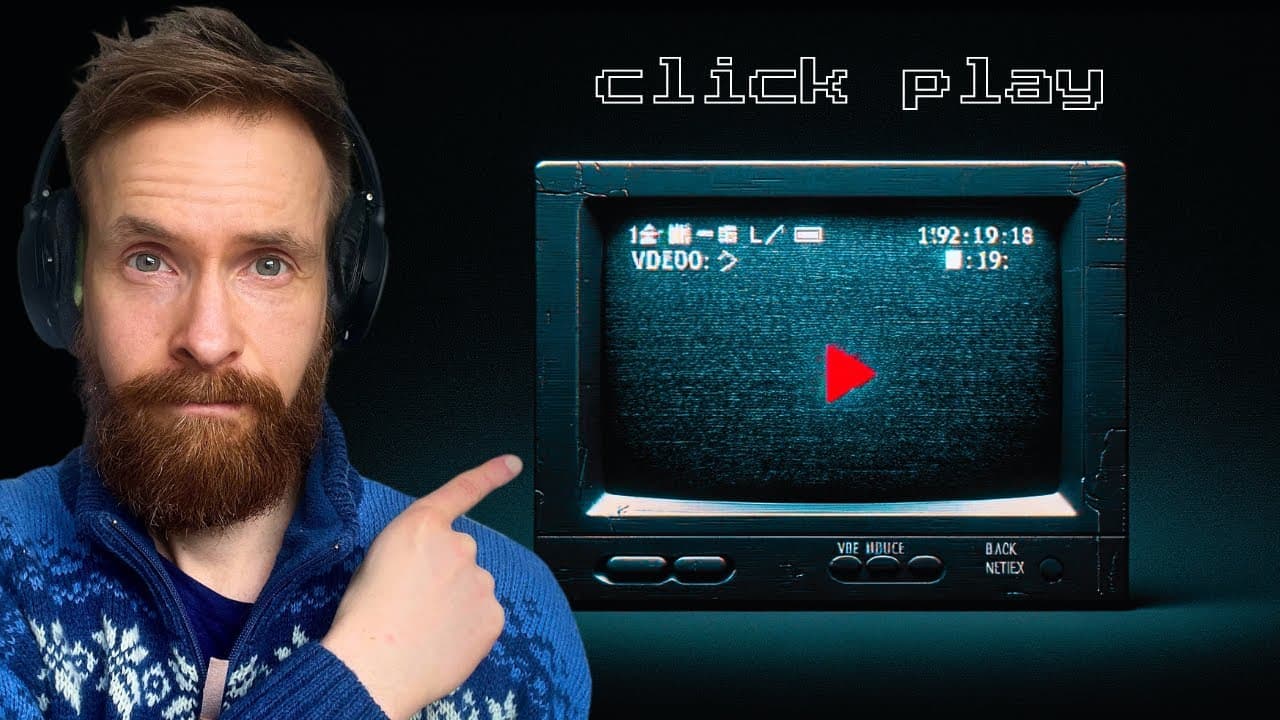
To create custom video clips, use a Python script that integrates the YouTube API for searching videos, PyTube for downloading, and OpenAI's Whisper for converting videos to subtitles. GPT-4 enables you to specify clip length and format, while MoviePy merges everything, allowing for easy creation of both standard and vertical video formats.
Transcript
okay Enter the query for YouTube video search so I want to go Billy eish the office okay so enter what you want the clip to be about I know there's something about the quiz In that clip so I want to ask search for quiz how long do you want the clip to be in seconds so I want 60 seconds choose your video format original or 9116 cropped so I think I ... Read More
Key Insights
- 👨🔬 Automation streamlines YouTube video search using Google API and PyTube for download.
- 💁 Conversion to SRT format enables OpenAI Whisper to extract timestamps for editing.
- 👻 GPT-4 integration allows user input for clip customization with formats and subtitles.
- 💳 Script utilizes ffmpeg commands for editing and merging clips based on user requirements.
- 💁 The process simplifies video editing for both standard 16:9 and vertical formats like TikTok.
- 🎮 Potential to expand script functionalities with GPT-4 Vision for video content analysis.
- 👻 Membership access to the script allows for customization and experimentation with the automated video editing process.
Install to Summarize YouTube Videos and Get Transcripts
Explore YouTube Video Summarizer or Get YouTube Transcript Extractor
Questions & Answers
Q: How does the Python script automate video editing?
The script automates video editing by searching YouTube, downloading videos, converting to SRT, and creating clips based on user input using automated systems like GPT-4 and MoviePy.
Q: What are the key components of the script?
The key components include Google API for search, PyTube for downloads, OpenAI Whisper for SRT conversion, user input via GPT-4, and editing through MoviePy for customized clips.
Q: How does the script handle user input and customization?
The script takes user input for topics, clip length, format, and subtitles to generate personalized video clips based on the user's preferences and requirements.
Q: How does the script streamline the video editing process?
The script streamlines video editing with automation by integrating different tools and systems to search, download, convert, and edit videos efficiently and effectively.
Summary & Key Takeaways
-
Automated Python script uses Google API to search YouTube for videos.
-
PyTube downloads videos, while OpenAI Whisper converts to SRT for timestamps.
-
GPT-4 creates clips per user input with formats, subtitles, & editing through MoviePy.
Read in Other Languages (beta)
Share This Summary 📚
Summarize YouTube Videos and Get Video Transcripts with 1-Click
Try YouTube Summary with ChatGPT & Claude or YouTube Transcript Generator
Explore More Summaries from All About AI 📚
Summarize YouTube Videos and Get Video Transcripts with 1-Click
Try YouTube Summary with ChatGPT & Claude or YouTube Transcript Generator