How to Easily Cut Out Photos for Canva Designs
TL;DR
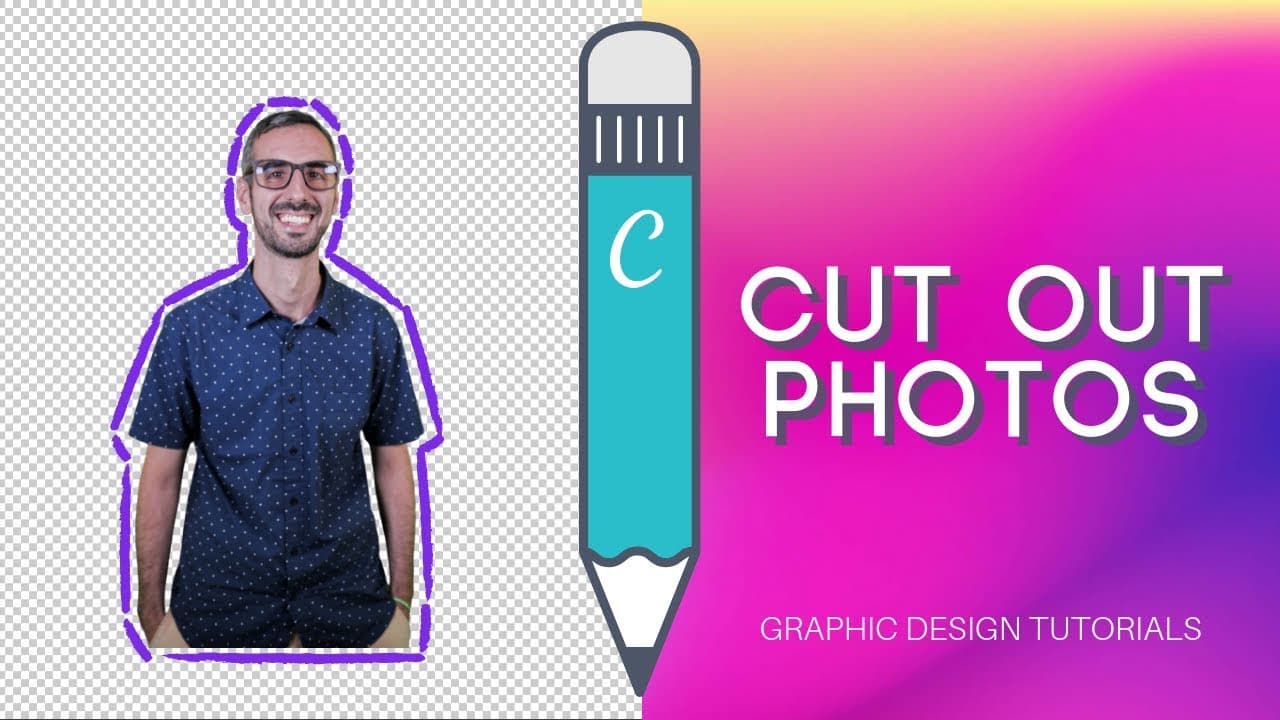
To cut out photos for Canva designs, use remove.bg to remove backgrounds quickly and easily. The tool allows users to upload images of people or products and get high-quality cutouts for free or through paid credits. This enhances your design options, making visuals more professional and polished.
Transcript
what is up guys this is Ronnie your go to convert guru and we are back today I am back to the I'm alone here I am back today with another tutorial to help you design better with canva so today I want to show you something that I have been using a lot in my visuals and if you follow me for a little bit of time now you will recognize this and I'm tal... Read More
Key Insights
- 👀 Ronnie highlights the importance of cutout photos in Canva designs for a polished and professional look.
- 🎨 Remove.bg offers a convenient solution for removing backgrounds from images, enhancing design workflows.
- 💳 Users can experiment with free low-resolution cutout images from remove.bg before investing in credits or subscriptions for higher quality.
- 😄 Combining remove.bg with Canva allows users to create visually appealing designs with ease.
- ✋ The pricing options provided by remove.bg cater to individual needs, offering flexibility in accessing high-quality cutout images.
- 💬 Ronnie encourages the community to share their creations using cutout photos in the comment section for collaborative learning and inspiration.
- 🫵 Subscribing to Ronnie's YouTube channel ensures viewers stay updated on new tutorials released weekly.
Install to Summarize YouTube Videos and Get Transcripts
Explore YouTube Video Summarizer or Get YouTube Transcript Extractor
Questions & Answers
Q: What is the main tool Ronnie recommends for creating cutout photos?
Ronnie suggests using remove.bg, a website that automates background removal for images, including photos of people, objects, and products.
Q: Are the low-resolution images provided by remove.bg free?
Yes, remove.bg offers free low-resolution downloads of cutout images, allowing users to experiment with the service before purchasing credits for higher-quality images.
Q: How can users access higher-resolution cutout images from remove.bg?
Users can sign up for a free account on remove.bg and purchase credits for higher-resolution downloads or opt for subscription plans for frequent use.
Q: Besides Canva, where else can users utilize the cutout photos created with remove.bg?
Cutout photos generated with remove.bg can be used in various design projects, social media posts, marketing materials, and professional branding efforts beyond Canva.
Summary & Key Takeaways
-
Ronnie showcases how to create cutout photos for Canva designs using remove.bg.
-
Remove.bg offers easy background removal for photos of people, objects, and products.
-
Users can access free low-resolution images or purchase credits for high-quality downloads.
Read in Other Languages (beta)
Share This Summary 📚
Summarize YouTube Videos and Get Video Transcripts with 1-Click
Try YouTube Summary with ChatGPT & Claude or YouTube Transcript Generator
Explore More Summaries from Design with Canva 📚






Summarize YouTube Videos and Get Video Transcripts with 1-Click
Try YouTube Summary with ChatGPT & Claude or YouTube Transcript Generator