What Are the Basics of Data Analysis with Python?
TL;DR
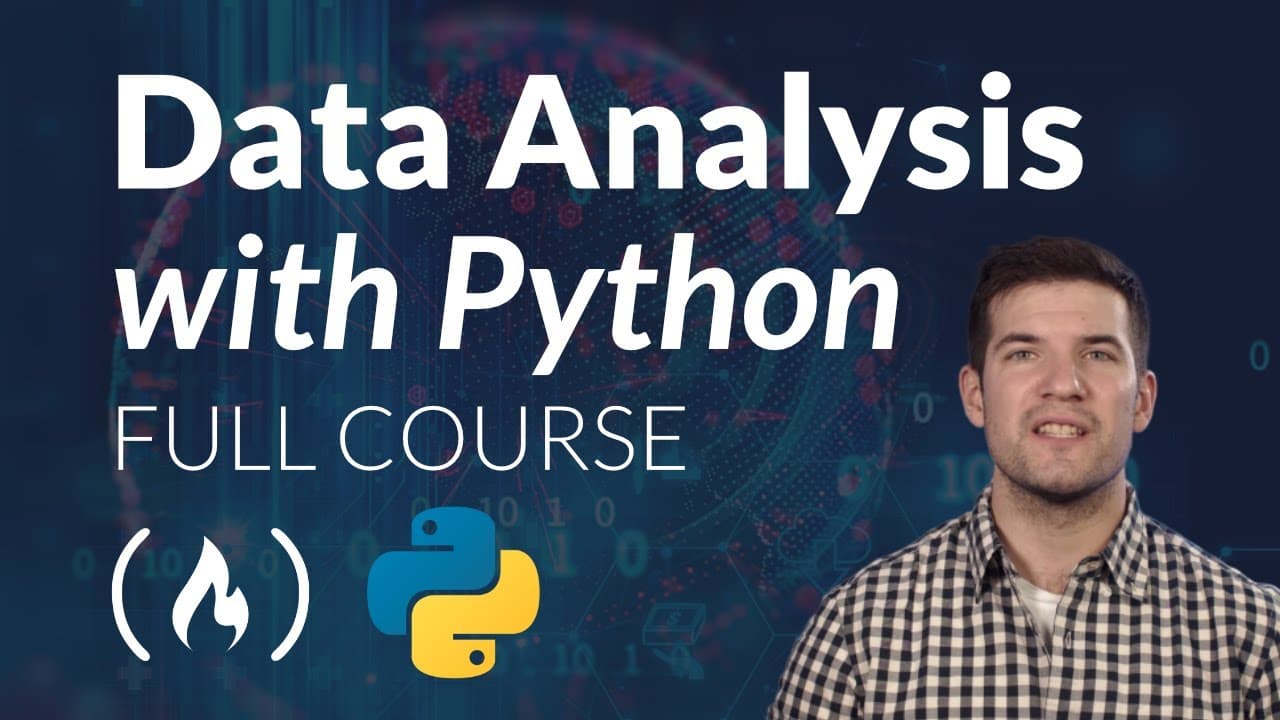
To start data analysis with Python, utilize libraries like NumPy and pandas for data manipulation and cleaning, and libraries like Matplotlib and Seaborn for visualization. The process involves reading data from various sources, transforming it, applying statistical functions, and creating insights through visualizations. Jupyter Notebooks provide an interactive environment for executing code and documenting findings.
Transcript
Welcome to our data analysis with Python tutorial. My name is Santiago and I will be your instructor. This is a joint initiative between Free Code Camp and remoter. In this tutorial, we'll explore the capabilities of Python on the entire PI Data stack to perform data analysis, we'll learn how to read data from multiple sources such as databases, CS... Read More
Key Insights
- 👨💻 Jupyter Notebooks provide an interactive and real-time environment for data analysis, allowing users to run code, visualize data, and combine code with explanations in a single document.
- 👻 Data analysts in Python do not constantly look at the data but have a reference of its structure and statistical properties, allowing them to work with large datasets more efficiently.
- 🐼 Python offers tools like pandas for data manipulation, NumPy for numerical computing, and matplotlib and Seaborn for data visualization, making it a powerful language for data analysis.
- 🔨 Close tools like Excel and Tableau are easy to learn but have limitations in scope, while open tools like Python offer more flexibility but require learning programming basics.
Install to Summarize YouTube Videos and Get Transcripts
Explore YouTube Video Summarizer or Get YouTube Transcript Extractor
Questions & Answers
Q: What is the main advantage of using Python for data analysis?
One advantage is the flexibility of Python, allowing you to read data from various sources and perform complex data cleaning and transformations. Python also offers a wide range of libraries for statistical analysis and visualization.
Q: Why is it important to transform data into information during data analysis?
The goal of data analysis is to extract useful information and insights from raw data. By transforming data, we can uncover patterns, trends, and anomalies that can inform decision-making and support other departments within an organization.
Q: What are the main categories of tools available for data analysis?
There are managed tools like Excel and Tableau that are commercially available and easy to learn. On the other hand, there are programming languages like Python, R, and Julia that offer more flexibility and power but require coding skills to use effectively.
Q: Why is Python chosen as the programming language for data analysis?
Python is a popular choice for data analysis because it is simple, intuitive, and has a large ecosystem of libraries for various tasks. It is also free and open source, with a supportive community and extensive documentation.
Key Insights:
- Jupyter Notebooks provide an interactive and real-time environment for data analysis, allowing users to run code, visualize data, and combine code with explanations in a single document.
- Data analysts in Python do not constantly look at the data but have a reference of its structure and statistical properties, allowing them to work with large datasets more efficiently.
- Python offers tools like pandas for data manipulation, NumPy for numerical computing, and matplotlib and Seaborn for data visualization, making it a powerful language for data analysis.
- Close tools like Excel and Tableau are easy to learn but have limitations in scope, while open tools like Python offer more flexibility but require learning programming basics.
- Jupyter Notebooks and pandas are widely used in data analysis workflows for their data processing capabilities, integration with other libraries, and ability to export reports and visualizations.
Summary & Key Takeaways
-
This tutorial introduces data analysis with Python and explores the capabilities of Python on the entire PI Data stack.
-
The tutorial covers reading data from multiple sources, cleaning and transforming data, applying statistical functions, and creating visualizations.
-
Python is a powerful tool for data analysis, providing flexibility and a wide range of libraries for different use cases.
-
Close tools like Excel and Tableau are easy to learn but have limited scope, while programming languages like Python offer more flexibility and power.
Read in Other Languages (beta)
Share This Summary 📚
Summarize YouTube Videos and Get Video Transcripts with 1-Click
Try YouTube Summary with ChatGPT & Claude or YouTube Transcript Generator
Explore More Summaries from freeCodeCamp.org 📚




Summarize YouTube Videos and Get Video Transcripts with 1-Click
Try YouTube Summary with ChatGPT & Claude or YouTube Transcript Generator